Data sources supported




Resources




Overview
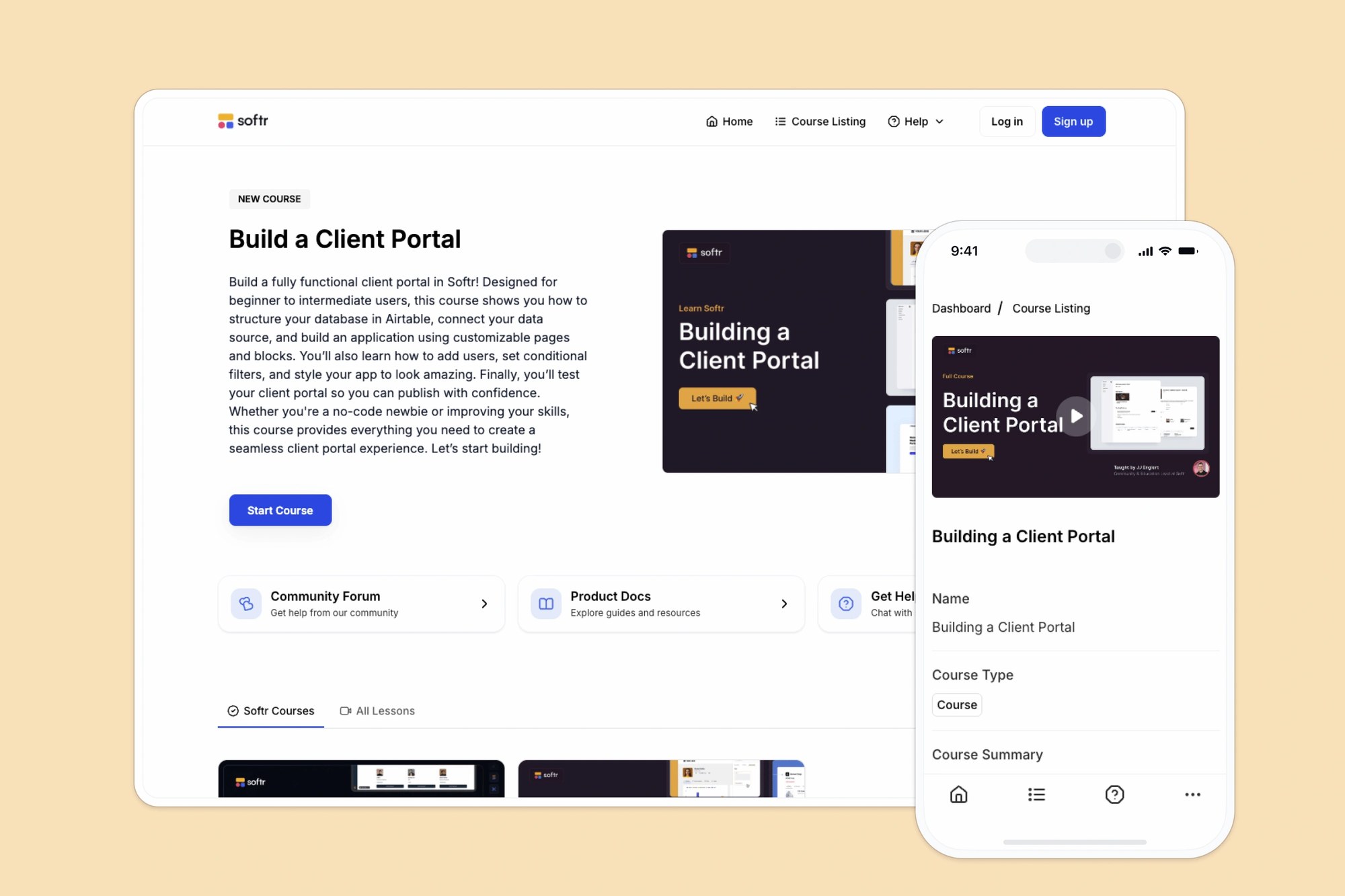
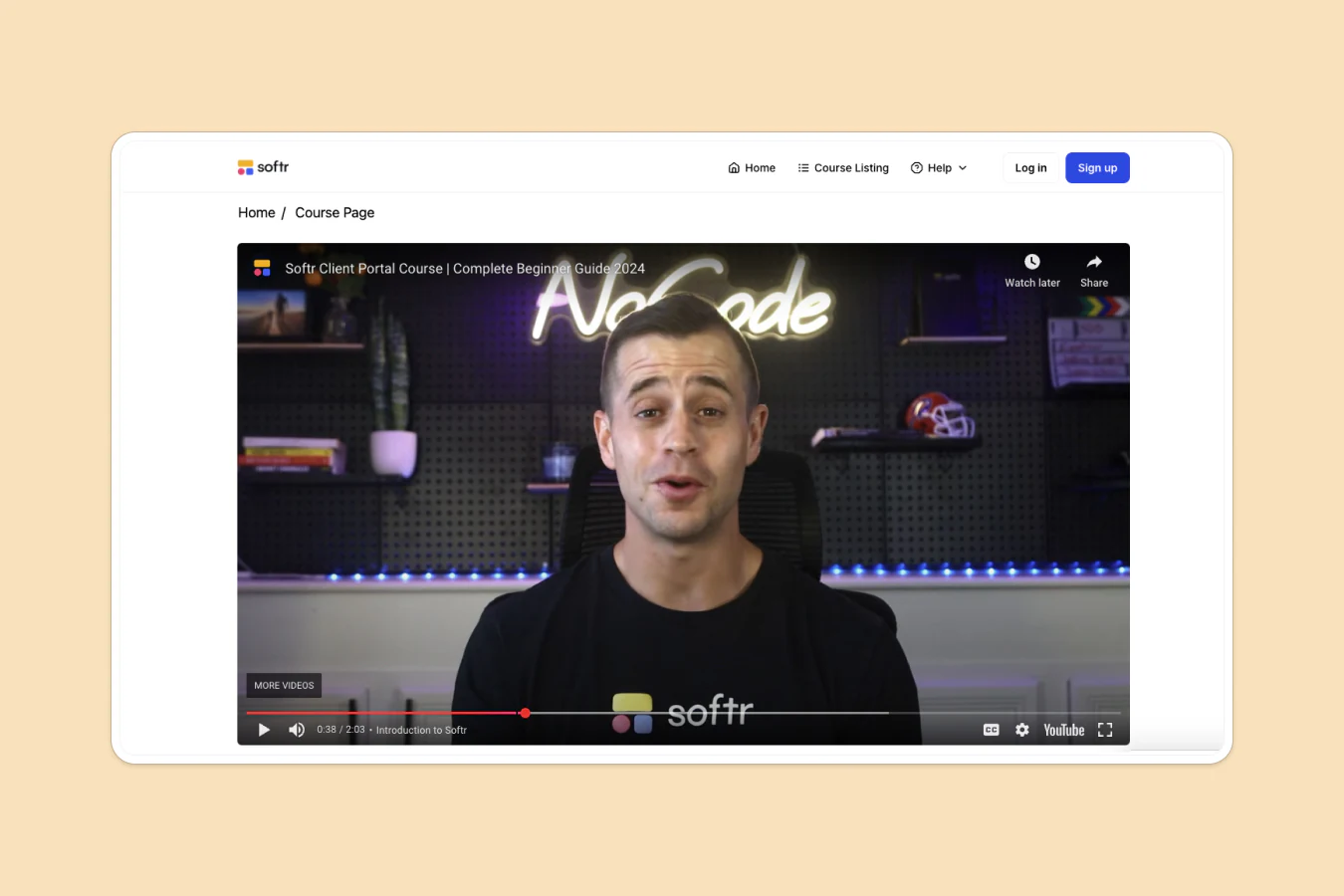
This free template empowers you to build a fully functional Learning Management System (LMS) from scratch. Designed for educators, HR teams, and creators, it combines video content delivery, progress tracking, and learner engagement into one cohesive platform.
Unlike rigid off-the-shelf course platforms, this system is built on Softr, allowing you to customize every aspect of your learning environment—from how you structure modules to how you interact with students. It comes pre-loaded with a sample structure for courses and lessons, so you can immediately start organizing your educational content and onboarding users.
Why use this LMS template
- Intuitive learning paths: The system automatically organizes content for the user, featuring a "Remaining Lessons" view to focus on new material and a "Watch Again" playlist for revisiting completed topics.
- Foster community engagement: Built-in comment functionality on course pages allows learners to ask questions, provide feedback, and discuss material, turning passive viewing into active participation.
- Centralized content management: Whether for internal employee training or public courses, this template acts as a single source of truth where students can browse catalogs, watch videos, and track their own completion status.
Template features:
- Course Library
- Comprehensive Course Overviews
- Interactive Video Lessons
- Smart Progress Tracking
- Dynamic Content Filtering
- Revision Playlists
- Community Discussion
- User Role Management
Who is this LMS template for?
This template is ideal for organizations and individuals looking to professionalize their educational content. It’s especially useful for:
- Startups and SMEs streamlining internal employee onboarding and training
- Course Creators launching public-facing video libraries
- Customer Success teams building product education and certification academies
- Educational Institutions managing supplemental learning materials
- Coaches and Consultants delivering digital resources to clients
- HR Departments tracking compliance training and professional development

“What we love most about Softr is the instantaneous, customizable power a no-code platform allows.”

- 1
- 2
- 3
- 4
Frequently asked questions
What is an LMS?
Can I use this for internal company training?
How does the progress tracking work?
Is this suitable for video courses?
Can students interact with each other?
Why use a no-code LMS template instead of an existing solution?
Built with
AI App Builder
Create business apps with AI
Databases
Store and manage your data
Workflows
Automate manual processes
Ask AI
Built-in AI agents to run on autopilot