


Create a custom knowledge base with AI
Save your team time and help clients find answers faster with a customizable knowledge base—no code required.












One place for all your data — built-in or connected
Softr's AI Co-Builder generates a database when it builds your app, or you can connect to 17+ data sources. Whether you have existing data or are building from scratch, you're covered.


Customize everything, from content to access
Describe what you need, get a full knowledge base back. Then switch between AI and visual editing to add content, adjust logic, and iterate as your workflows evolve.
Content sharing


Content editing

Search & filtering

Custom sorting

User comments

Request management


One knowledge base app for different audiences
Serve internal teams and external clients or partners from the same knowledge base, each with their own secure view and experience.

Production ready
Logins, user management, hosting, and more — built in and working from the moment you hit publish.

Branding
Deliver a professional knowledge base application that reflects the look and feel of your brand.

Automations
Use Softr Workflows to automate processes across your app — or connect to Make, Zapier, n8n and more.

Advanced permissions
Control who can view, edit, or manage content—down to the individual block or section.

Works on any device
Allow your team or clients to access the knowledge base from any device with Softr’s PWA feature.

Security
Protect company information from security threats. Softr is fully compliant with SOC2 and GDPR regulations.
.svg)


Extend beyond a knowledge base
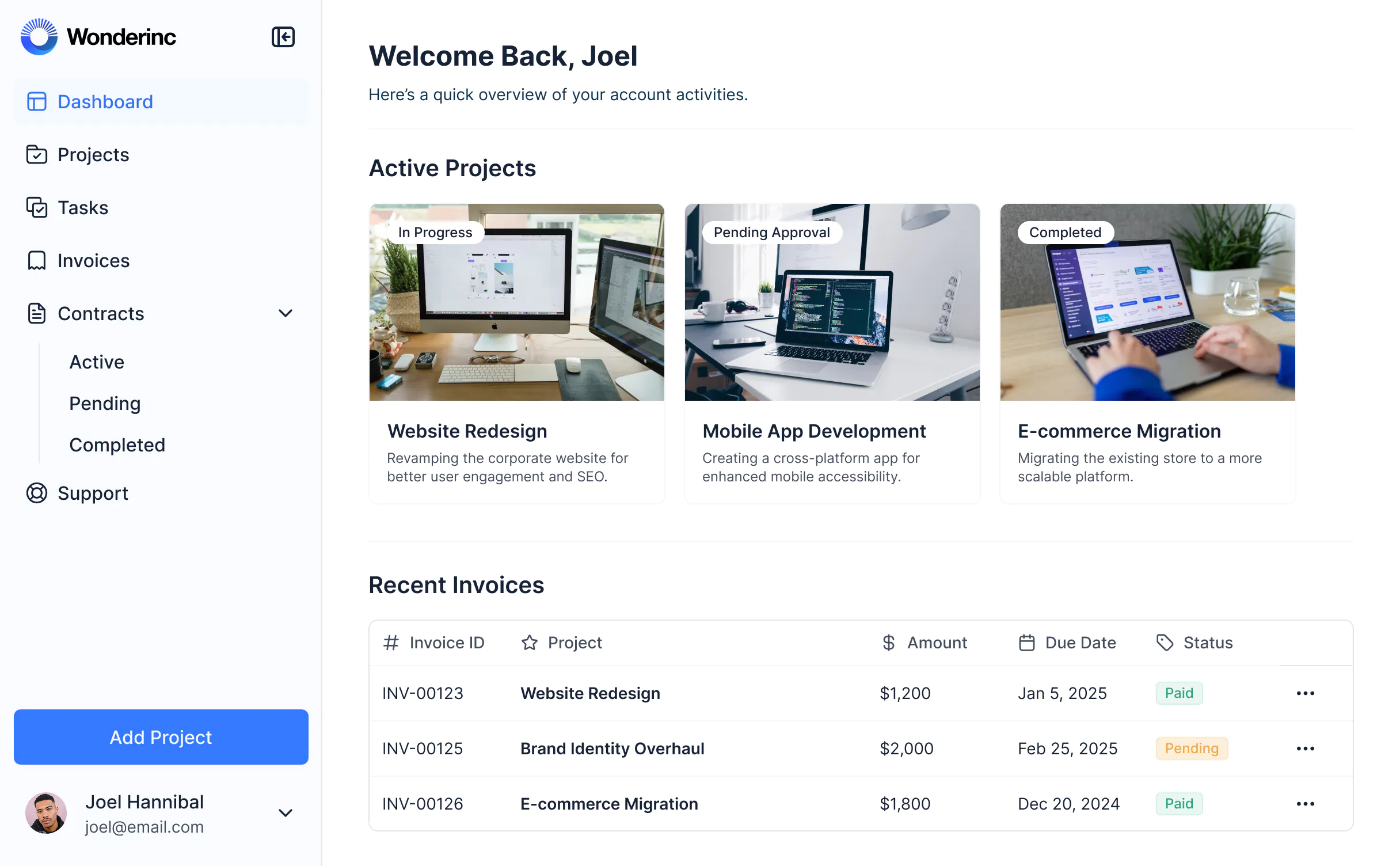
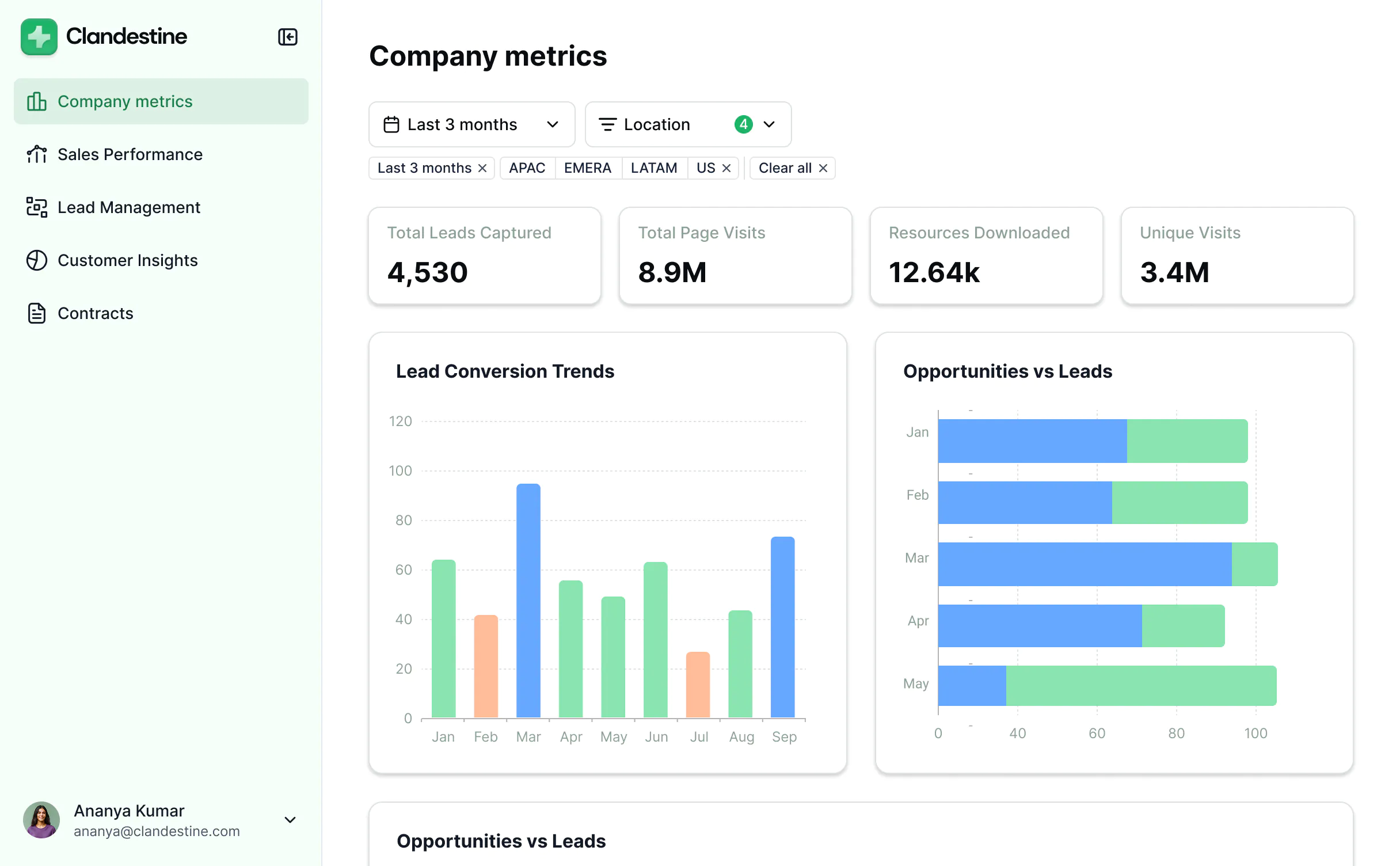
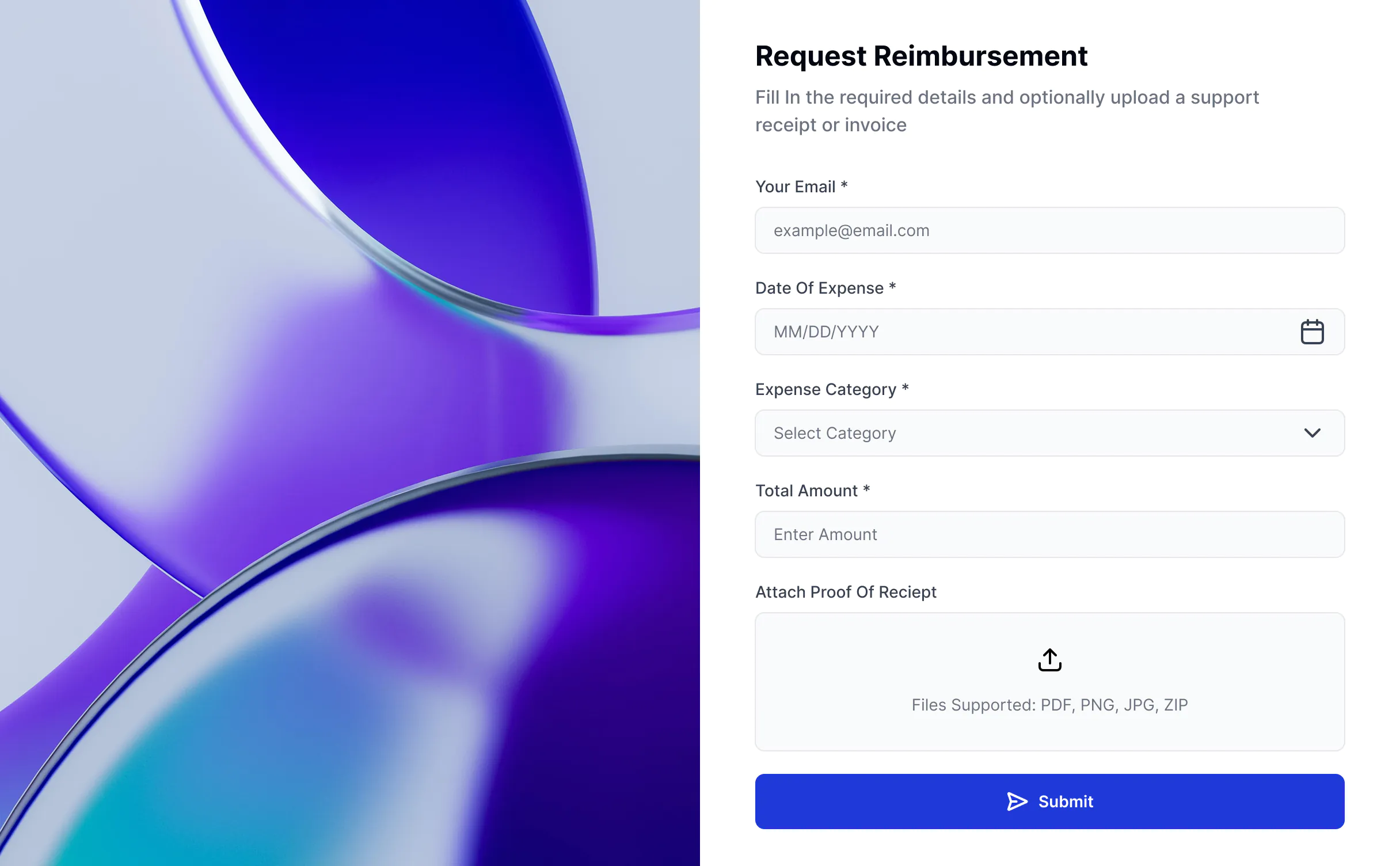
Build your knowledge base, then add what you need—client portal, learning management system, or lightweight CRM—all from the same platform. No extra licenses or bouncing between apps.





Go from zero to app, incredibly fast
Co-build with AI
Simply describe what you need. Let Softr handle everything - Interface, database, workflows.
Iterate with AI or visually
Control most critical parts of your app yourself, including: roles, permissions, and security.
Ship the same day
Invite team members or external clients and partners right away. Build AI apps with no developer handover.




Frequently asked questions
What is a knowledge base?
What is a knowledge base?
A knowledge base is a central hub where employees, customers, or partners can self-serve important information, resources, and documentation. It keeps policies, guides, tutorials, FAQs, and more organized in one place, so users can quickly find what they need without endless file searching or back-and-forth emails.
What is a knowledge base used for?
What is a knowledge base used for?
A knowledge base is used to give employees or customers a single place to access answers, documentation, and resources. Instead of searching through scattered files, asking repetitive questions, or contacting support, people can self-serve information when they need it.
Businesses use knowledge bases to simplify onboarding, reduce support tickets, and improve internal communication.
What are the benefits of a custom knowledge base?
What are the benefits of a custom knowledge base?
A custom knowledge base improves efficiency and ensures everyone has access to the right information. The main benefits are:
- Better user experience: Employees or customers can log in anytime to find what they need or revisit key information.
- Time savings for teams: Fewer repeated questions and reduced support overhead.
- Security: Information is stored securely, with role-based access for different users (e.g. admins, managers, clients).
- Transparency: Everyone stays aligned with access to the most up-to-date information (no more file sharing).
- Professional look: A branded knowledge base reinforces your company’s identity and builds trust.
What features should a knowledge base have?
What features should a knowledge base have?
A good knowledge base should make it easy to store, organize, and access information securely. The most important features include:
- Secure logins and permissions — so only the right people can access certain content.
- Search and navigation — make it easy for users to find the answers they need.
- Categories and tagging — organize resources by topic, team, or audience.
- Document and file sharing — upload policies, manuals, product docs, or training guides.
- Design customization — brand the knowledge base to match your company and tailor it to your audience.
- Integrations and data flexibility — connect to tools you already use (like Airtable, Google Sheets, Notion, HubSpot, SQL), or manage content directly in Softr Databases.
- AI assistance (with Softr) — let users query information in plain language, generate summaries, or get instant answers without manual searching.
With Softr, you can use the AI Co-Builder to create a knowledge base that includes all of these features and more, while customizing the look and functionality to match your brand and workflows — all without code.
How do you create a custom knowledge base?
How do you create a custom knowledge base?
Traditionally, building a knowledge base required coding from scratch or buying expensive enterprise software. Today, you can create a fully functional knowledge base in minutes with Softr's AI Co-Builder — no coding required.
Here's how it works:
- Generate your app from a prompt: Describe what you need and the AI Co-Builder generates a fully functional app — database, business logic, and utility pages (like login, password reset, and account settings) already included.
- Refine to your needs: Switch between prompting and visual editing to customize logic, control who sees and edits what, add features, and scale as your business evolves — all on your own, no developers needed.
- Customize branding: Add your logo, colors, and domain so the knowledge base reflects your brand.
- Add workflow automation: Use Softr Workflows to automate tasks like notifying your team when new articles are published, sending review reminders when content is due for an update, or alerting editors when users flag outdated information. You can also add Softr Forms to collect article requests, feedback, or bug reports and trigger workflows automatically.
- Launch and iterate: Publish in minutes, then update or expand your knowledge base as your documentation needs grow.
Can I build a custom knowledge base without coding?
Can I build a custom knowledge base without coding?
Yes. With Softr's AI Co-Builder, you can describe the knowledge base you need and get a fully functional app back — database, logic, and UI included — without writing a single line of code.
Softr creates a data schema for you where you can easily add or import your own data — or connect to existing tools like Google Sheets, Airtable, HubSpot, Notion, and more. After the AI Co-Builder generates your app, you can customize pages (through prompting or visual editing), refine users and permissions, tweak styling, and automate with Softr Workflows, all without a developer.
What data sources can I connect?
What data sources can I connect?
Softr's AI Co-Builder generates a Softr database schema when it builds your knowledge base, so if you're starting from scratch, your data structure is ready to go. You can add or import data directly — no migration needed.
If you already have content elsewhere, Softr connects to 17+ sources including Airtable, Google Sheets, HubSpot, Notion, MySQL, PostgreSQL, monday.com, ClickUp, and more — or connect any system through the REST API connector.
Either way, your knowledge base stays in sync with your data in real time.
Can I build a knowledge base with AI features for my end users?
Can I build a knowledge base with AI features for my end users?
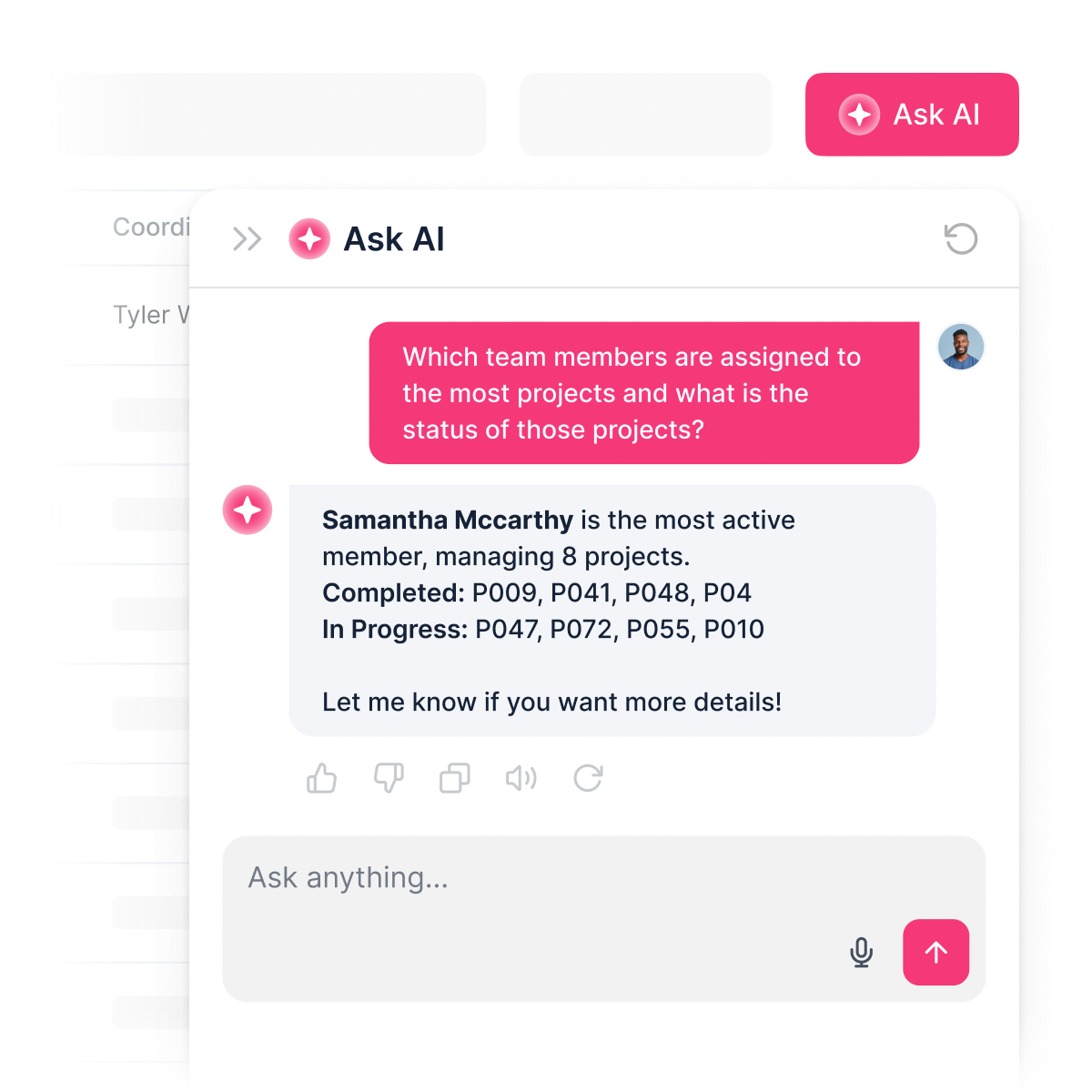
Yes. Softr includes built-in AI features you can add to your knowledge base without any coding or API setup.
You can add an AI assistant that reads from your live knowledge base data and answers questions instantly — so employees can ask about company policies, training resources, or benefits and get accurate answers pulled directly from your content.
You can also customize how the AI responds, set permissions so only the right roles can access sensitive information, and keep responses secure.
This turns your knowledge base from a static resource hub into an interactive tool — saving your teams time while giving users self-service access to the information they need.
What makes Softr different from other knowledge base tools?
What makes Softr different from other knowledge base tools?
Most knowledge base tools are either too rigid, too expensive, or fall apart the moment real users and real data are involved. Softr is different because it's built for actual business use from day one.
Describe the knowledge base you need, and the AI Co-Builder generates a fully functional app — database, logic, and UI already connected. No generated code to debug, no developer needed to make it production-ready.
From there, you stay in control: customize through prompting or visual editing, manage data in Softr Databases or connect to existing tools, set up role-based permissions, and automate processes with Softr Workflows. As your company grows, your knowledge base grows with it — without starting over or calling in a developer.
Build a custom knowledge base with AI.
Launch your knowledge base in minutes—connected, secure, and ready for real users.


