


The AI app builder for business apps
Describe your app in plain language, and Softr AI builds the pages, database, permissions, and workflows. User login and hosting are included, so you can build without coding.










All you need for functional software
Generate apps with AI. Everything, not just UI.
Application (Design & UI)
Application (Design & UI)
Describe the app you need in plain English. Softr's AI app builder turns your prompt into a complete business app, with pages, layouts, and user flows. You get a production-ready interface without coding. Then you adjust it to match your brand.
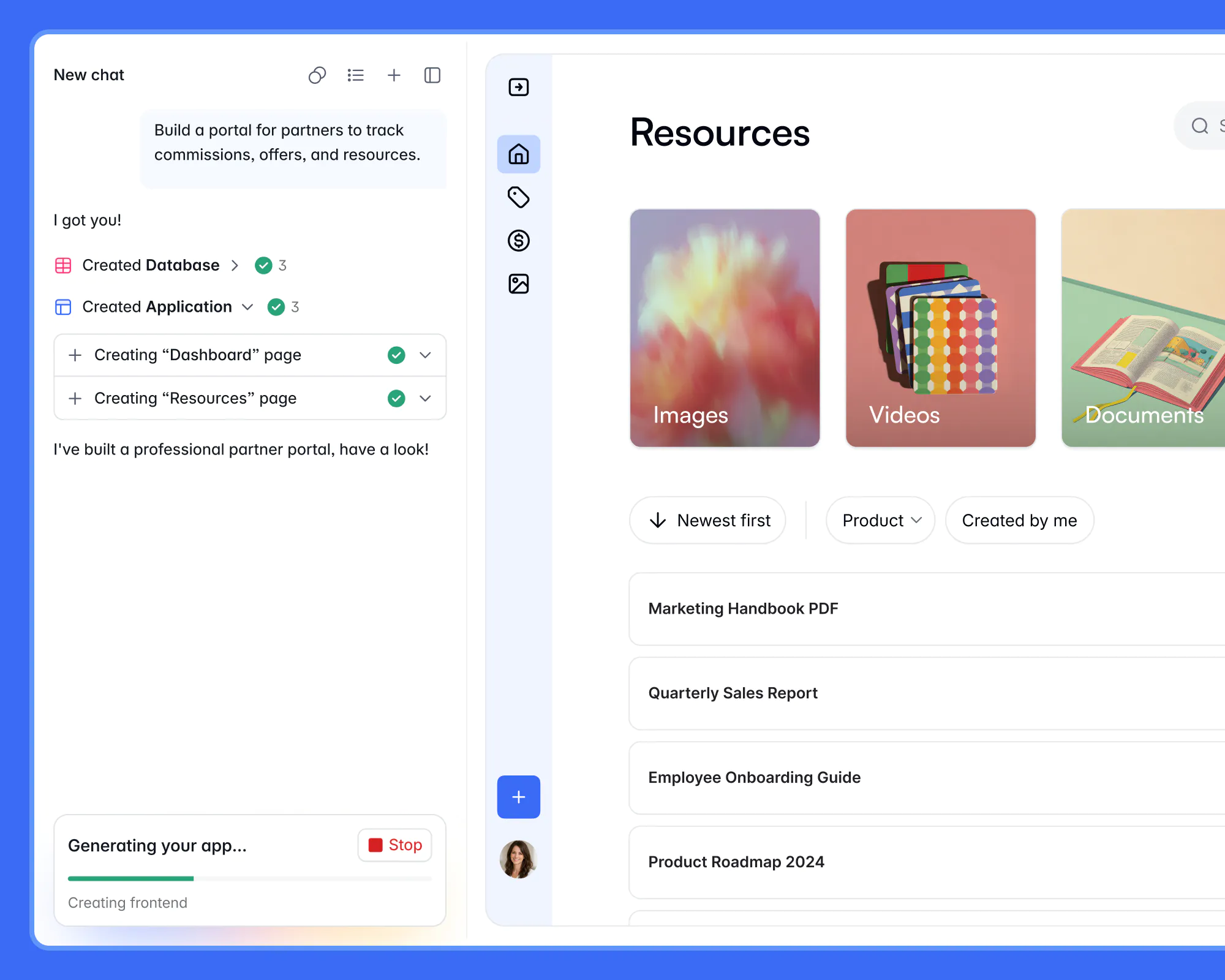
Database
Database
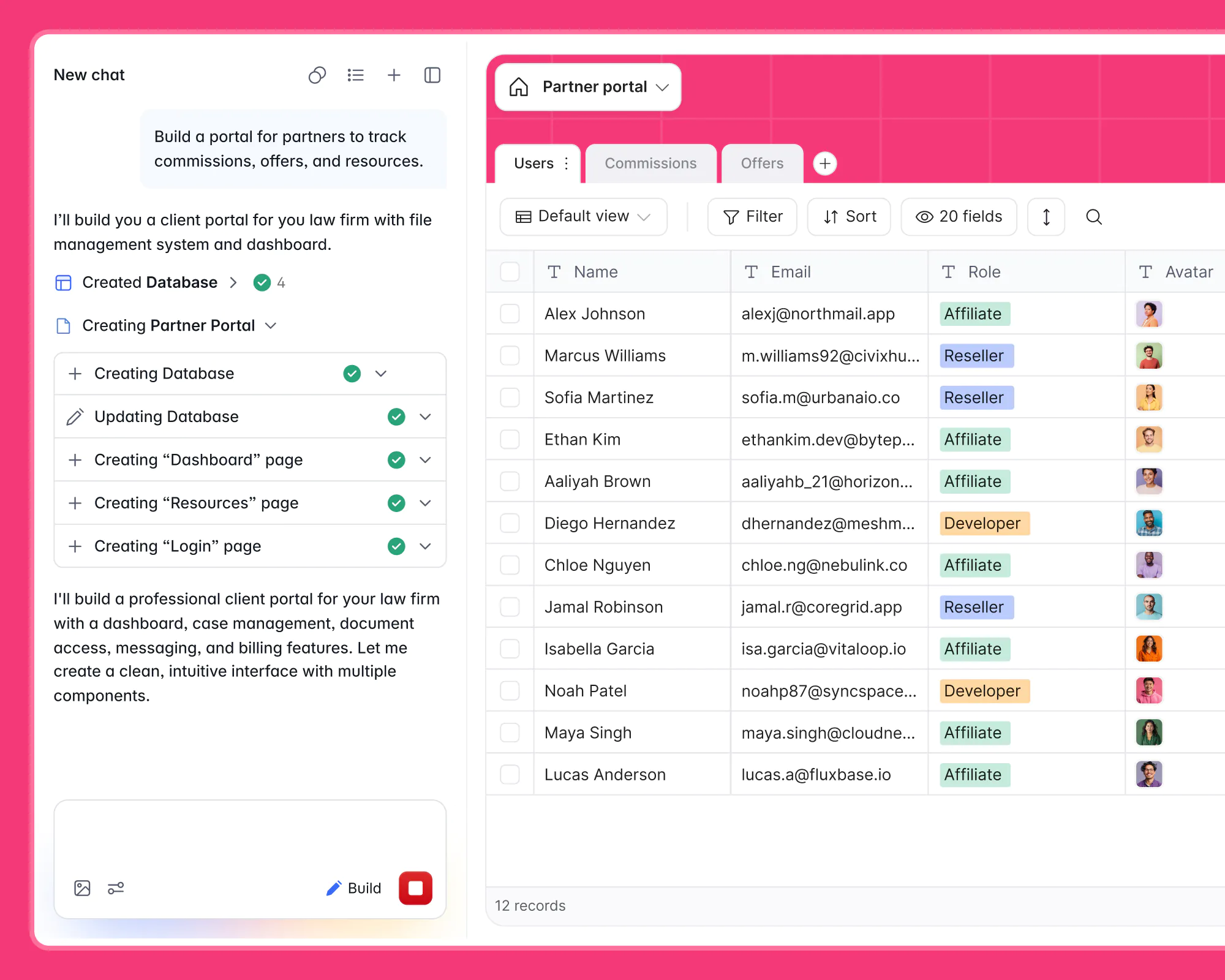
Softr AI creates your database from your app idea, with the right fields, relationships, and structure. Your data lives in Softr Databases by default. You can also connect live to 21+ data sources, such as Airtable, Google Sheets, and PostgreSQL.
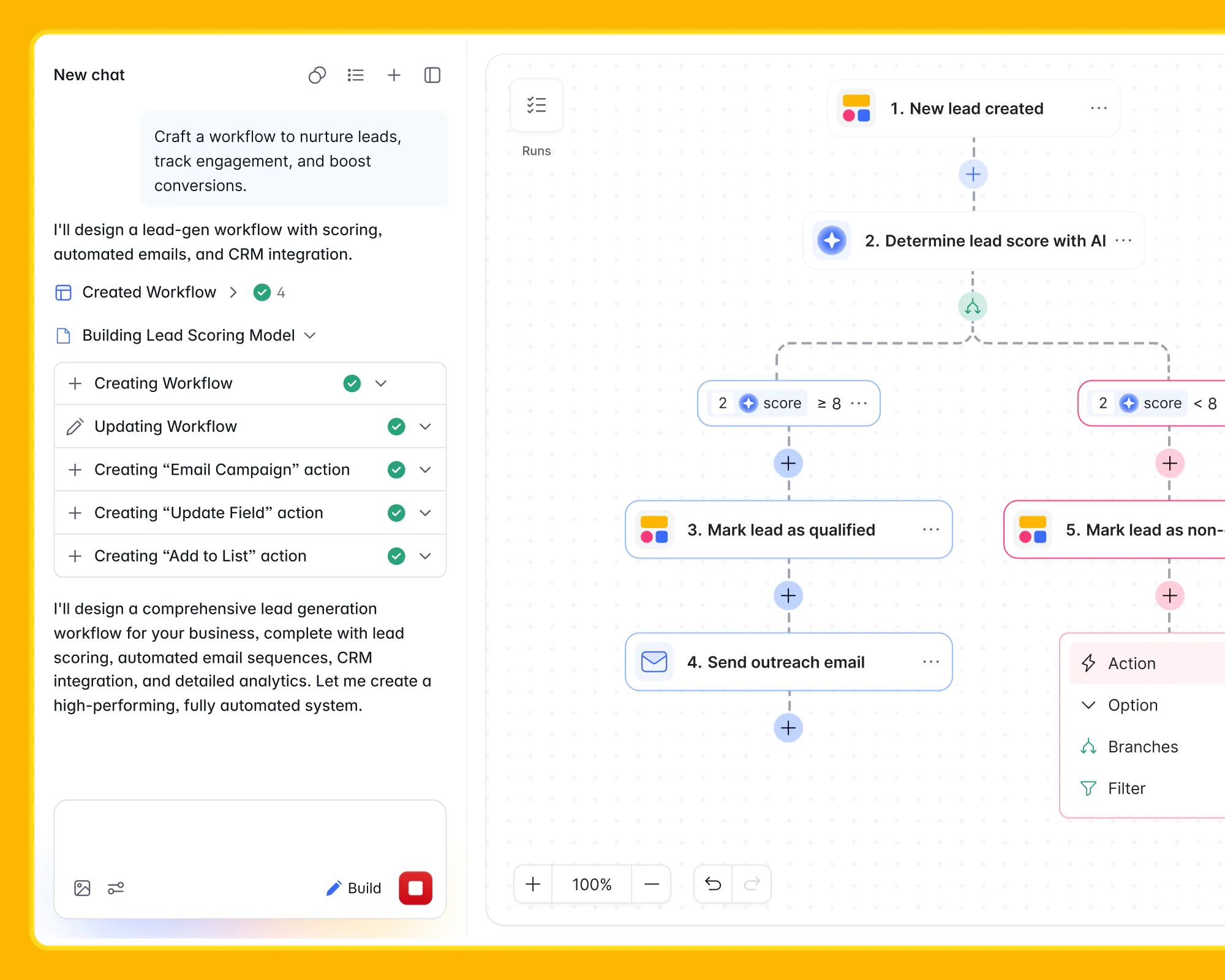
Business logic
Business logic
Softr AI sets up user actions, permissions, and workflows, from onboarding steps to multi-step automations. Your app follows your process from the first day.
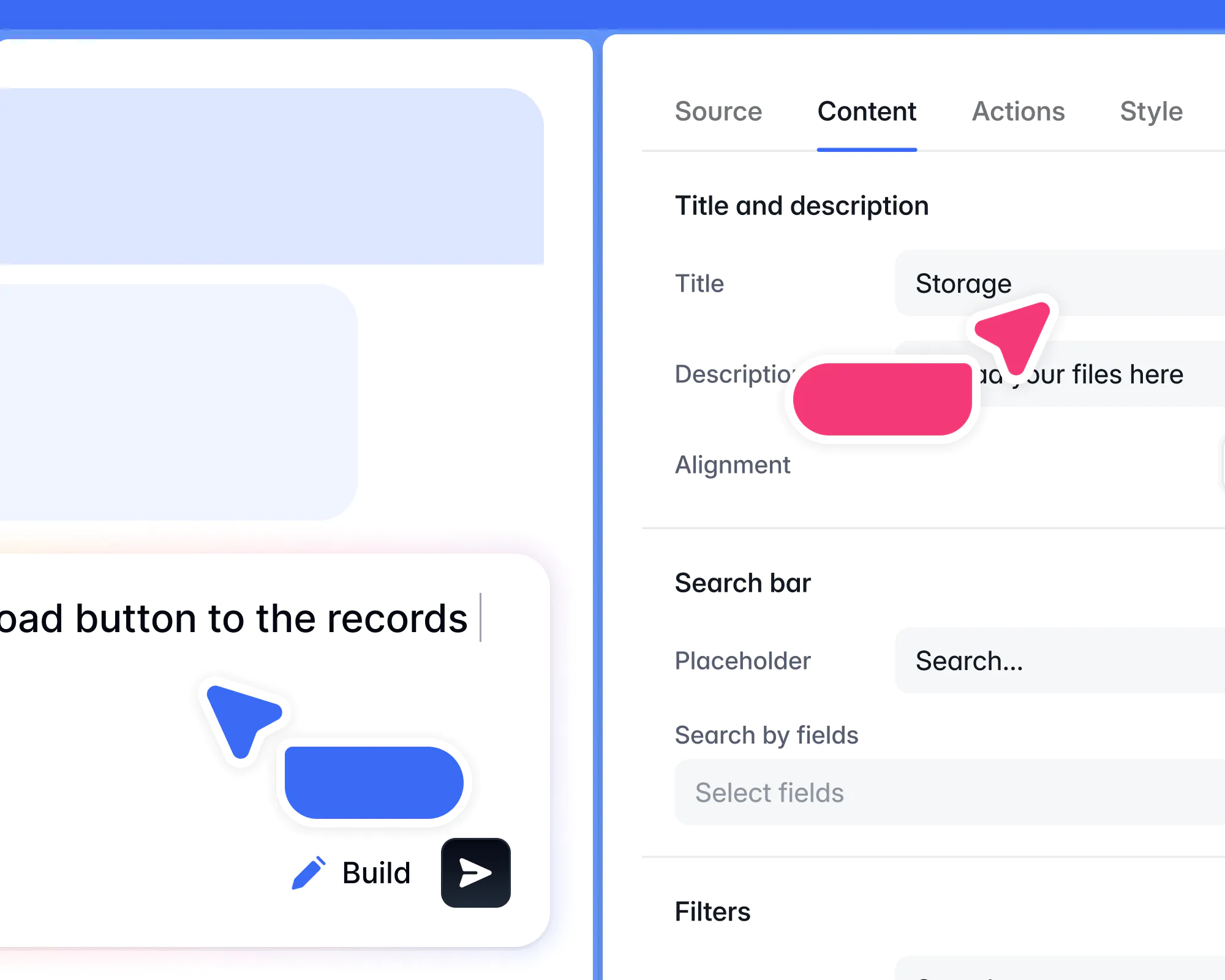
Dual-mode: refine with AI or edit visually
A secure foundation for every app
A secure foundation for every app
Instead of generating raw backend code for each app, Softr provides the secure foundation for logins, role permissions, workflows, and databases (stored in Softr or connected live to your existing tools) that work across everything you build. Start with AI, then refine visually or switch back at any time.
Purpose-built flexible blocks
Purpose-built flexible blocks
Use pre-built blocks such as lists, grids, charts, calendars, and forms. You can customize each block to fit your process.
Vibe code your own
Vibe code your own
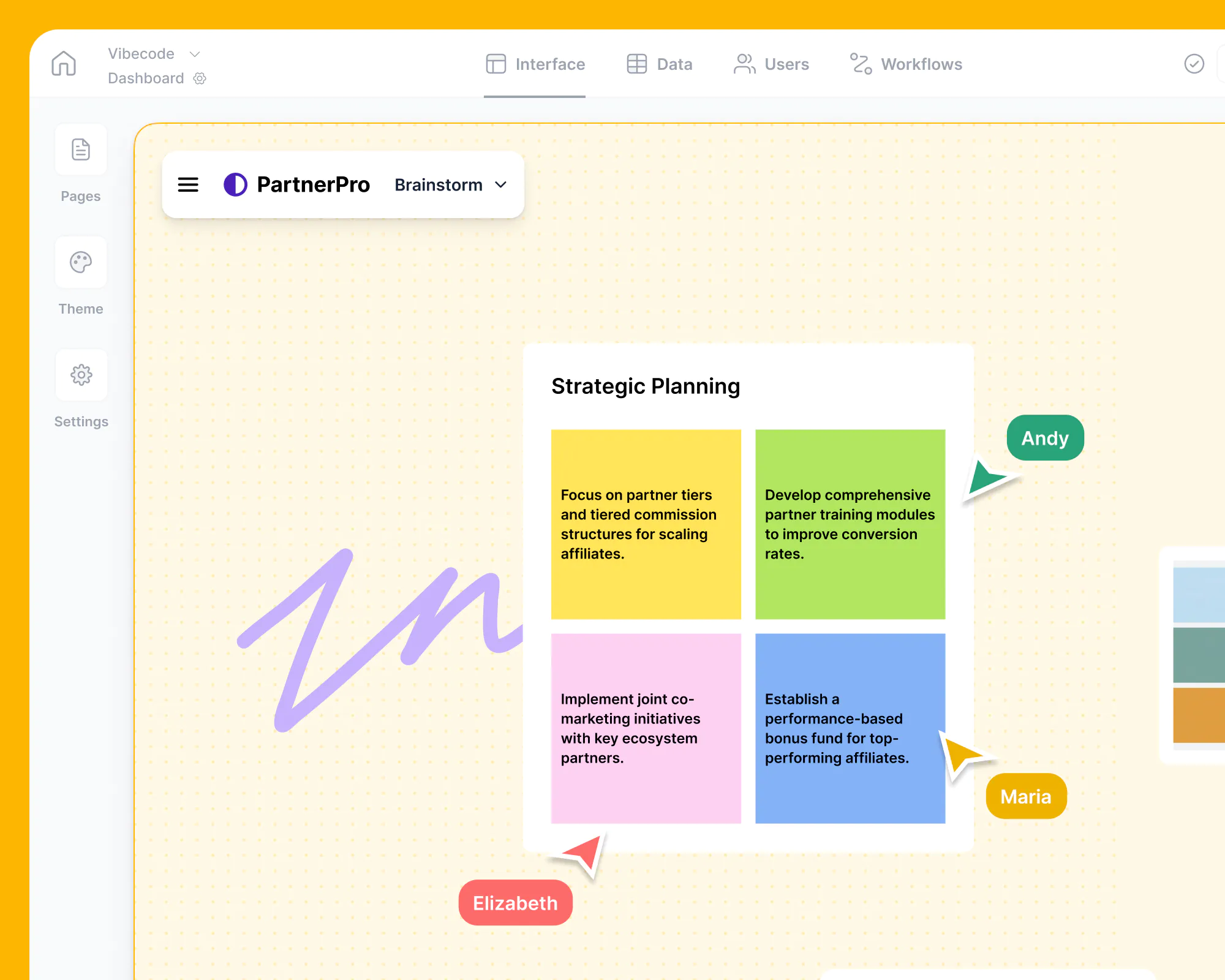
When you need something unique, describe it and the Softr AI builds it. The custom component uses your app's theme, data, and permissions.
Security and access control
Built-in login & Authentication
Built-in login & Authentication
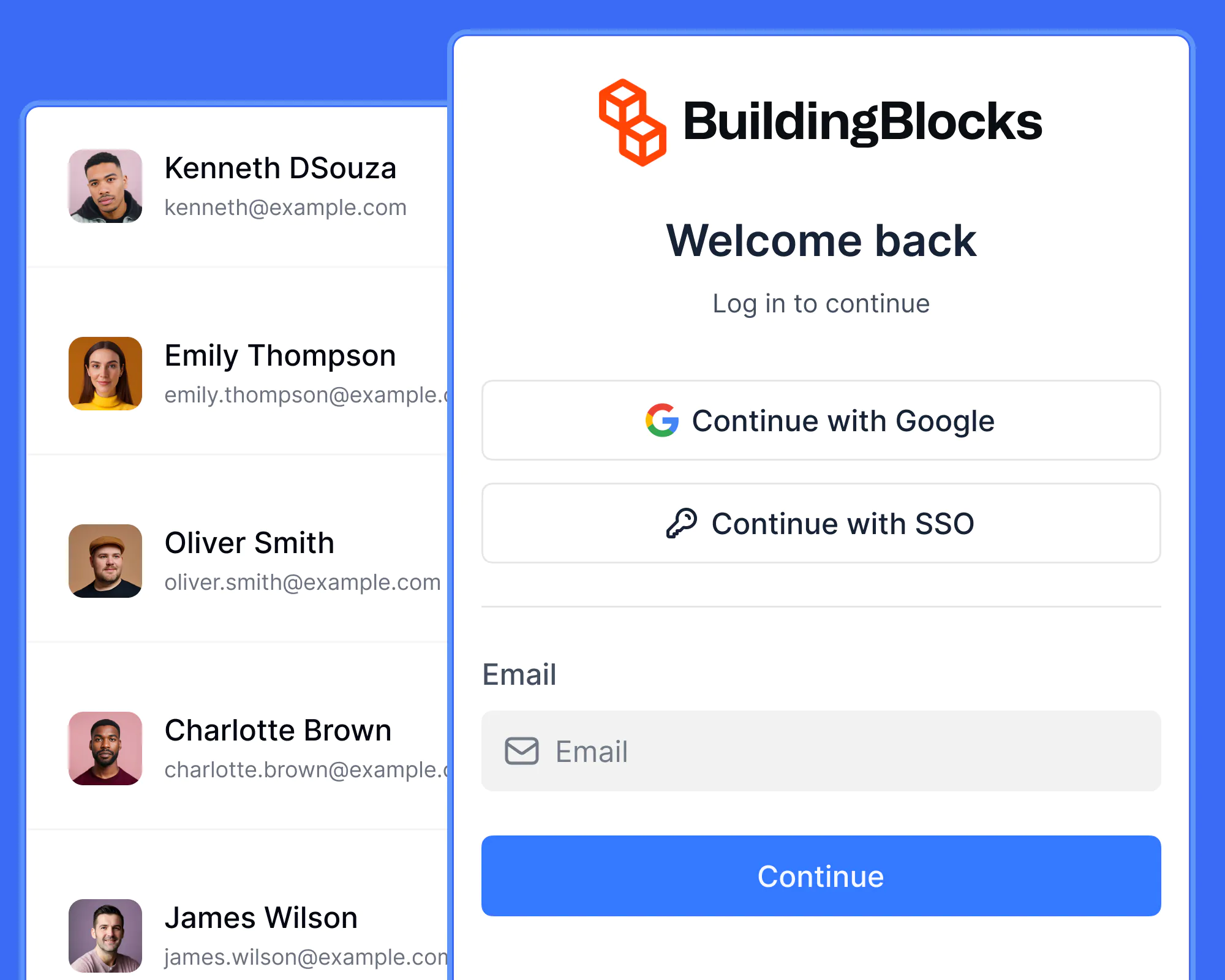
Your app comes with user login, sign-up, and password reset pages. Users sign in with email and password, a magic link, or Google. Enterprise plans add single sign-on (SSO).
User groups & Permissions
User groups & Permissions
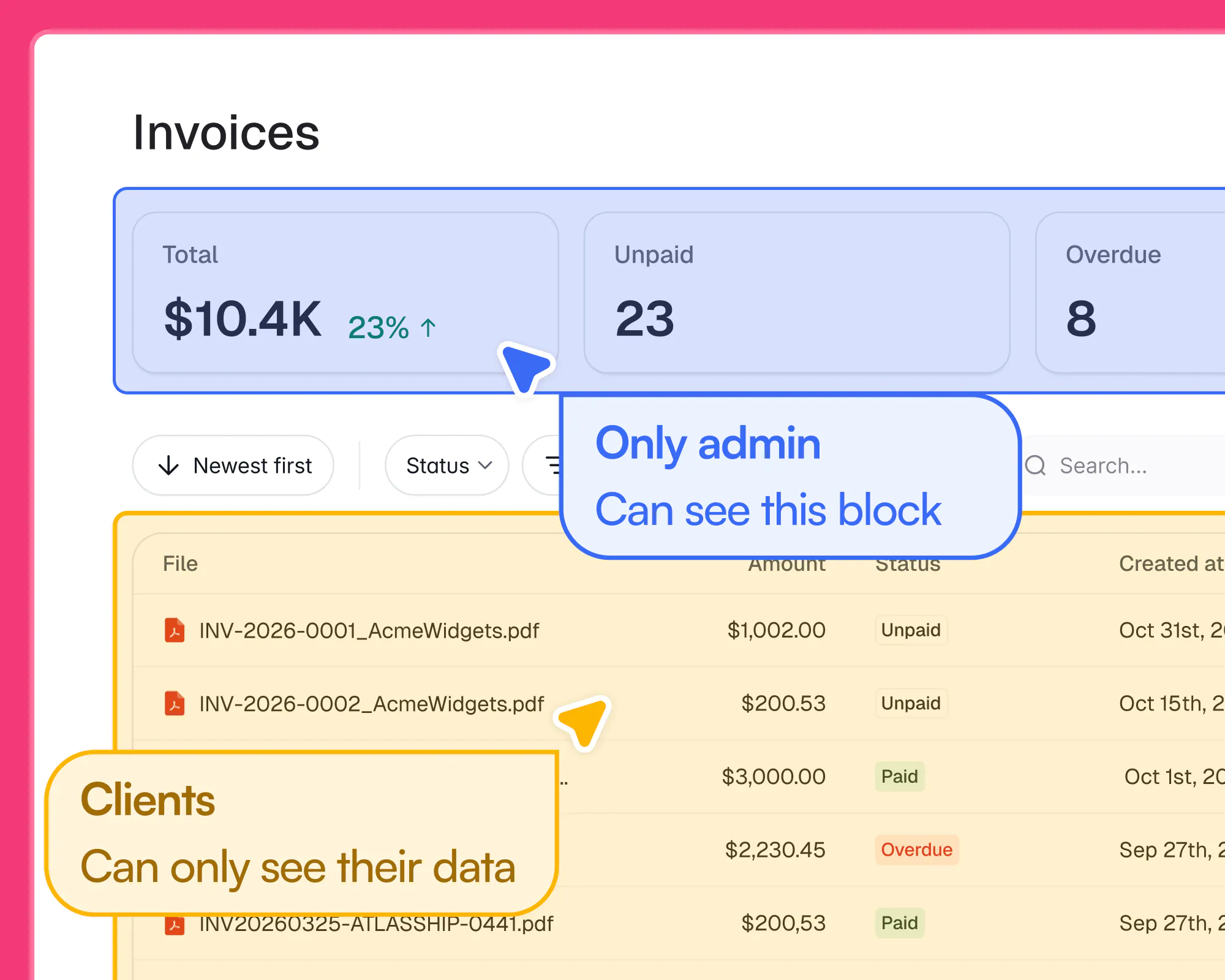
Set up custom user groups and advanced permissions to control who sees what and which actions they can take in the app.
Enterprise-grade Security
Enterprise-grade Security
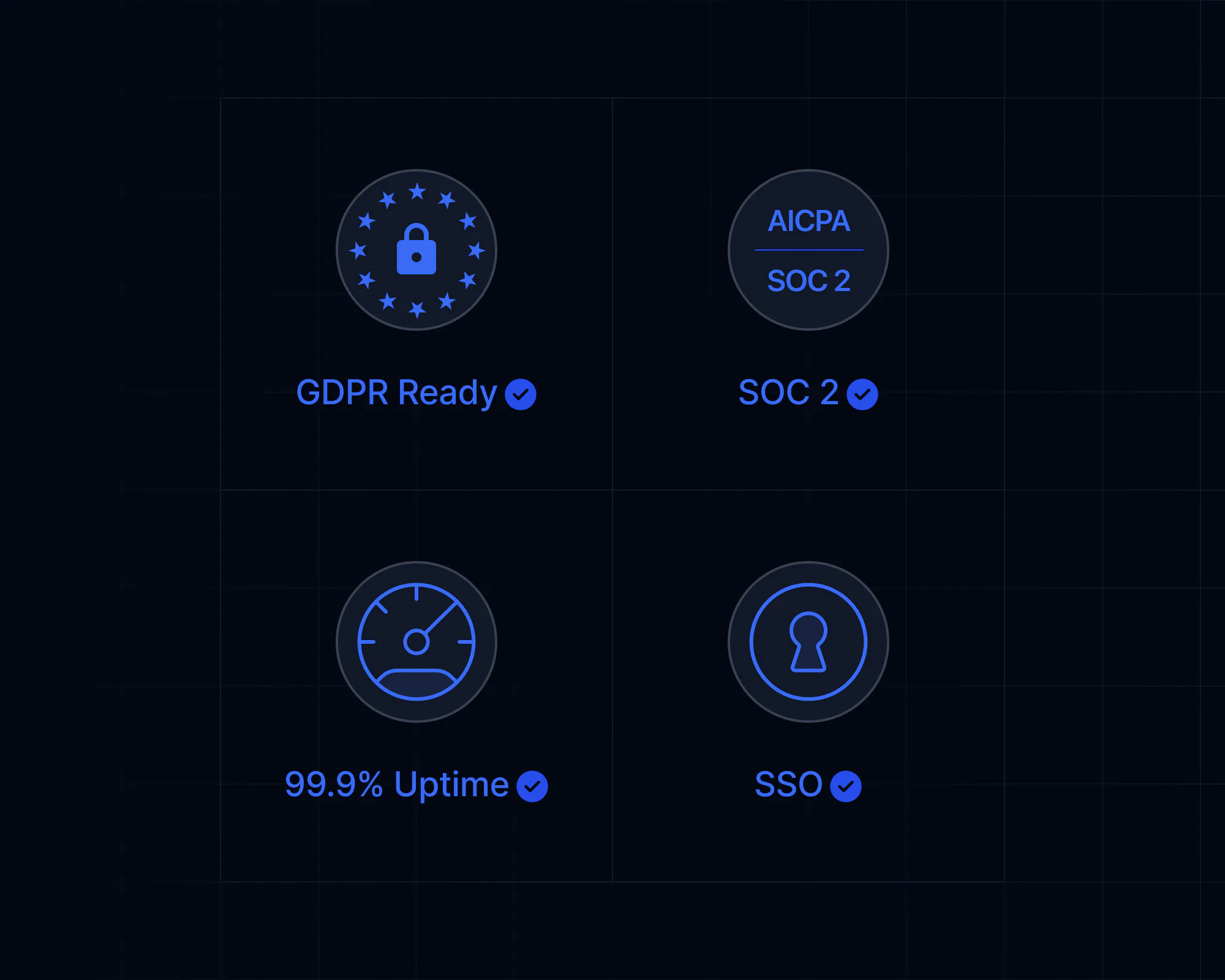
Softr is SOC 2 Type II certified and GDPR compliant, with audit logging. Permission rules run on the server, so each user sees only the data you allow.

Built for non-technical users

Secure and functional, from day one
Softr creates an interface, database, and business logic that's ready for real data and real users. Hosting is included, so you can publish your app the same day.

No developer handoff
You can see how your app is built and how each part works. As a result, you can change it yourself instead of handing it to a developer.

Easy to maintain and evolve
You're never locked into prompting. Build with the AI app builder when you want speed, switch to direct editing when you want precision.

Bring your data and tools













Internal-only or external-facing business apps
Stop overspending on pricy software with unused features. Build custom apps with AI that fit your workflows perfectly.
Client Portals
Client Portals
Build secure portals for clients, vendors & more. No code required.

CRM
CRM
Build a custom CRM that fits your exact workflows. No code required.

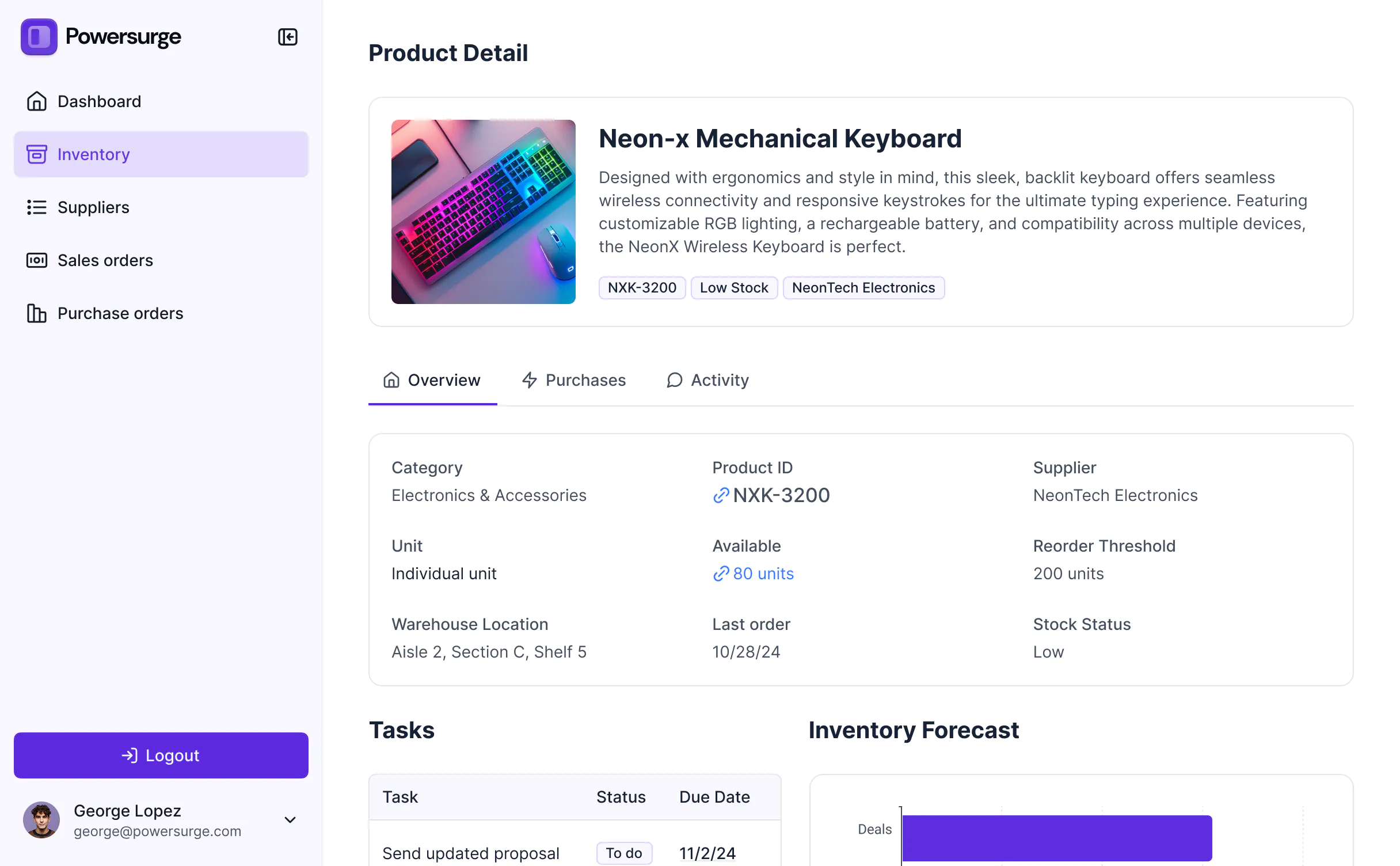
Inventory Management
Inventory Management
Track and manage inventory with ease. No code required.
Company Intranet
Company Intranet
Build a modern, self-serve intranet that keeps your team connected. No code required.

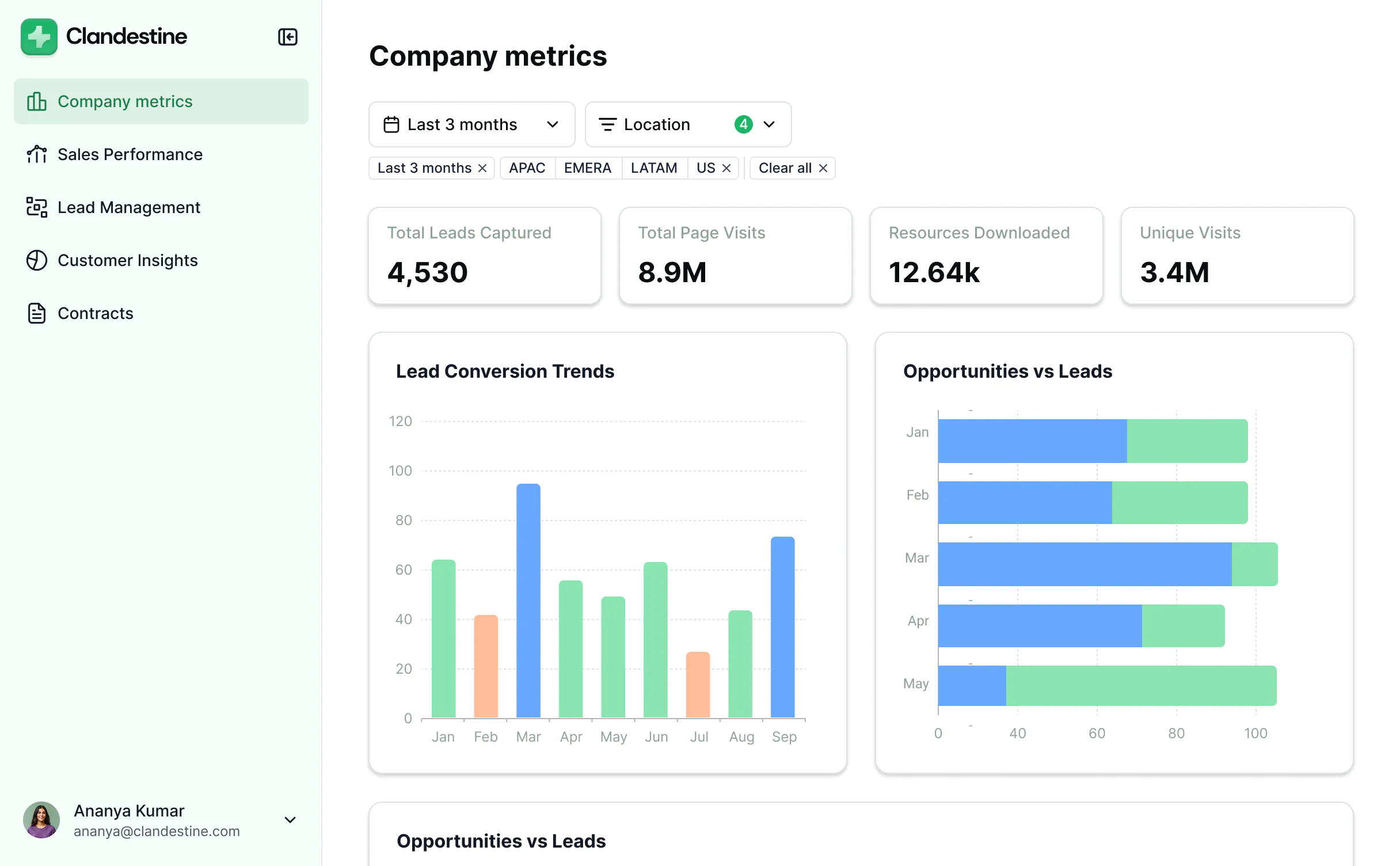
Dashboards & Reporting
Dashboards & Reporting
Turn your data into clear, actionable dashboards. No code required.
ERP
ERP
Bring together tools and data in one flexible system. No code required.
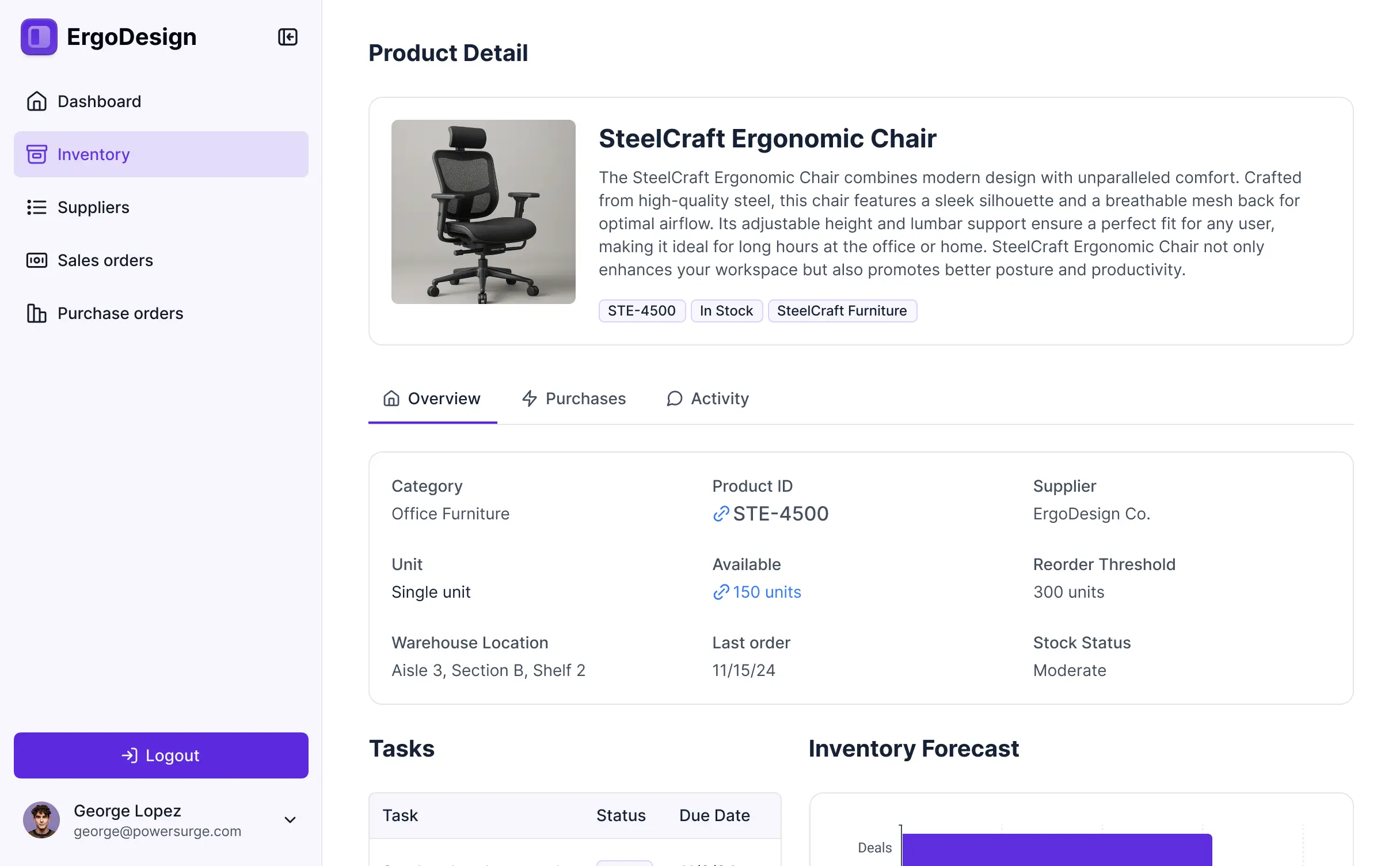
Knowledge Management
Knowledge Management
Help your team and clients find answers faster. No code required.


The go-to platform for business operations
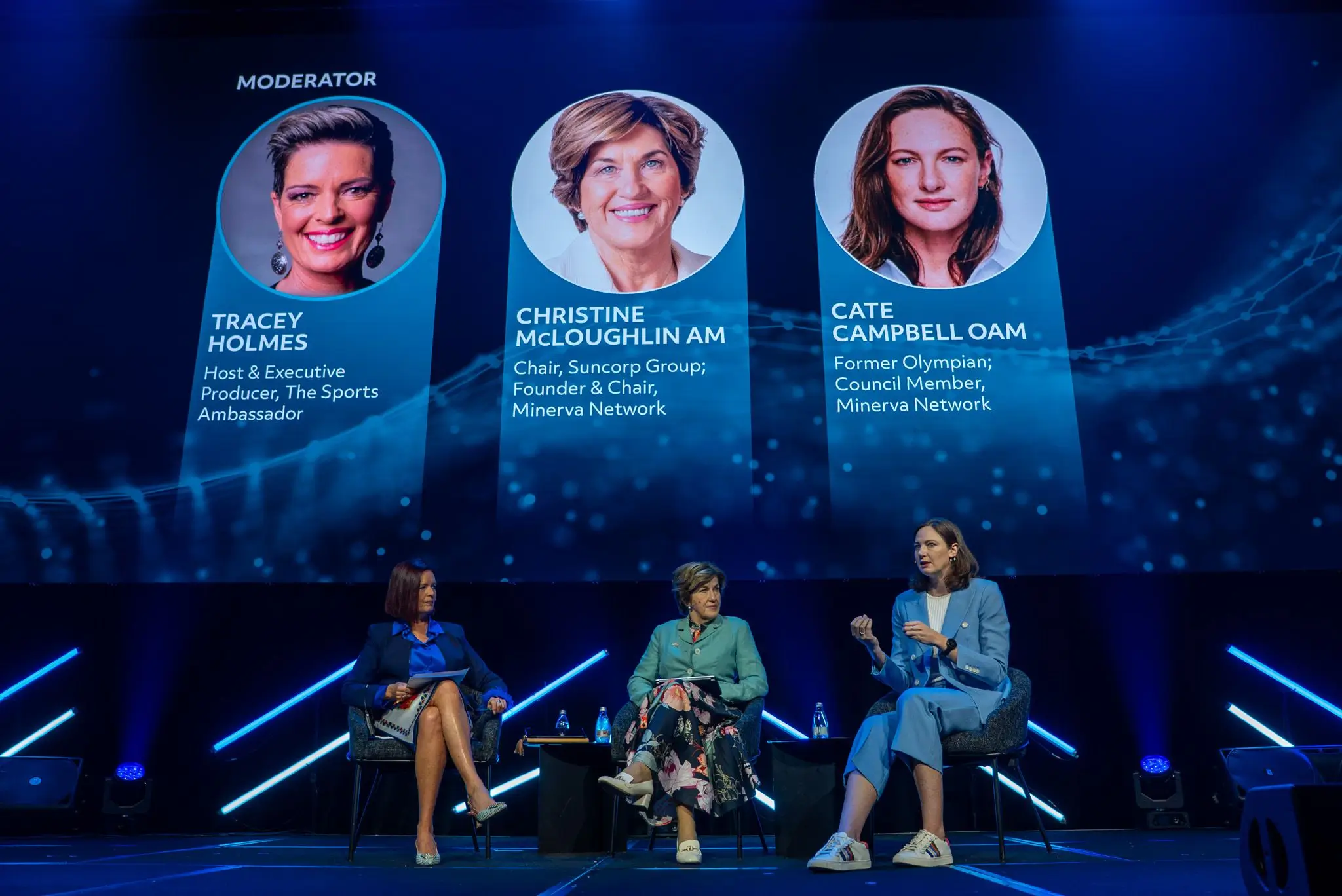

Minerva Network increased athlete registrations by 50% with a custom CRM and portal
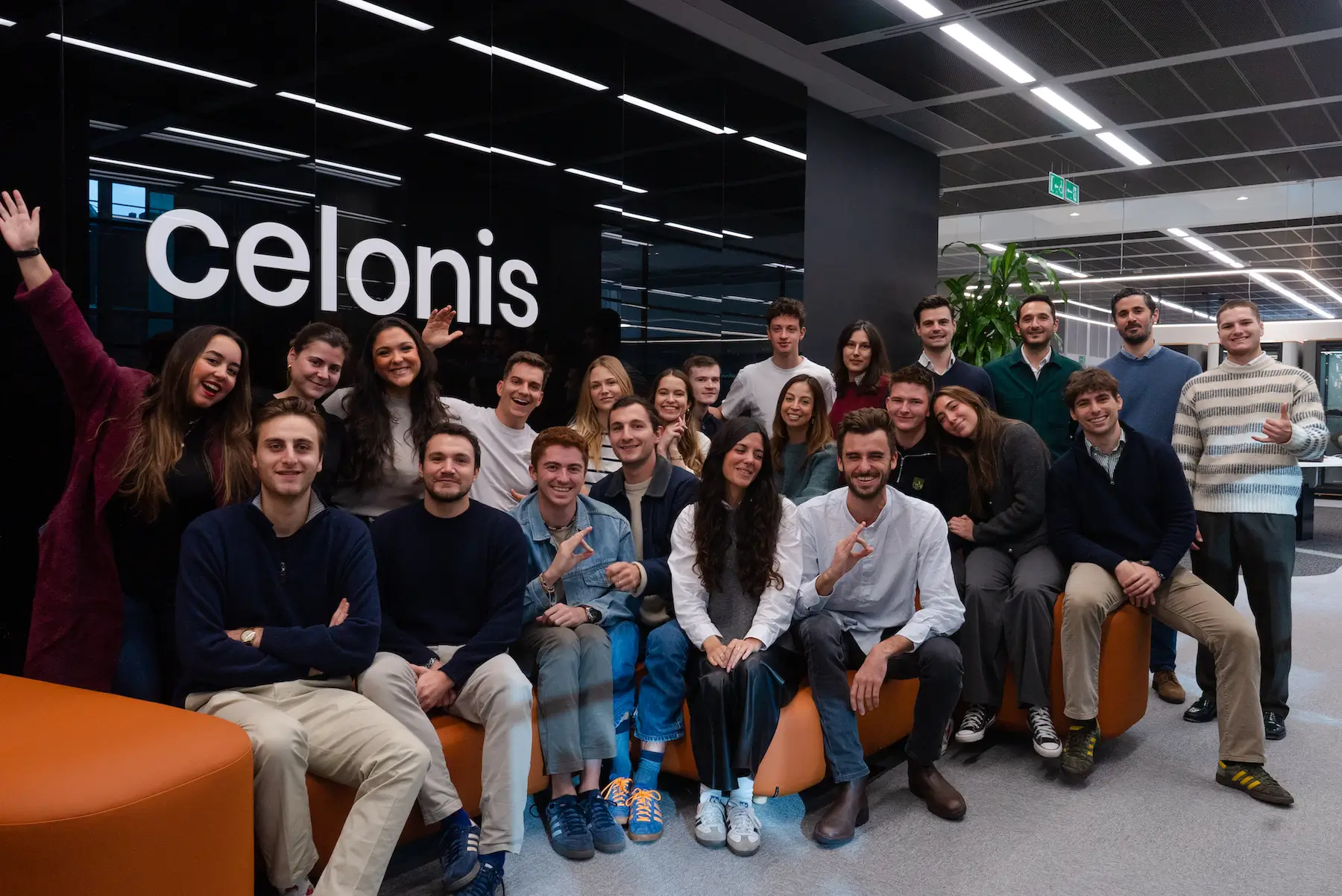
Celonis built a GTM knowledge base for 1,500+ team members
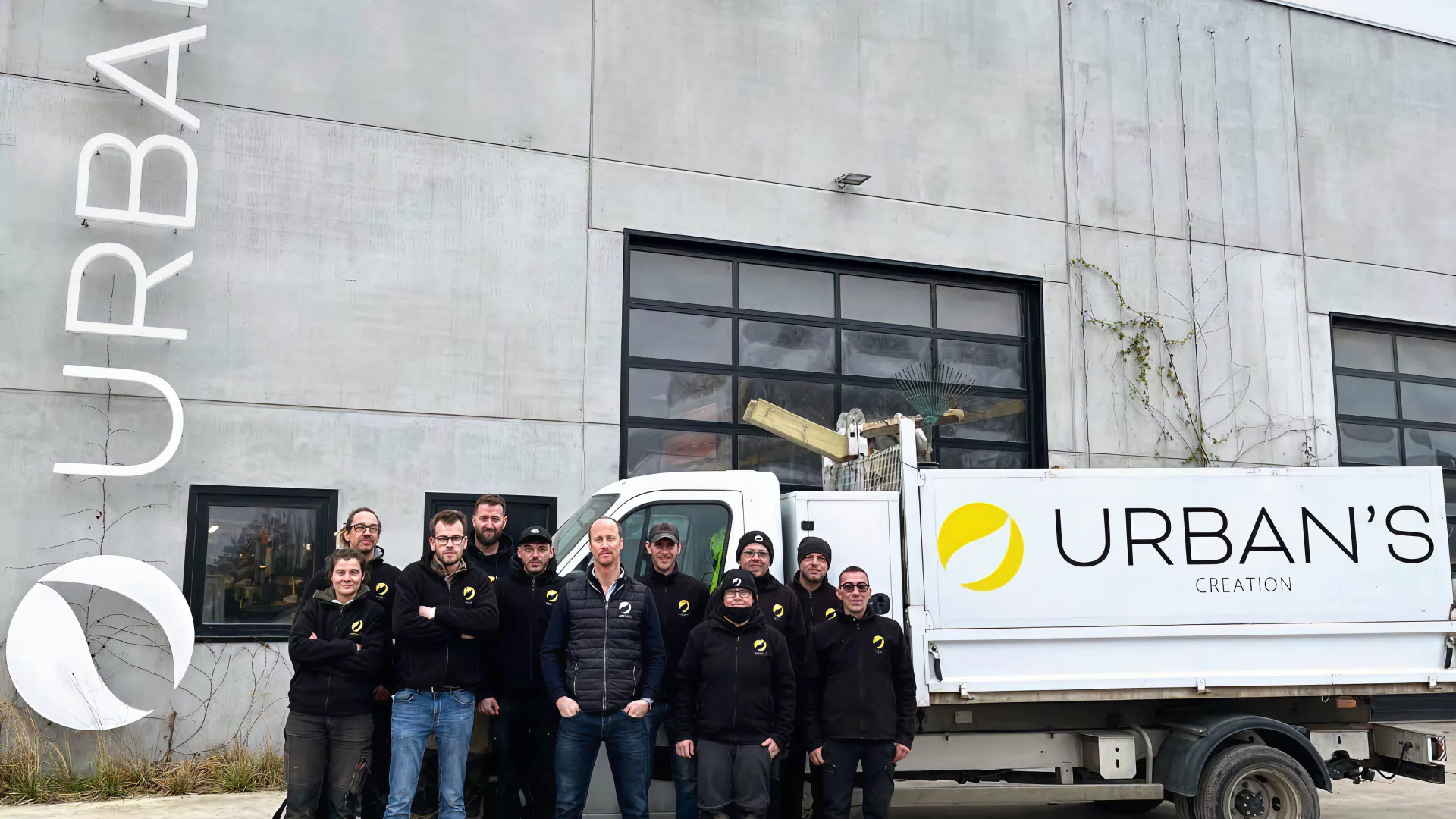

Urban's Group increased productivity by 25% with a custom ERP system
Frequently asked questions
What is an AI app builder?
What can I build with Softr?
Do I have to use AI to build my app?
How is Softr different from other AI app builders?
Is a Softr app secure and ready for real users?
What should I look for in an AI app builder?
Start building today. It's free!