


AED Sentinel Installation Wizard
Smartphone wizard that field installers use to register, photograph and verify every AED camera on site.

From the partner
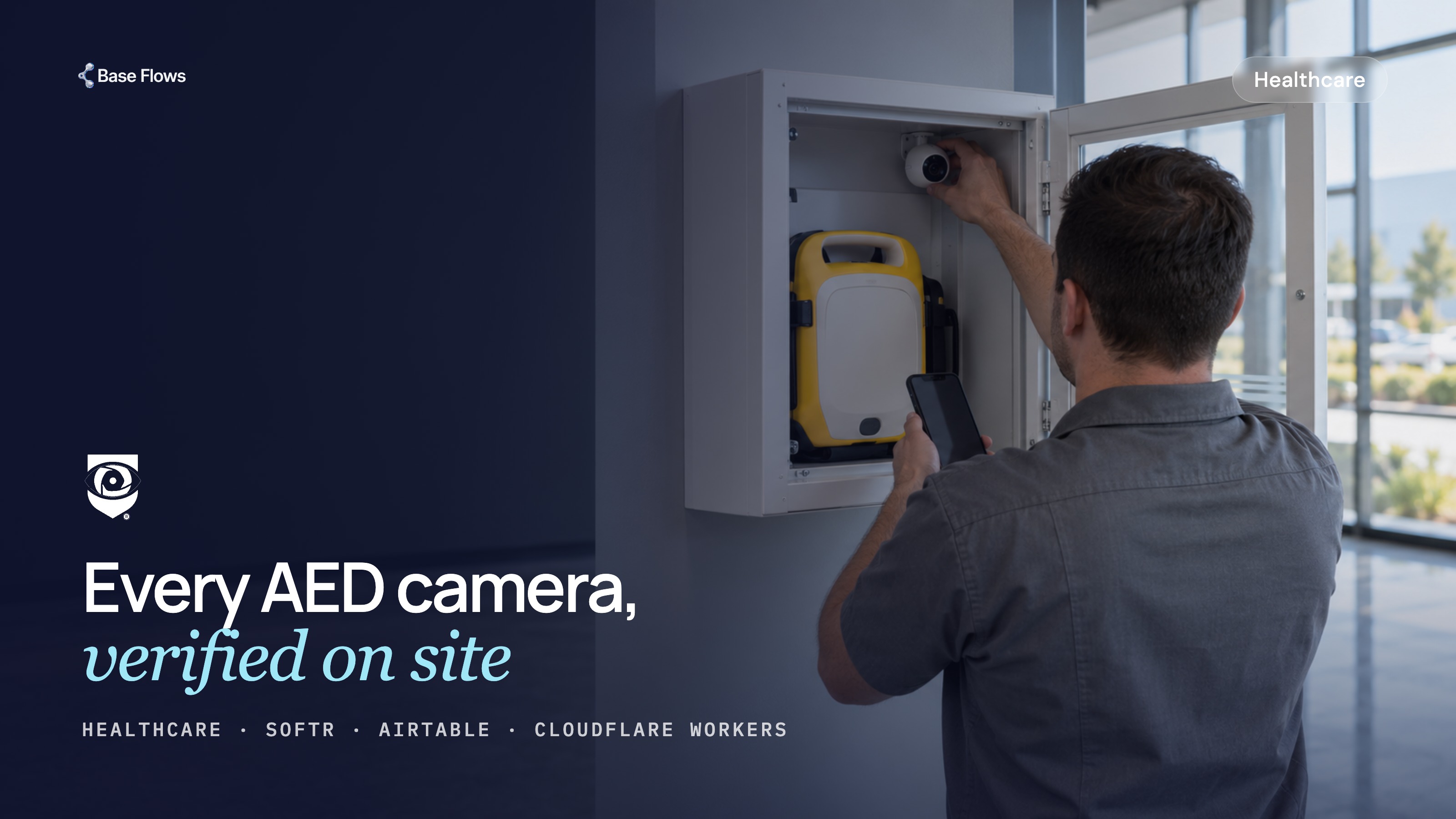
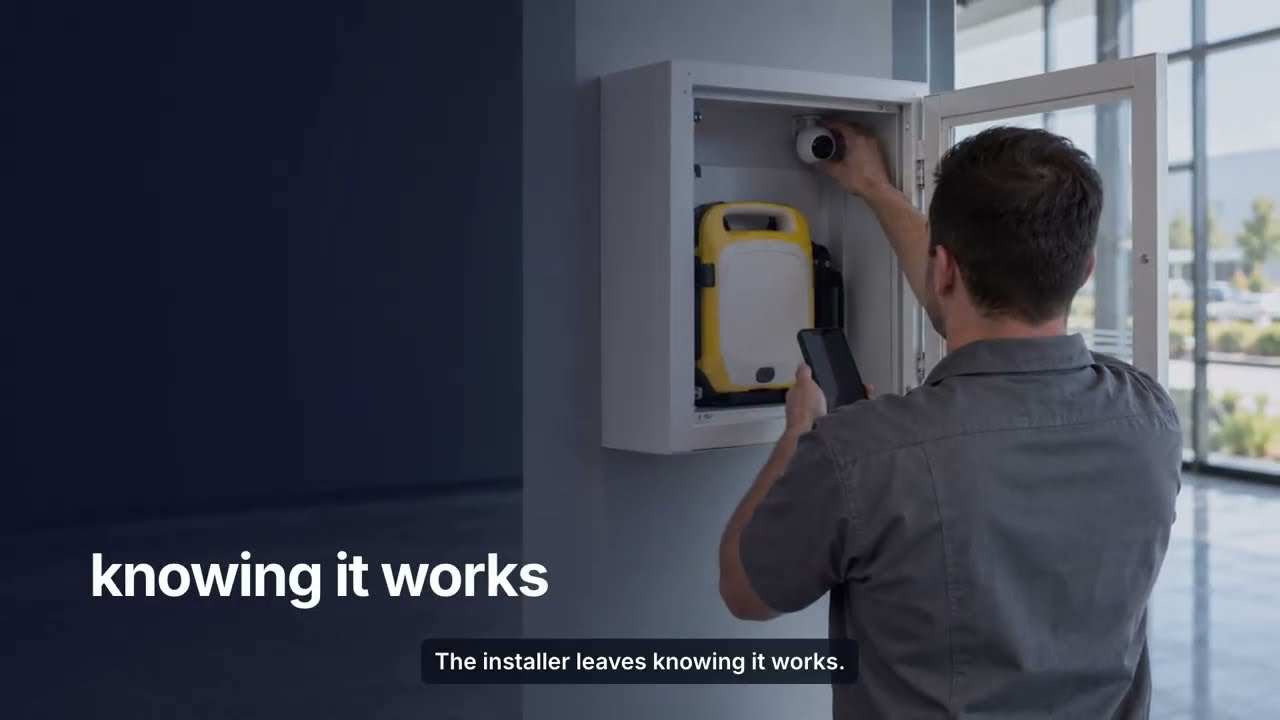
Readiness Systems monitors AEDs in the field with AED Sentinel cameras, and every camera has to be registered, mounted, aimed and confirmed working before the installer leaves the site. The Installation Wizard is what the installer runs on a phone while standing in front of the cabinet.
It replaced a Microsoft Power Pages front end, and the migration to Softr took two weeks.
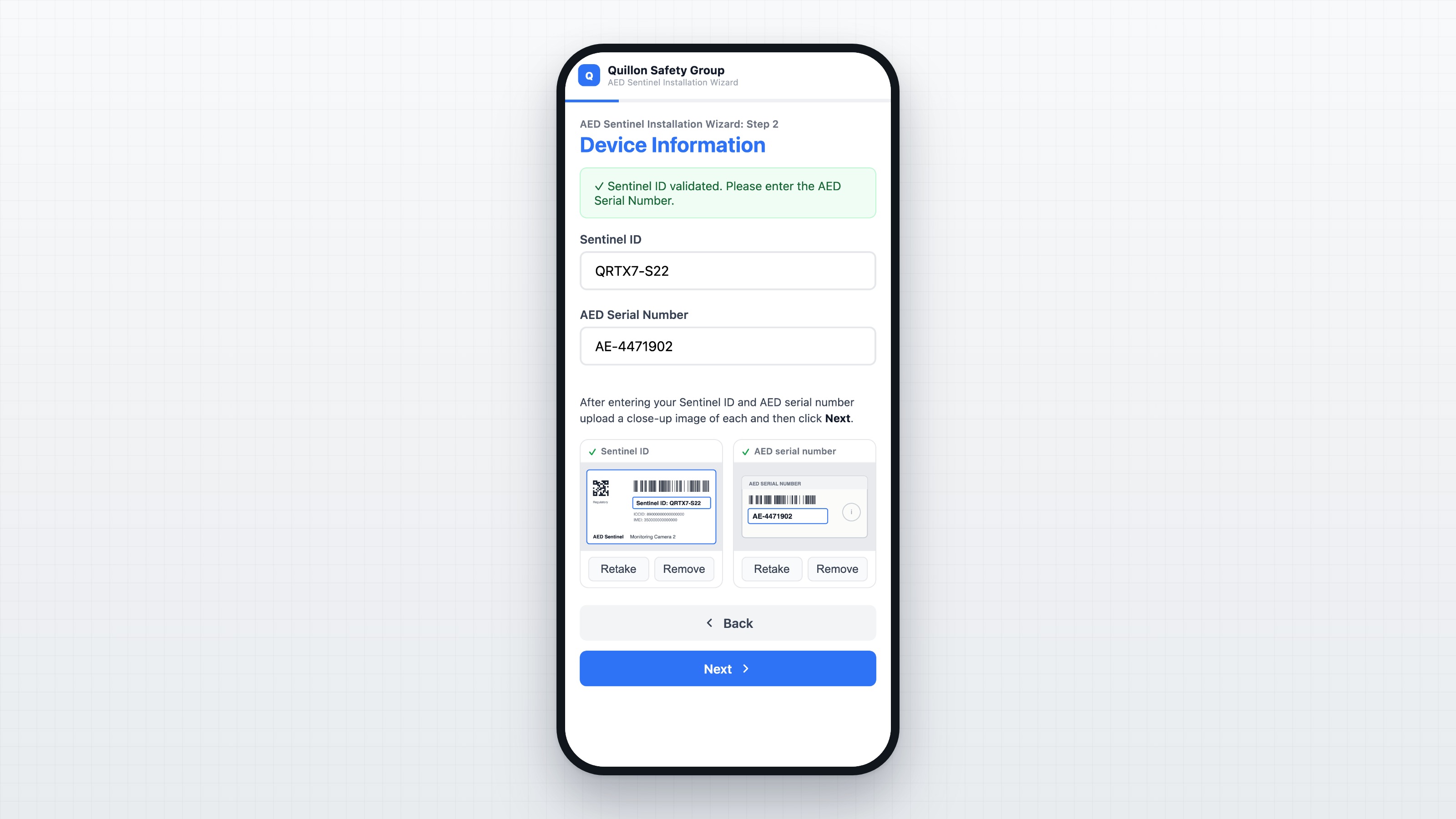
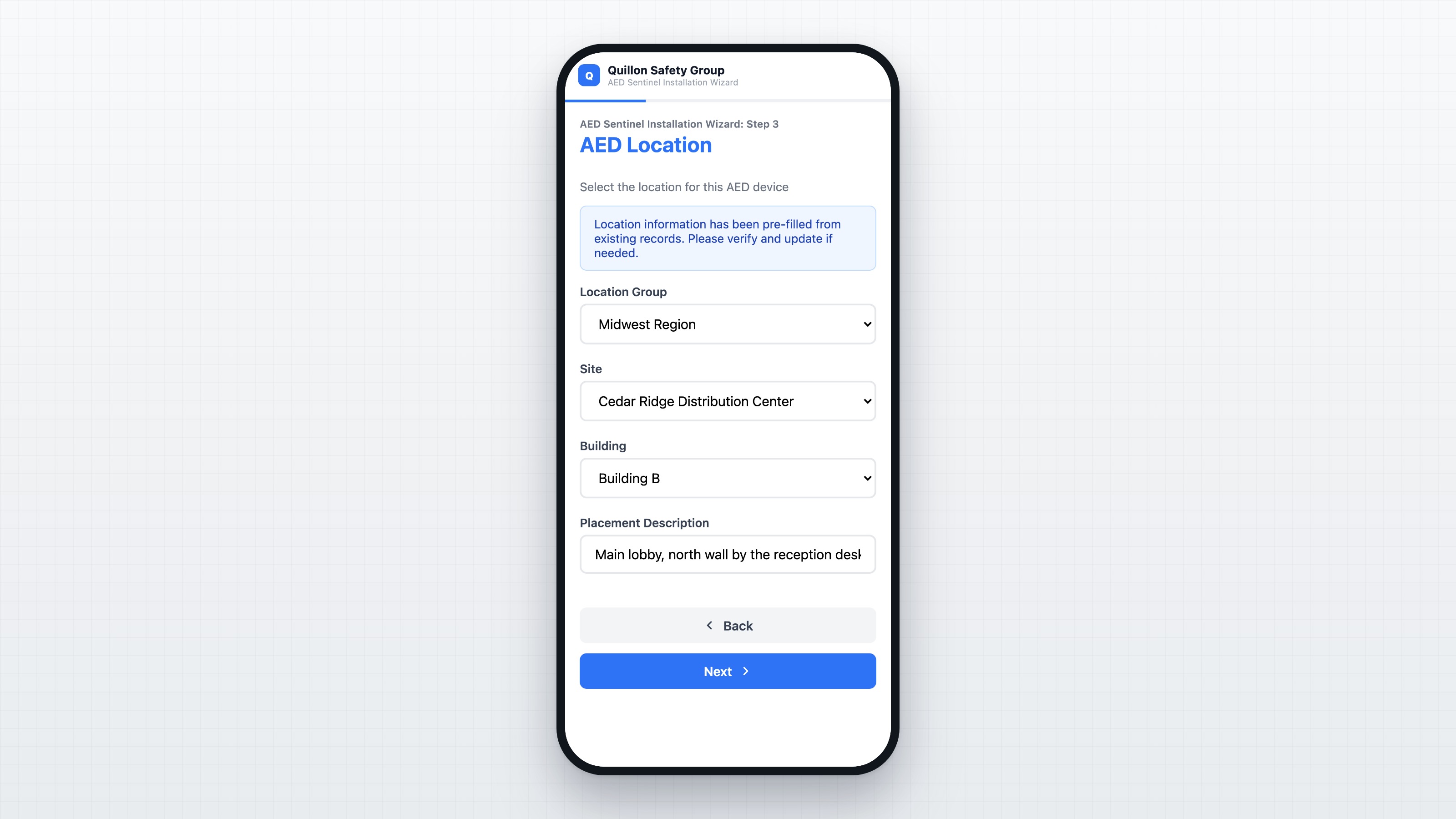
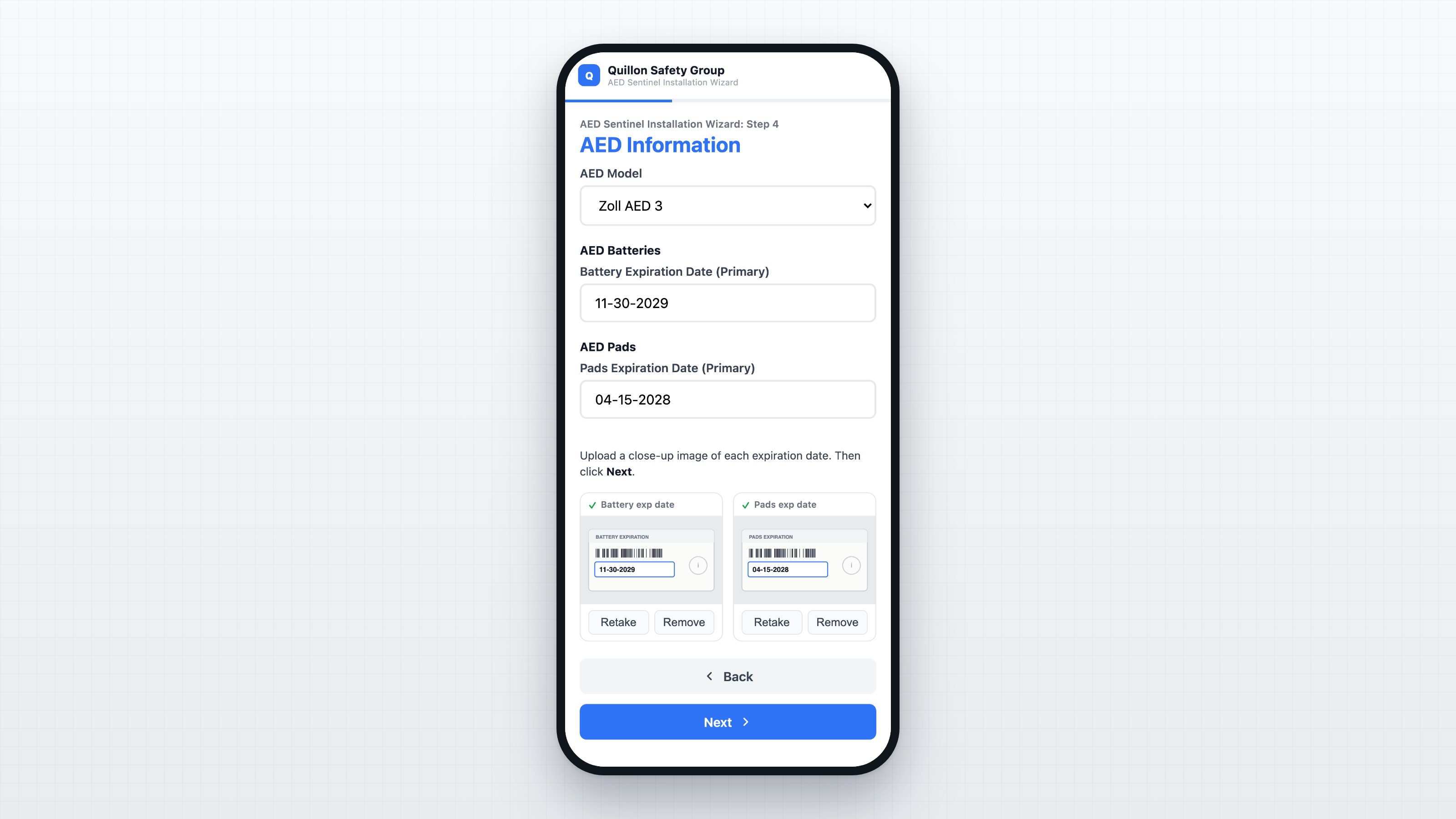
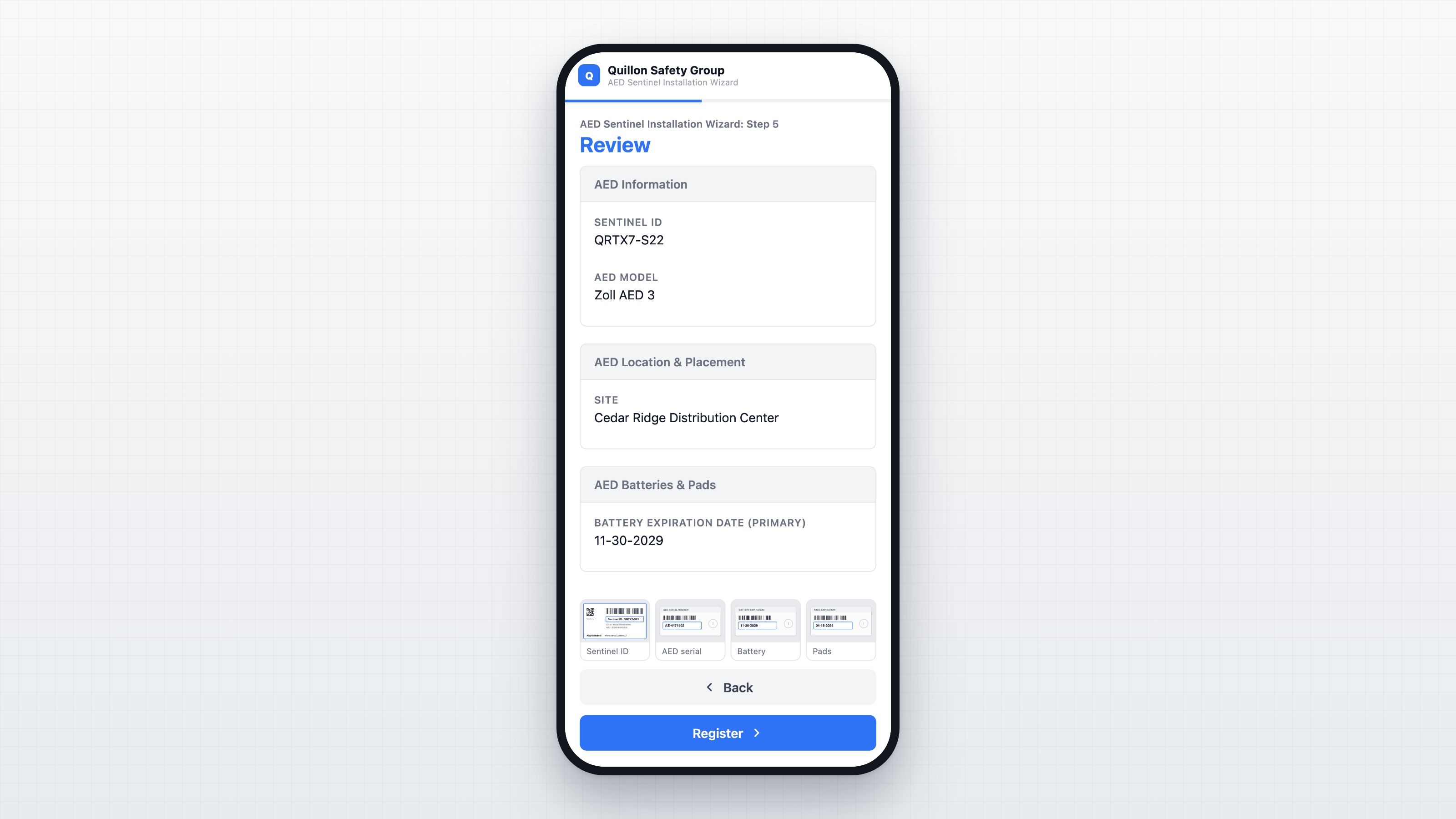
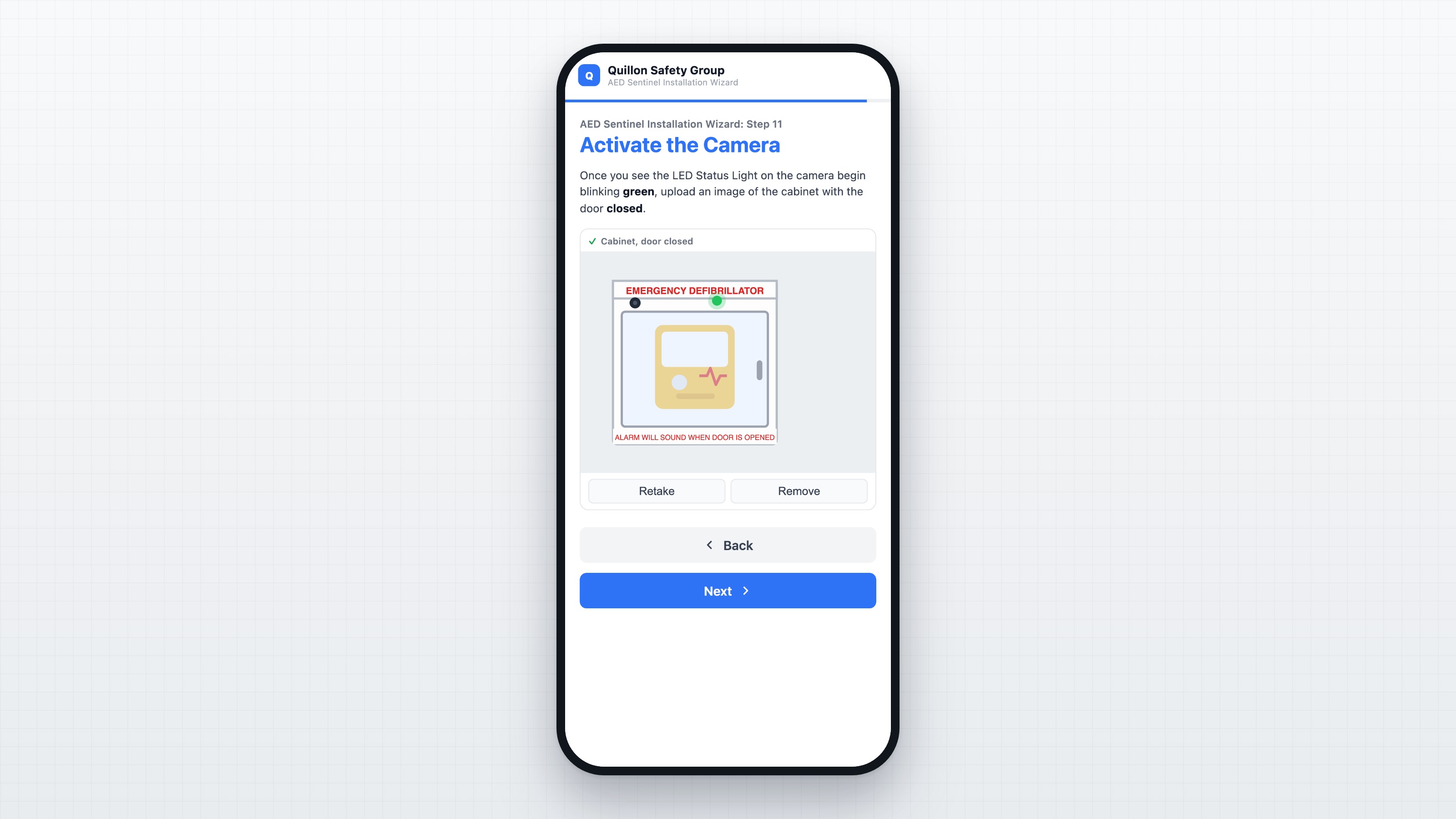
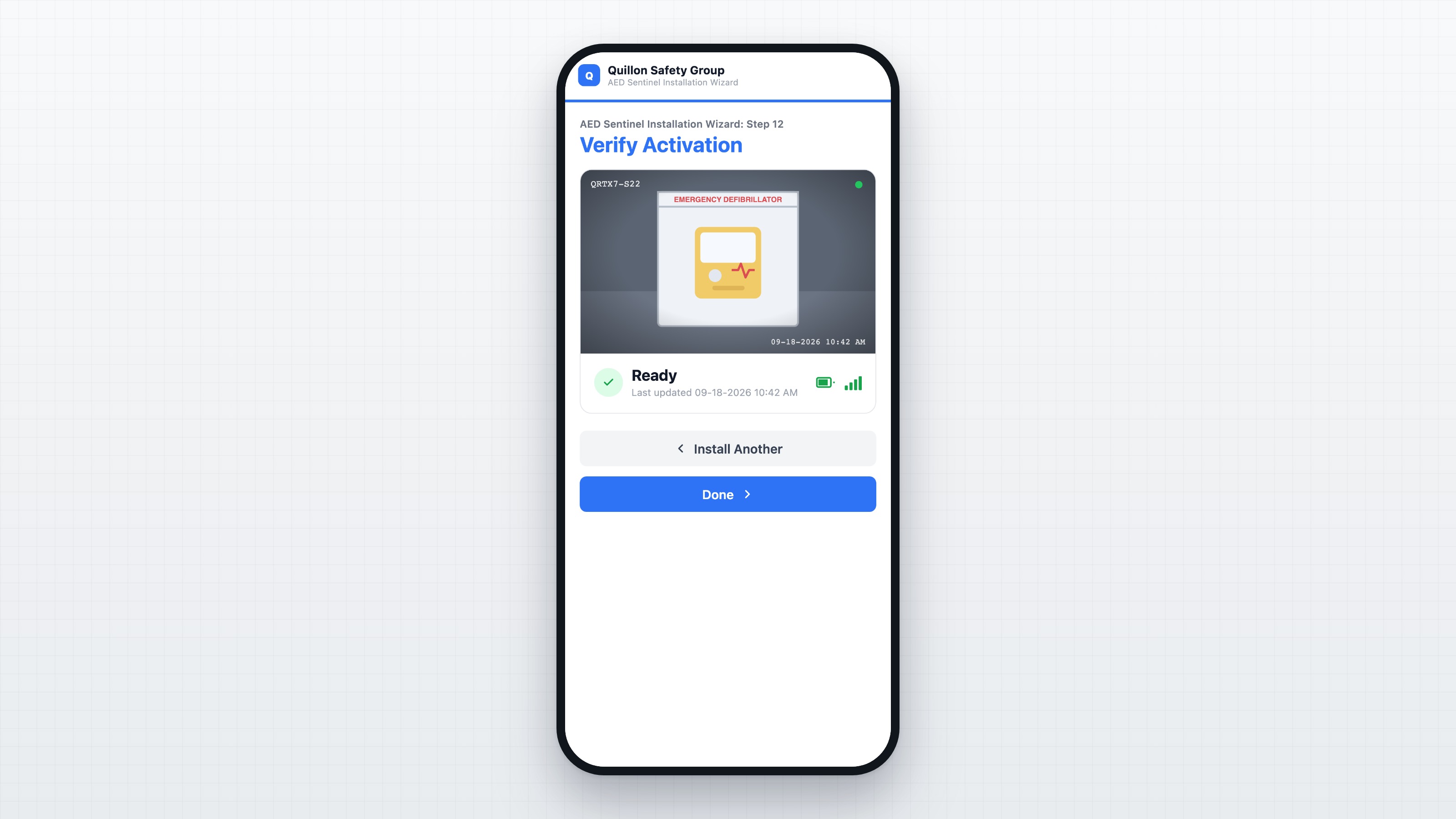
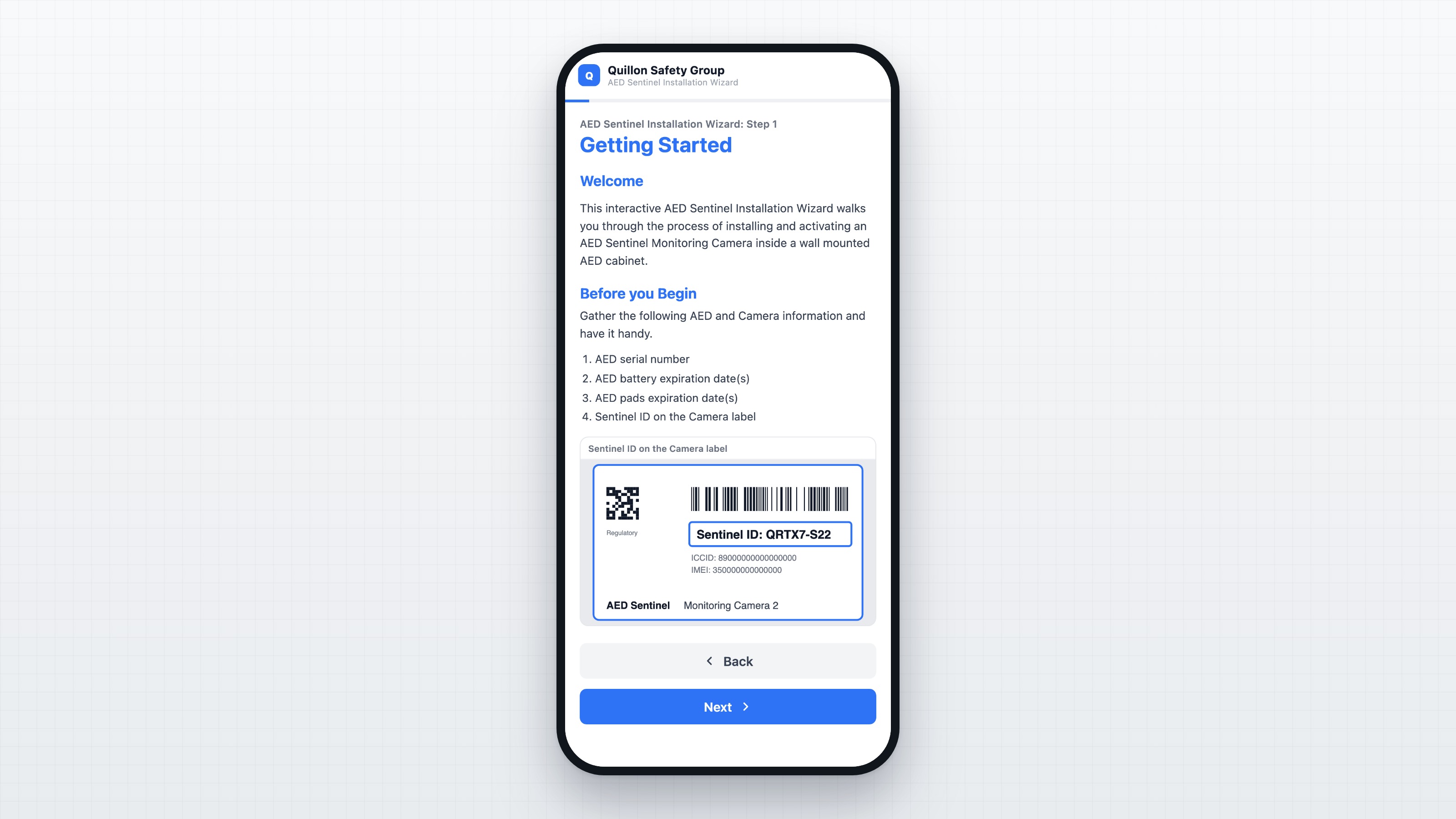
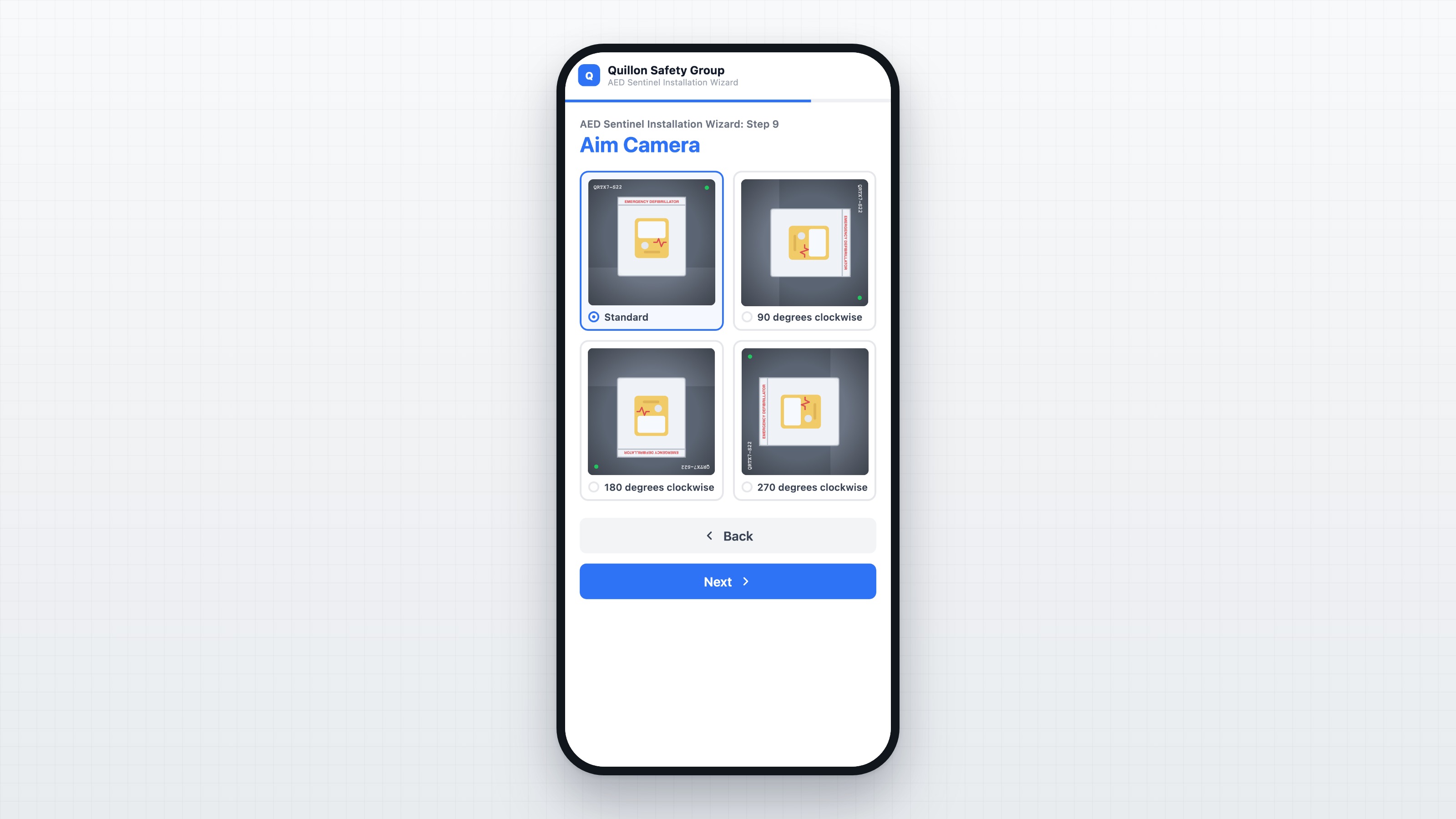
The wizard is twelve steps. The informational pages stay as native Softr blocks the Readiness team edits on its own, and the steps that talk to the Readiness API run on custom code: device validation, cascading location pickers down to the building, AED model and expiration dates with typeable date entry, and model-specific handling for units that carry a single date instead of separate battery and pads dates. State carries across steps in the browser, so an installer who backs up a page does not lose the entry. The last step polls for activation and renders the first image the camera returns, which is the installer's proof the device is live.
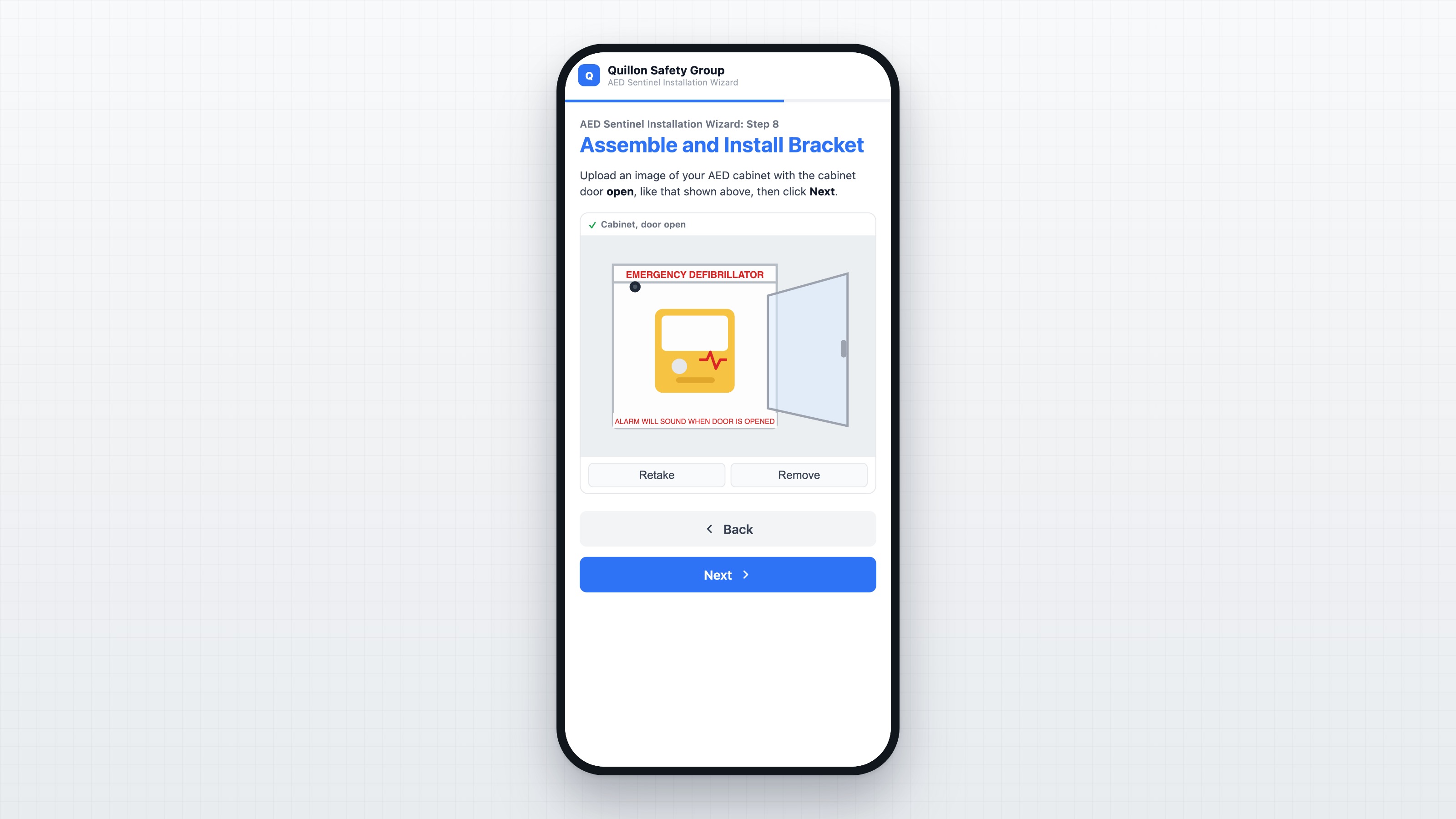
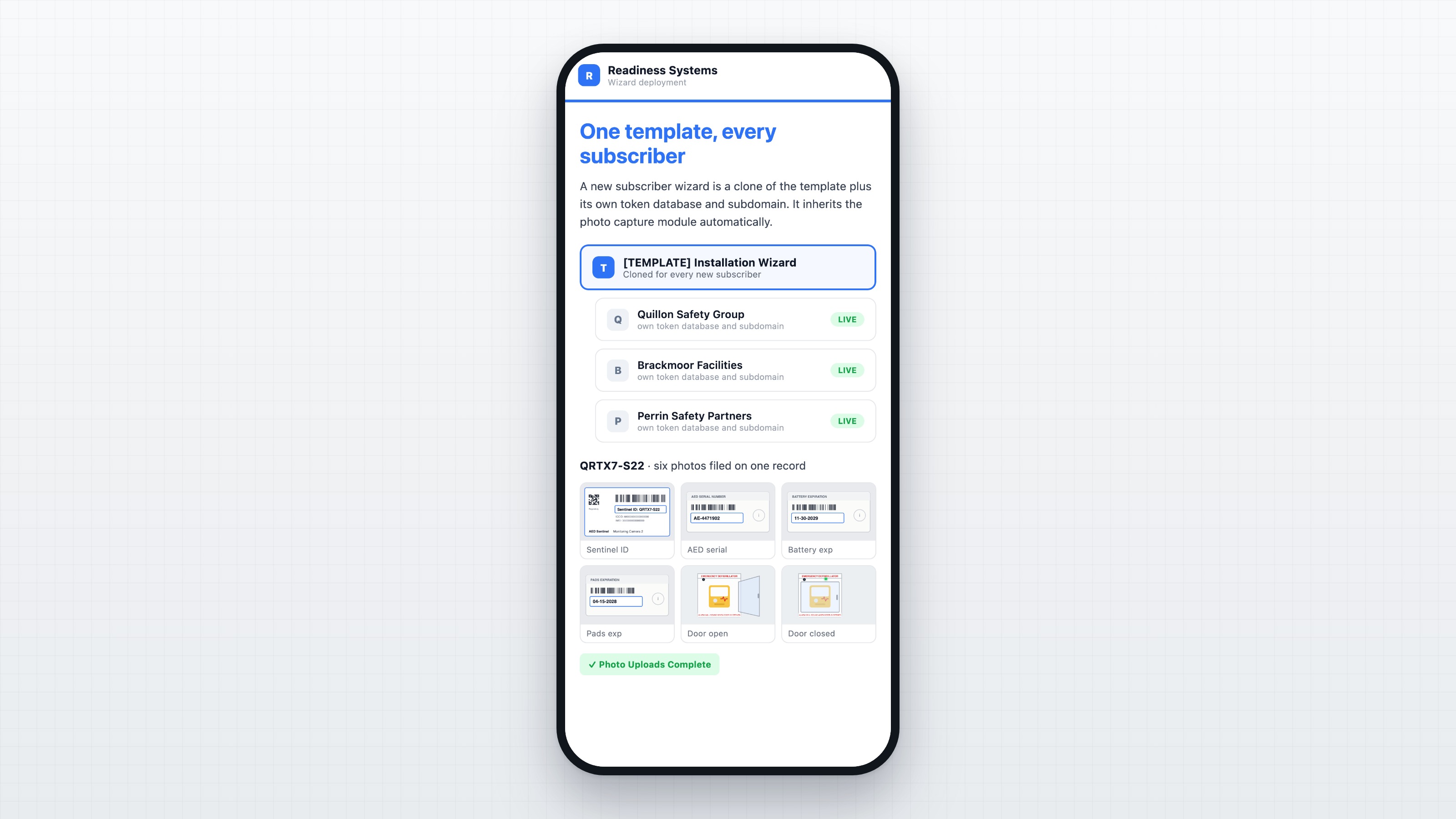
The part that closed the loop is photo capture. Six prescribed photos, taken with the same phone running the wizard, cover the Sentinel ID, the AED serial number, the battery and pads expiration dates, and the cabinet with its door open and closed. Each one previews inline, can be redone, and is compressed on the device before upload. None of it is optional: the wizard does not advance past a capture step without its photo, and the four photos taken before registration are committed only
after the device registers successfully, so no images are ever filed against an installation that failed.
Photos land in Airtable as native attachments on a record keyed by Sentinel ID, written by a Cloudflare Worker that proxies the API calls and holds the credentials server side, never in the browser. The capture logic loads from one hosted module, so a single global snippet updates every wizard at once instead of editing each app page by page.
Readiness runs the whole thing as a template. A new subscriber wizard is a clone of the template app plus a duplicated token database and its own subdomain, and it inherits the capture module automatically. Today that is one template and three subscriber wizards in production, documented well enough that Readiness creates new ones without us. No server, no app store, no installer login.
Demo

Gallery images
Data sources


Partner details


Find the right partner for your project
Tell us a bit about your project and the Softr Partners team will match you with up to 3 of the best-fit partners in our network.