What's new in Softr
Check out new features, improvements, and community events!
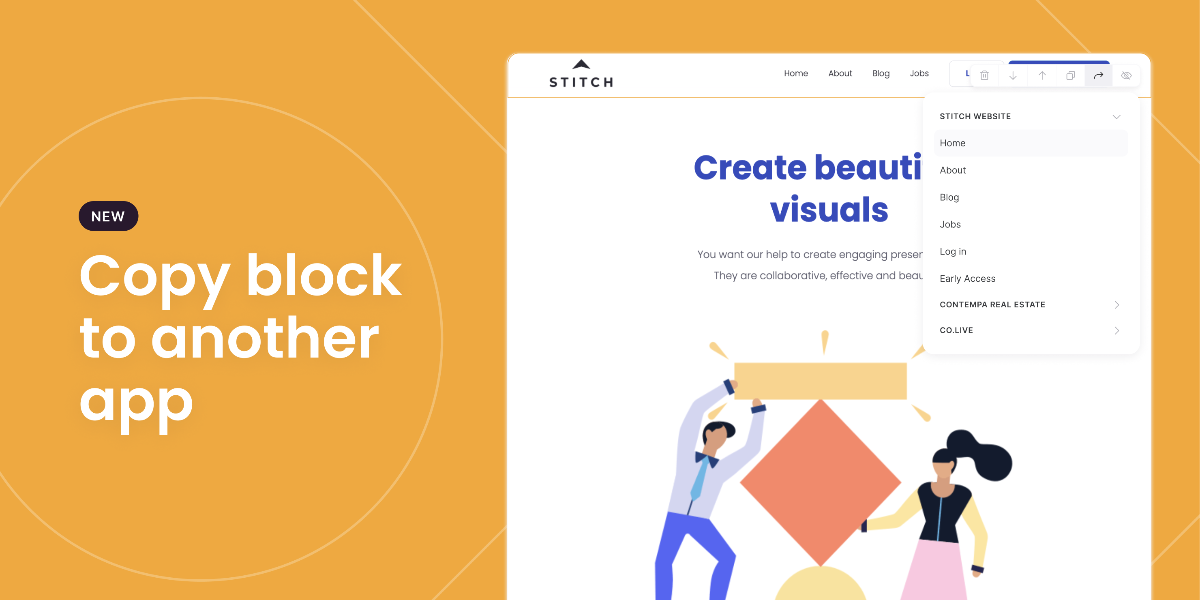
Duplicate blocks across applications
For those of you building multiple applications, wanting to migrate only pieces of your old application, or wanting to duplicate blocks to other pages of the same application this one is going to save you plenty of time.
If you have a block you want to duplicate, you can now do so across different applications and pages too. Just like you would duplicate a block on the same page, you will now also be offered the option to 'copy to another page'. Simply click the option from the menu bar, and select the application (and then page) you want to duplicate the block to! Smart.
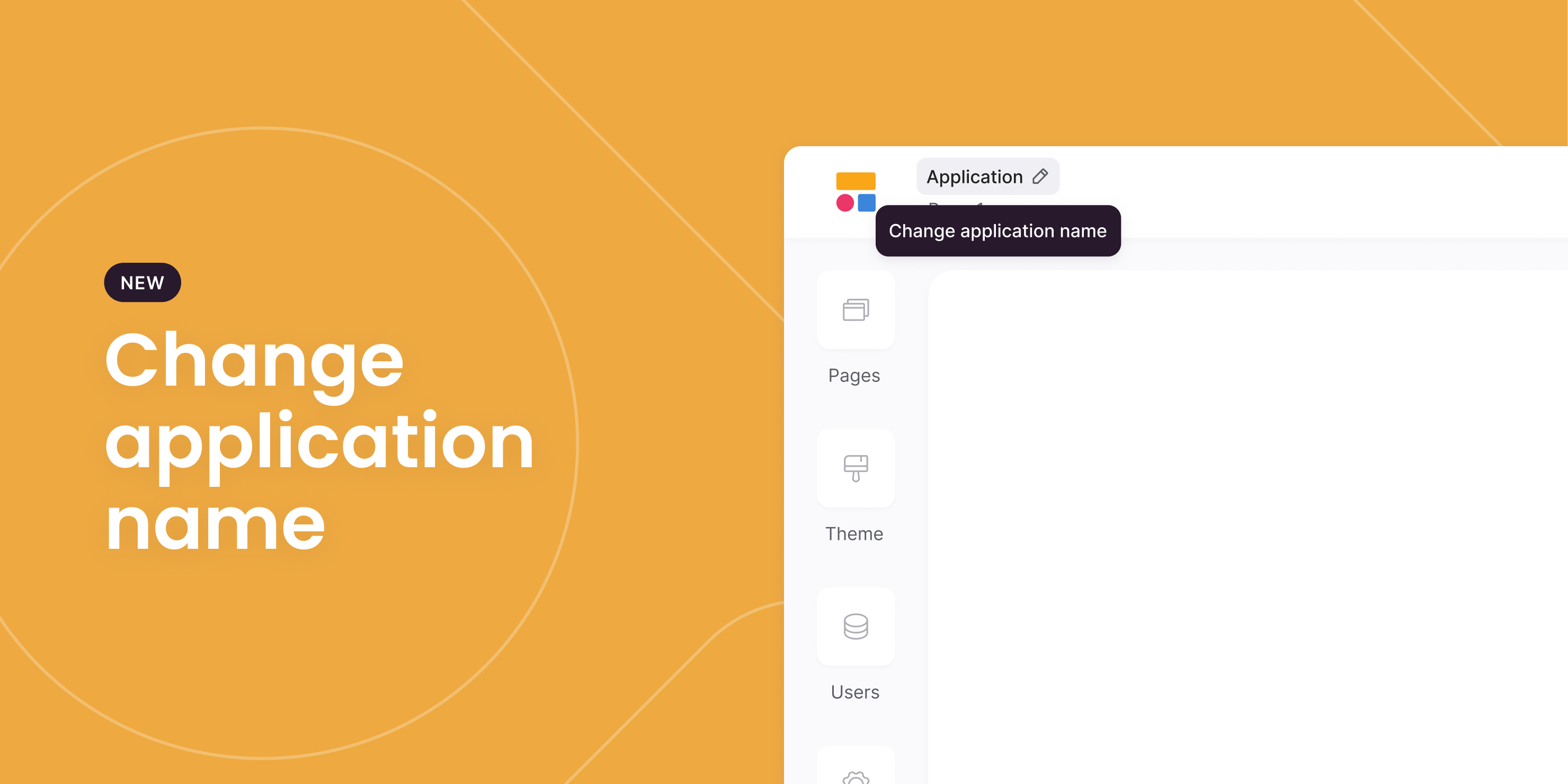
Edit App Name
As the saying goes "it's the little things in Softr that make you happy". Starting from today you can now quickly change the name of your application from within the studio editor with the click of a button.
Form Block Improvements
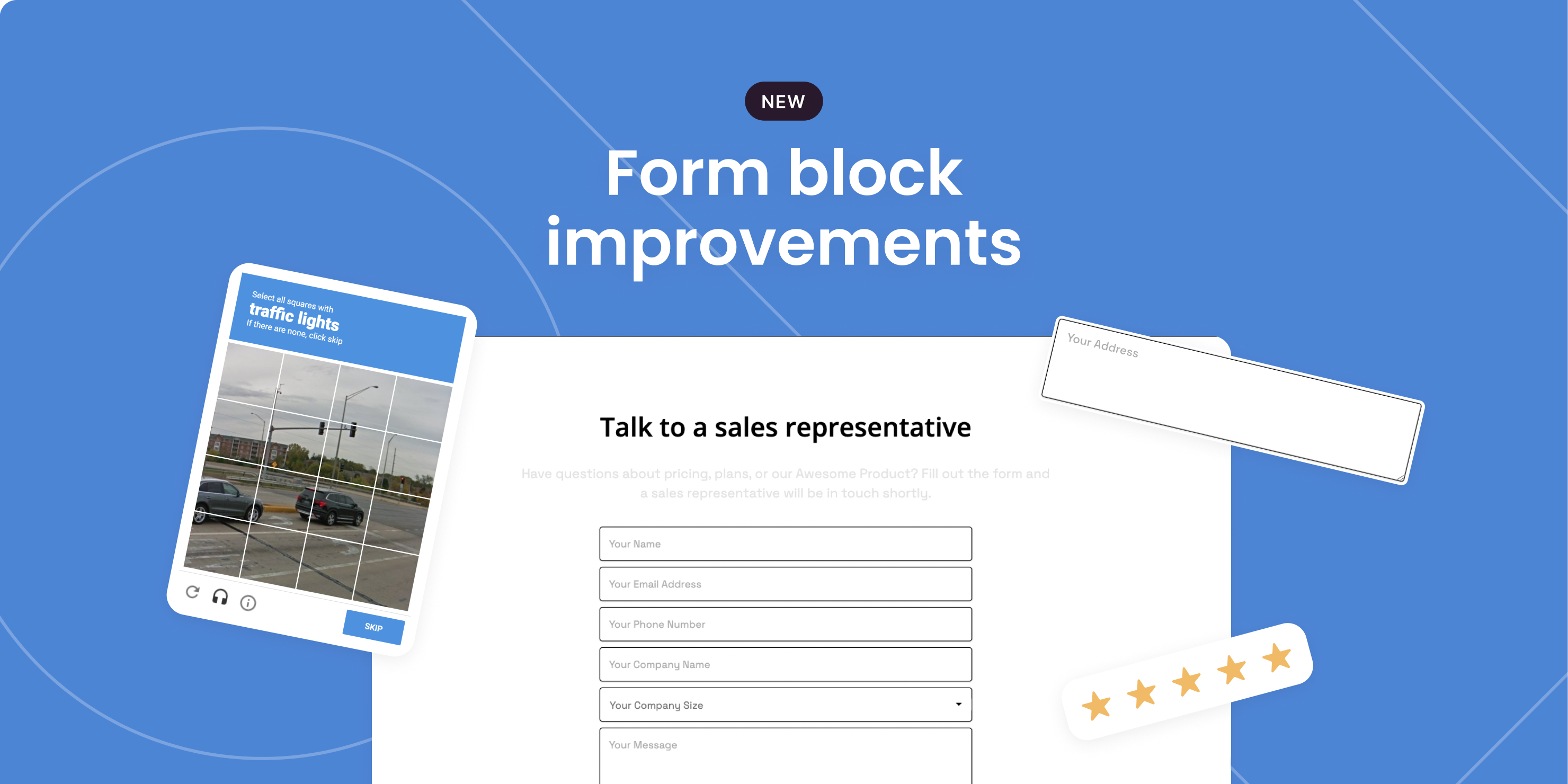
Forms are one of our core blocks and perhaps one of our most used blocks. Therefore, we have some big plans for the form block this year. Today we have a few notable improvements to mention, including:
- ability to now add an address field
- ability to add a rating field
- ability to add a Recaptcha form to reduce the amount of pesky spammers
Keep your eyes peeled for some big new additions and improvements to the form block coming shortly.
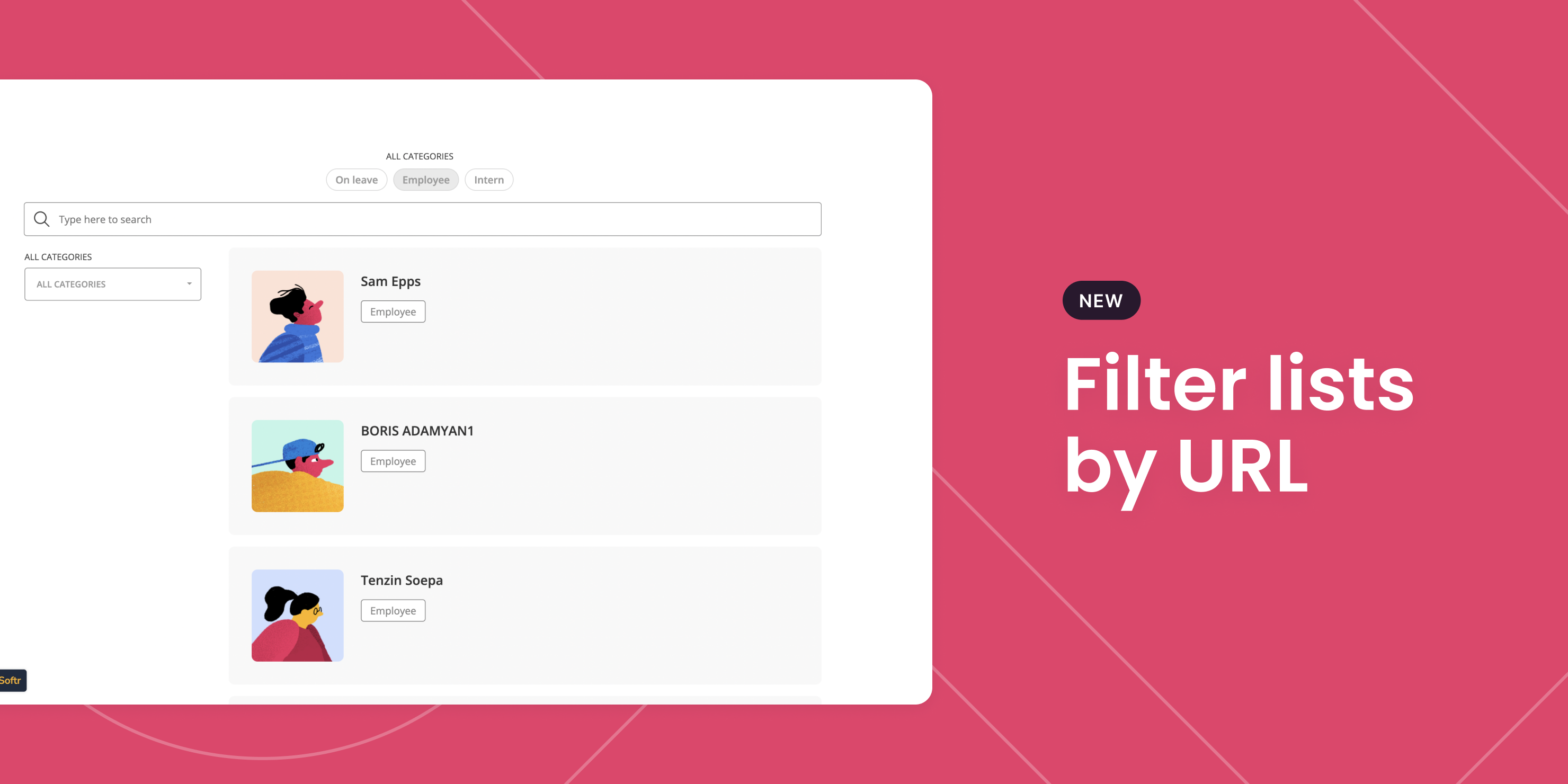
Filter Lists by URL
Ok, so the title doesn't sound that interesting but we can assure you this is a handy capability. Let us explain.
Say for example you have a long list of properties situated around the world available for rent. Now you probably don't want to have to create seperate pages for each country and their properties but want to share this directory with a specific audience without them needing to filter the list.
Well we have just the solution. Starting today you can now tweak the URL and share a link to a specific set of filtered results. Sounds pretty interesting now right?
New Asset Library
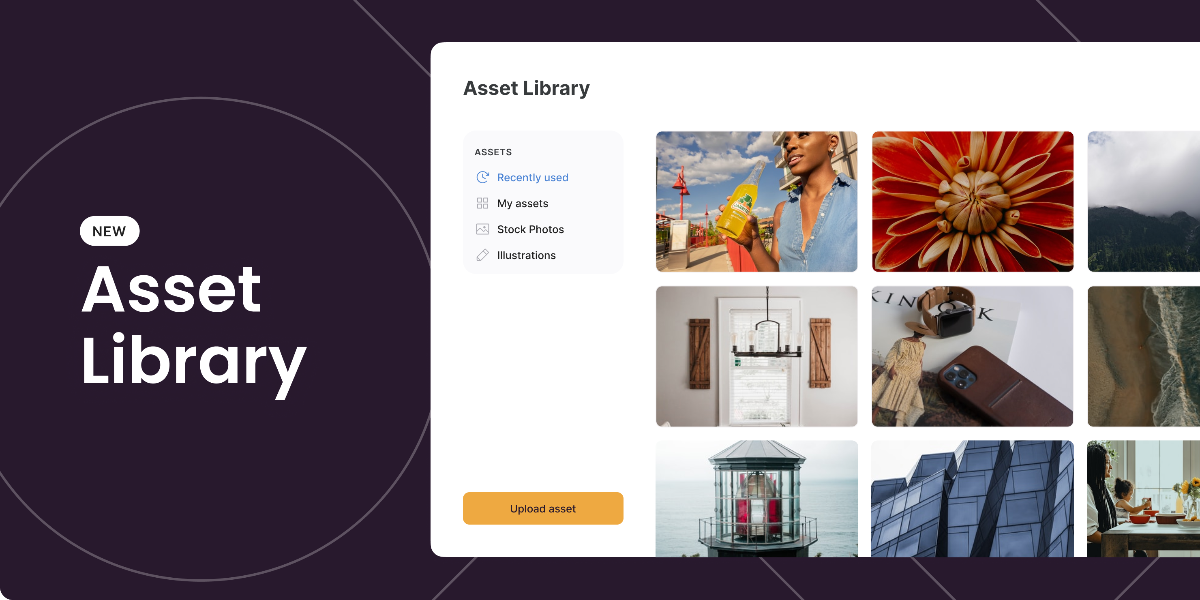
Say hello to your new asset library. This native asset library has been created to help you manage and store all your rich media assets for your application in one central location.
Store a variety of media types, including, image (png, jpg), GIFs, Video and PDF. View your library of assets with our large preview thumbnails and keep on top of your growing library by removing unwanted assets with the click of a button.
1-click Block update
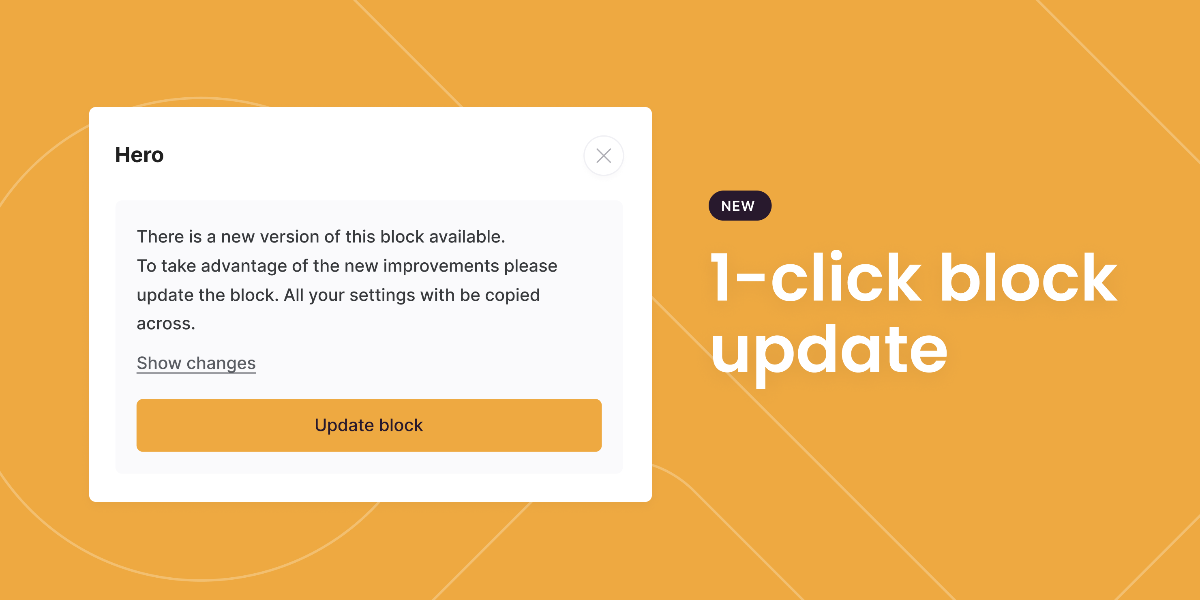
As we continue to roll out new and improved blocks we want to ensure we create as little disruption as possible to your experience using Softr. Therefore, we set out to create a way for you to take advantage of our new and improved blocks without having to manually replace them and start the configuration all over again.
So, starting from today you can update a new block with 1 click. New and improved blocks will now display a message to inform you an update is available. We will also provide you with a list of changes by simply selecting the 'show changes' link.
Product of the Year 2021
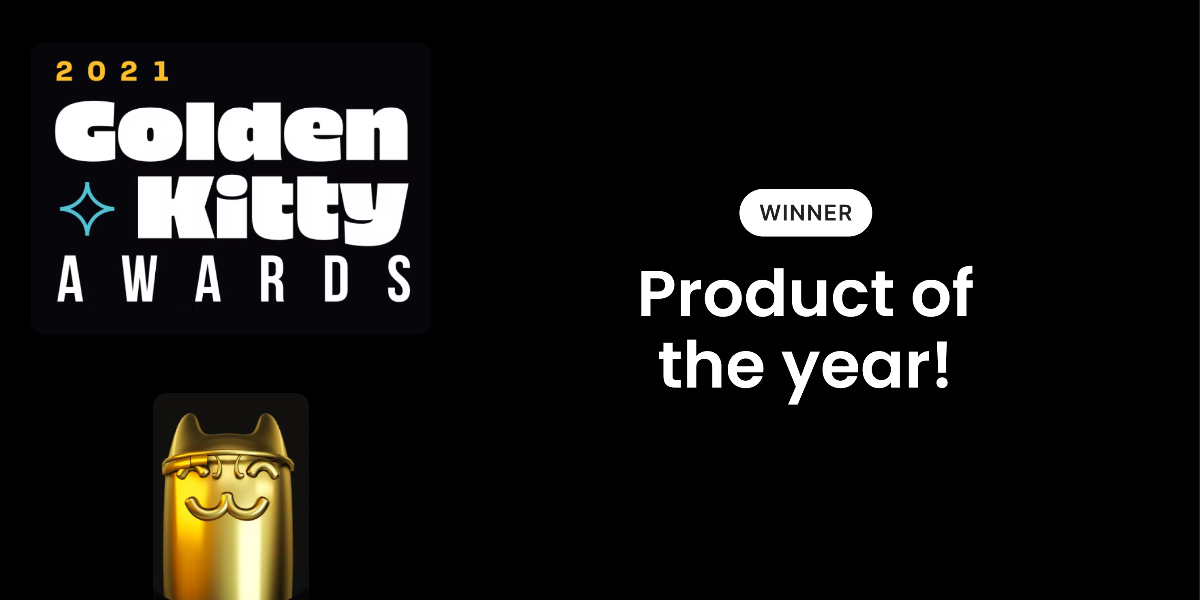
Before we jump into this week's product and community updates we first wanted to say a HUGE thanks from all the team at Softr to everyone who supported us for this years Product Hunt Golden Kitty Award.
We are delighted to have won the 2021 Product of the Year! 🤩 Read more here.
Just wait to see what we have in-store for you in 2022.
Login with SMS
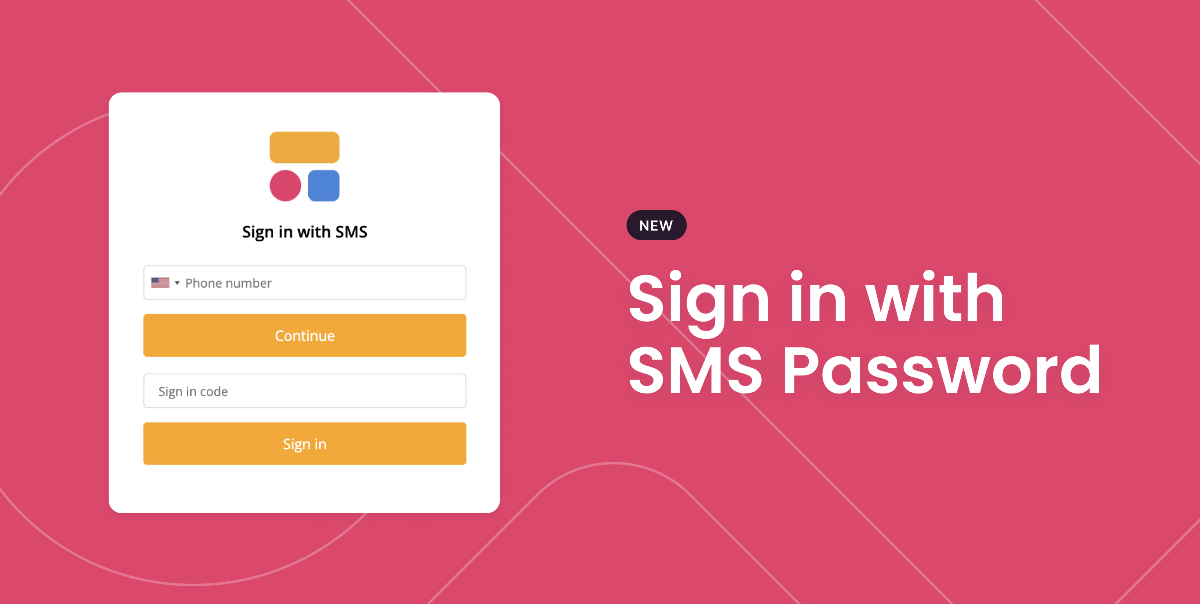
We are always looking to add to our existing authentication methods to cover all your particular security needs. Starting from today you can now allow users of your application to login using SMS one-time password which allows users to verify their identities with a code sent to them via text message.
Just look for the new block under 'My Accounts'.
Zapier & Integromat Apps
Starting from today Softr is now officially available to use on both Zapier and Integromat, unlocking an infinite amount of possibilities with your Softr application. Connect with thousands of other apps in a matter of minutes and pass data to create automation workflows with your Softr application.
Let's take Hubspot for example. Say you add a new team member to your Hubspot account and want to avoid having to do the same to your Softr app each time. With Zapier or Integromat you can automate this process and add the new user on one app and it will create it on the other. This also goes for deleting users too. To find out more check out our Zapier and Integromat documentation.

Dynamic Twitter List Block
Our Twitter block just got an upgrade. This new dynamic Twitter block allows you to display a collection of tweets via your Airtable base.
Prior to this, we provided a static block that required you to manually add Tweet URLs, however, from today you can simply connect our new dynamic block to your Airtable base. But it doesn't just stop there. Try adding some categories or tags to your tweets in a new column and allow users to filter your list of tweets.
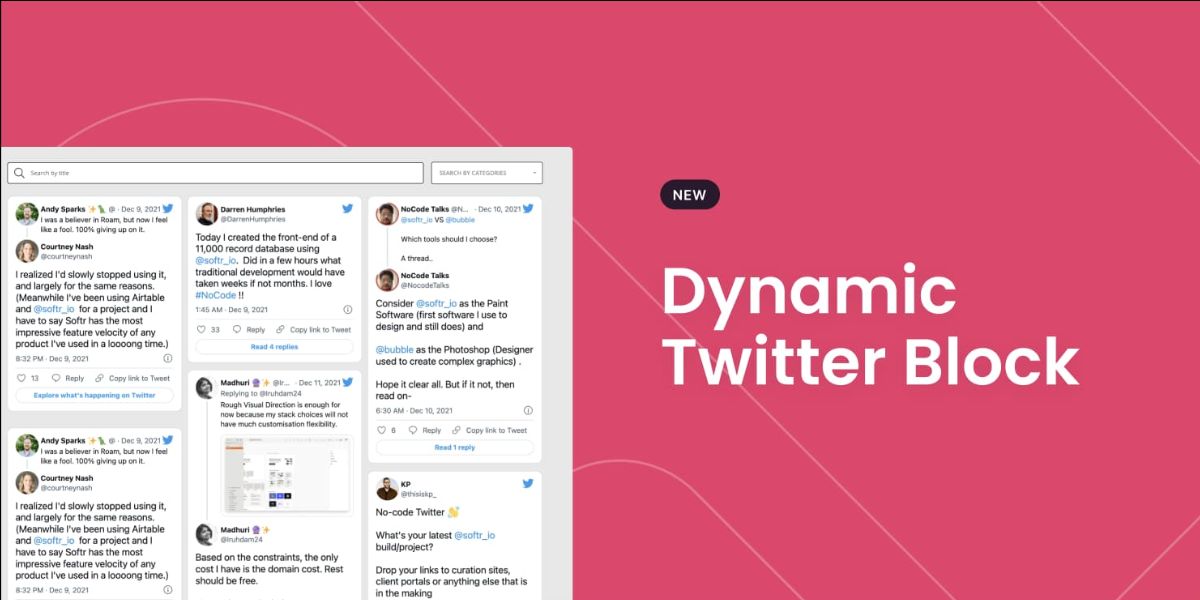
Table Block Improvements
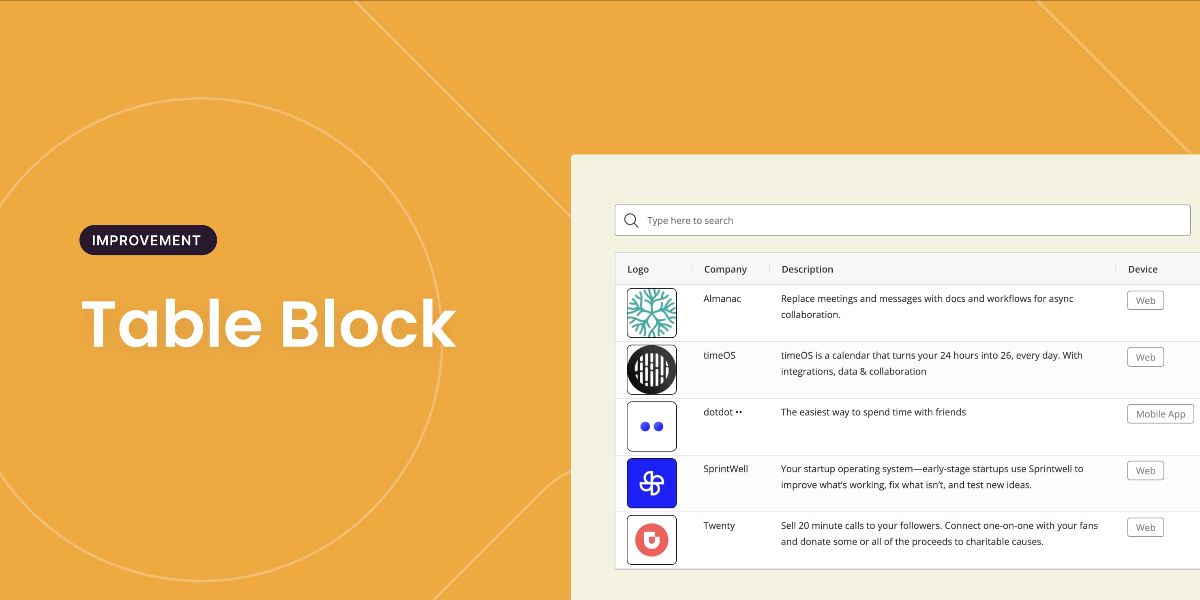
This week we have rolled out a number of table block improvements, including:
4 adjustable row heights Choose from 4 row height options, including small, medium, large & extra-large. The smaller the row height the more records you can show at once on your table. The larger the row heights allow you to show more information per field. Alternatively, toggle on our auto switch and we will adjust the row heights based on the amount of information within the table.
Adjustable column widths You can now define the default width of a column by selecting the block and hovering your cursor over the edges of the column title until the handle option appears. You can then simply drag to your desired width and the changes will be reflected within the application. Please note - to edit the column widths you need to access preview or via your published application.
In-App What's New? Updates
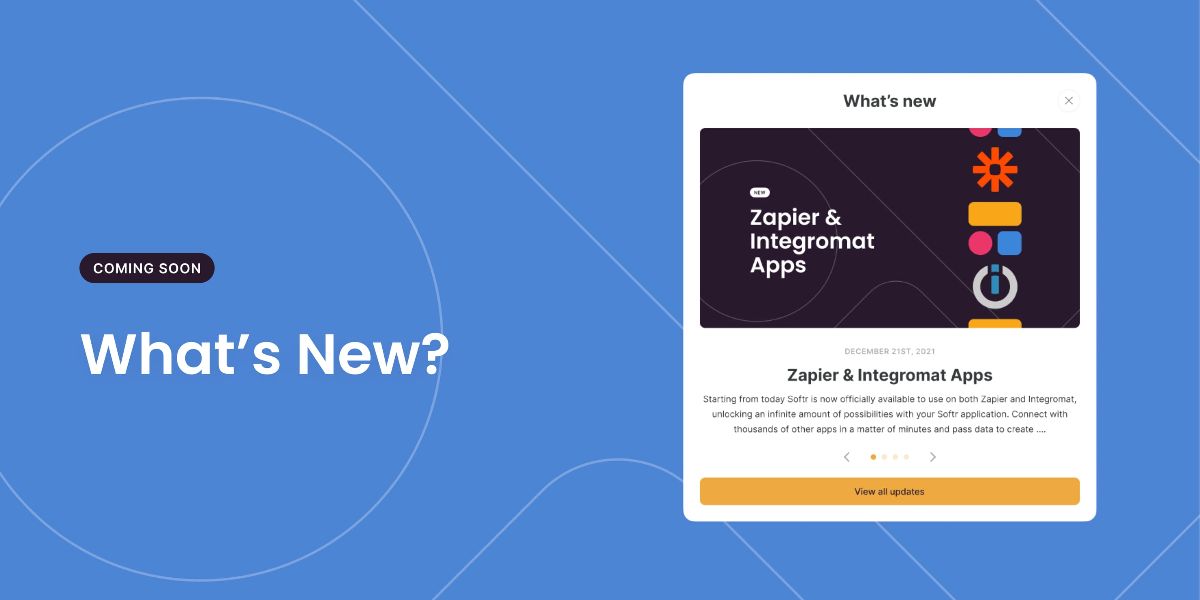
As we move into the New Year and continue to release some huge updates we want to ensure everyone gets the opportunity to see all the latest updates. Therefore, starting in January you will notice a new popup on your dashboard when new improvements, updates or announcements have been published.