What's new in Softr
Check out new features, improvements, and community events!
Vertical nav bar
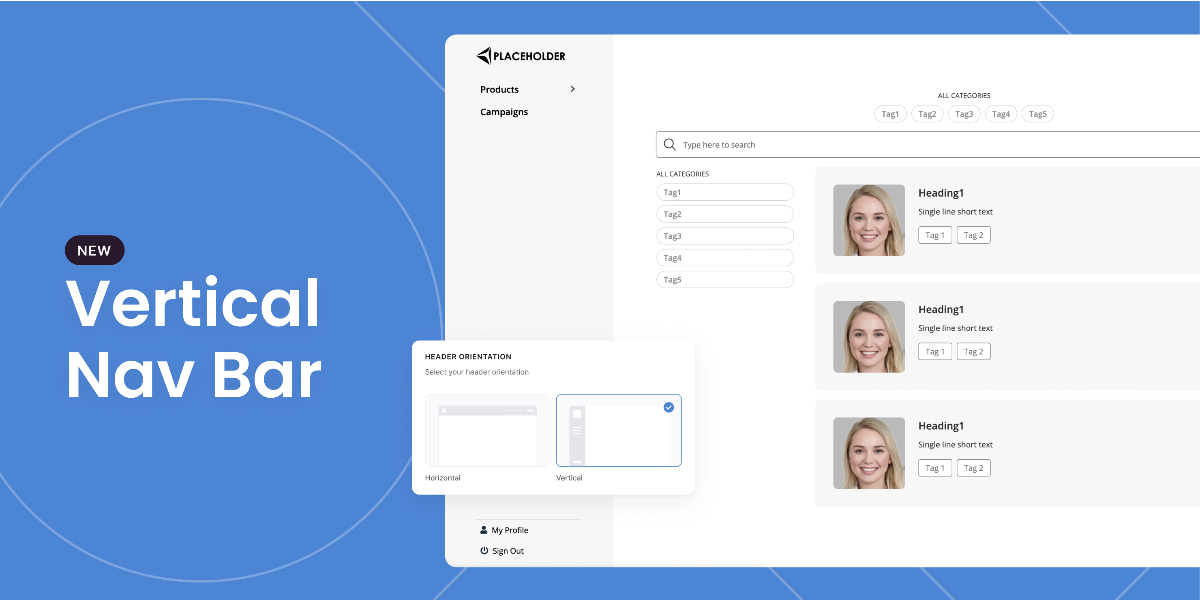
You now have the option to display your application's navigation bar vertically. A great subtle touch for those of you building portals and wanting to create more of a dashboard-like feel. To enable, simply select it from the settings panel when configuring your header block. Note: you will only be able to see it in preview or live mode (in the editor it will remain horizontal - for now).
User billing
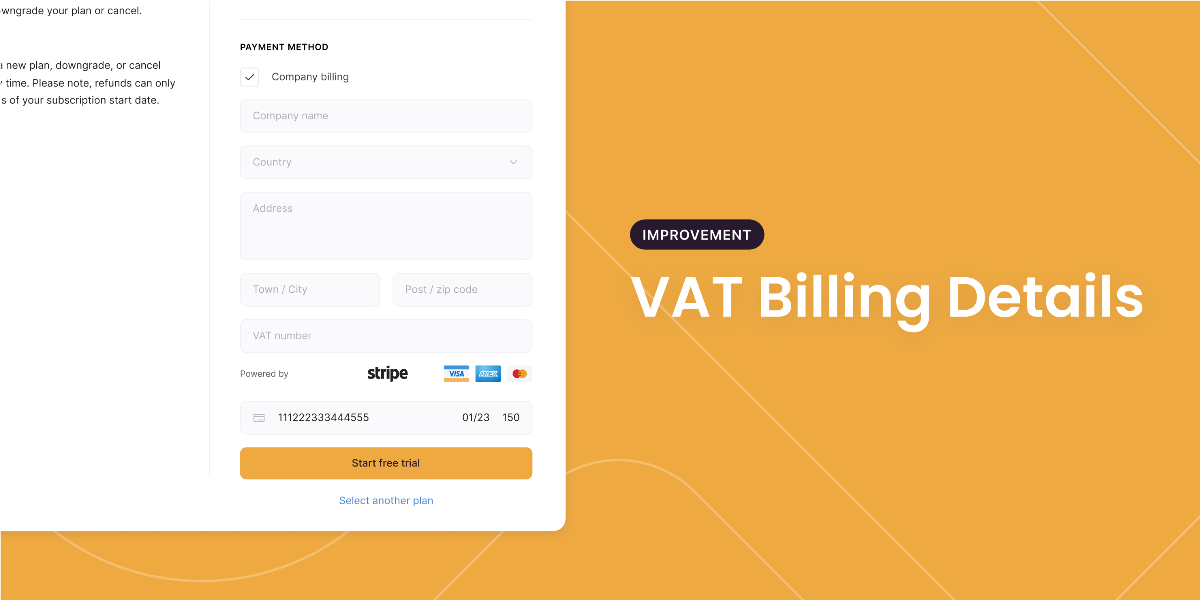
Bit of an administrative update next for those of you that are business users. You can now add your business address and VAT information directly into the invoice when checking out at the billing page!
New Template: Team Wiki
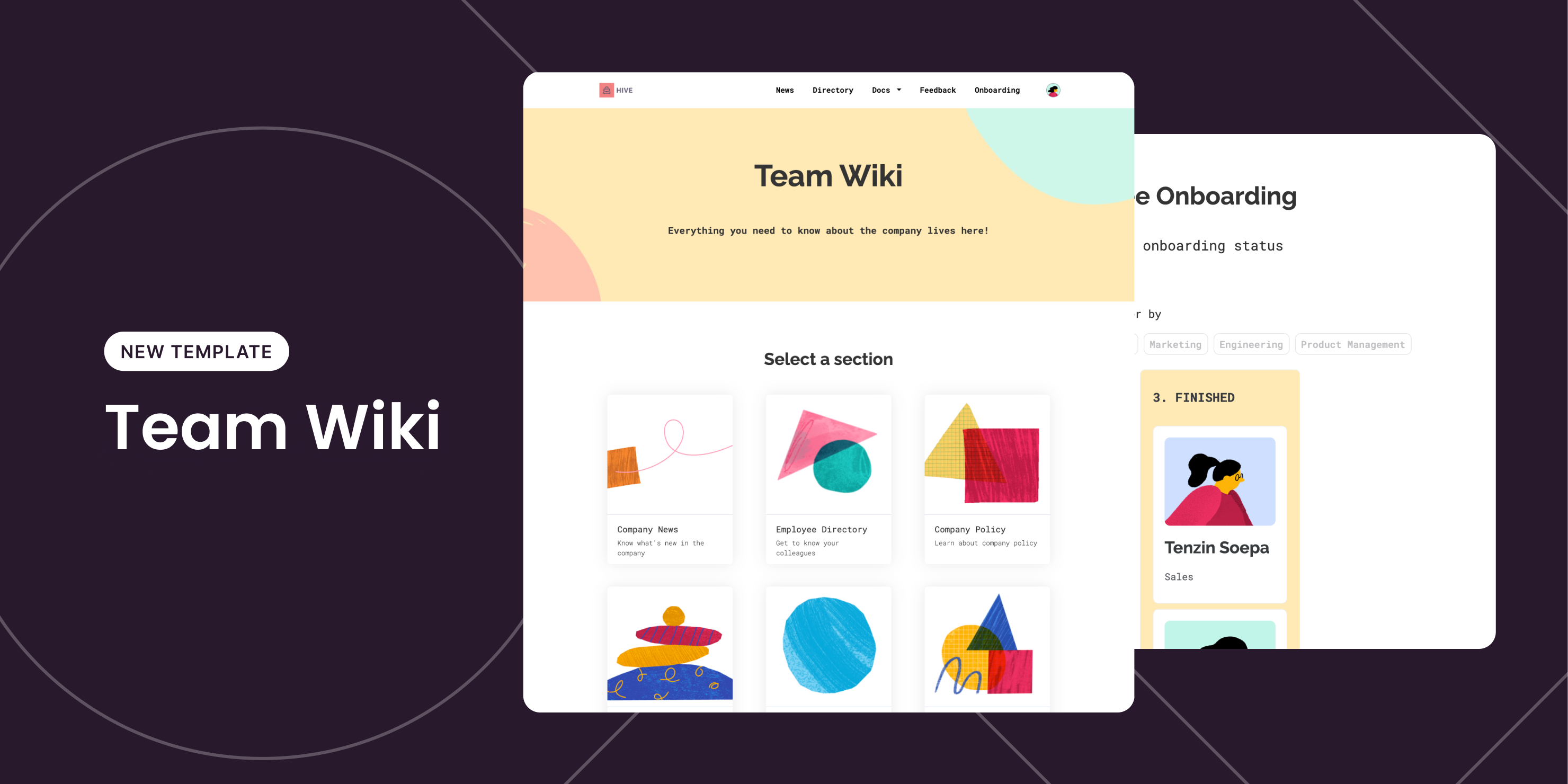
This template helps you create a Team Wiki that hosts all of your company’s resources, such as employee directory, announcements, training documents, and more!
URL redirection
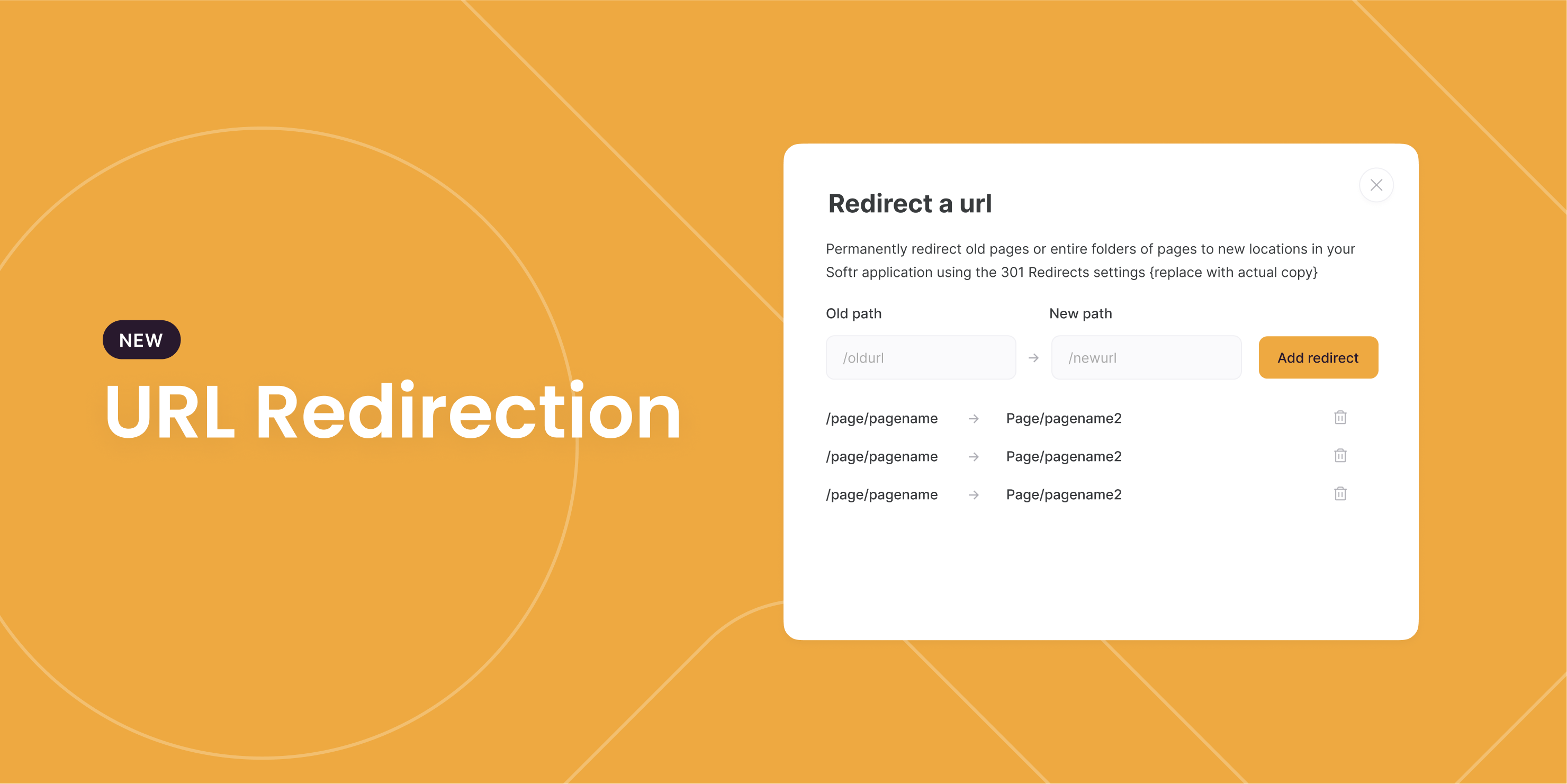
What if you change a page’s URL but want all the links pointing to the old URL to keep working? This is where a 301 redirect comes in (think of it as “mail forwarding for your URLs”).
With our new release, you can now easily define 301 redirects under Settings > SEO. Doing so will not only prevent broken links but also passes the SEO ranking your old URL has accumulated to your new URL, so you won’t have to start over!
Stacked bar chart
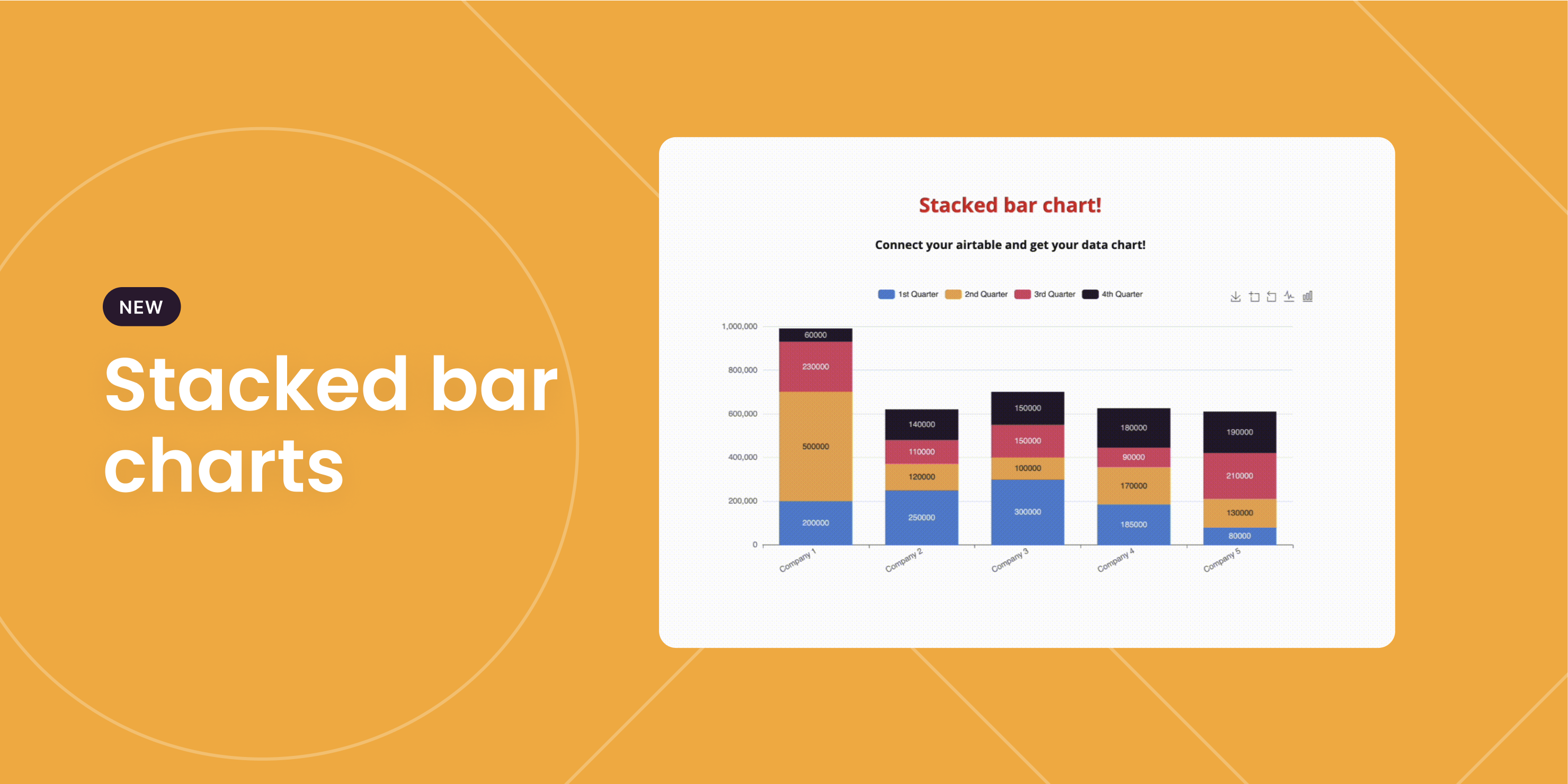
As an alternative to regular bar charts, stacked bar charts let you stack multiple segments on top of each other, helping you compare totals while identifying which segment played the biggest role. See how it works here.
New Template: Donation Tracker
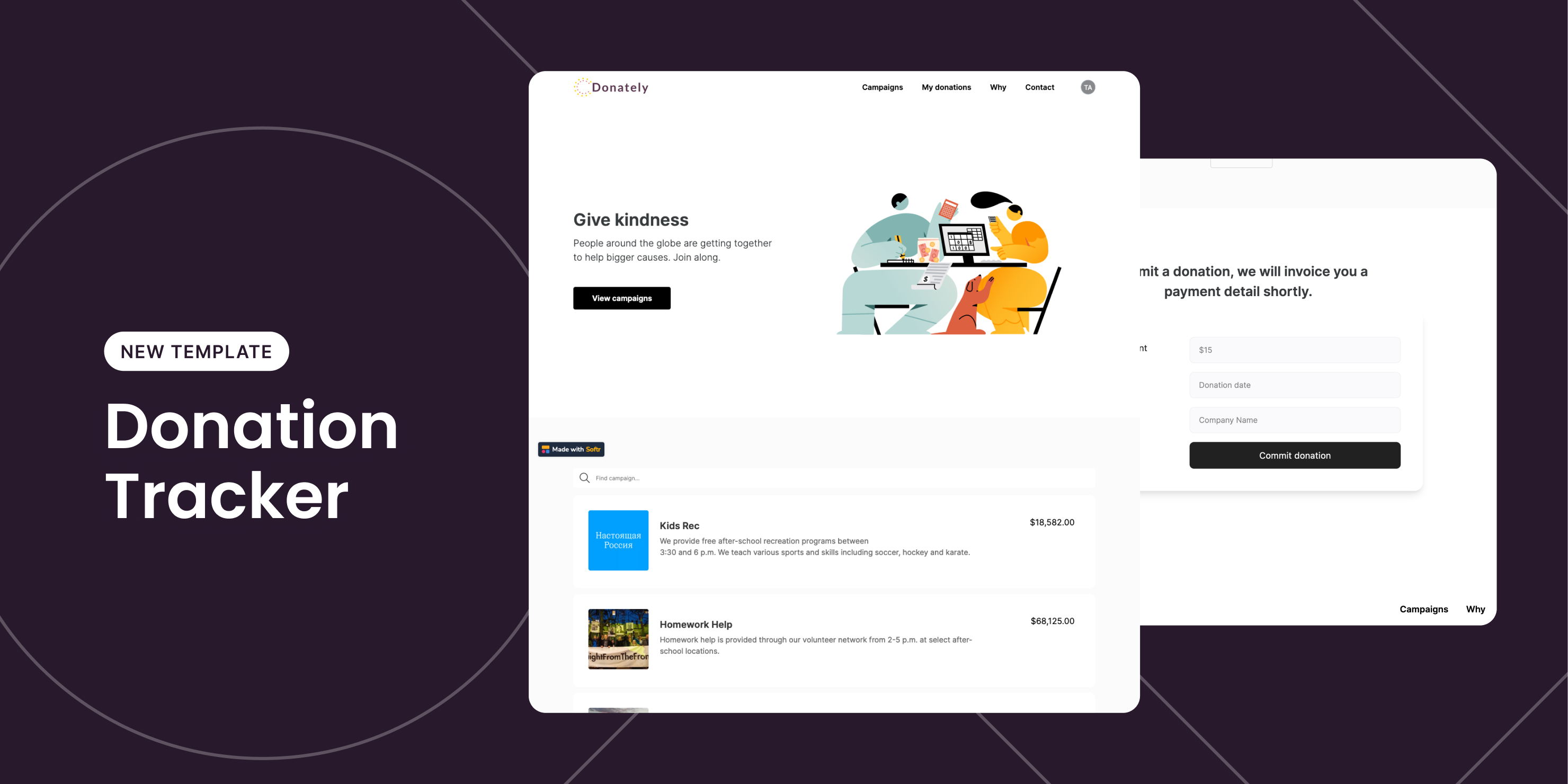
Organize your donation program with this Donation Tracker template. You can list out ongoing campaigns, collect donations, and allow each donor to see their donation records.
Summary cards
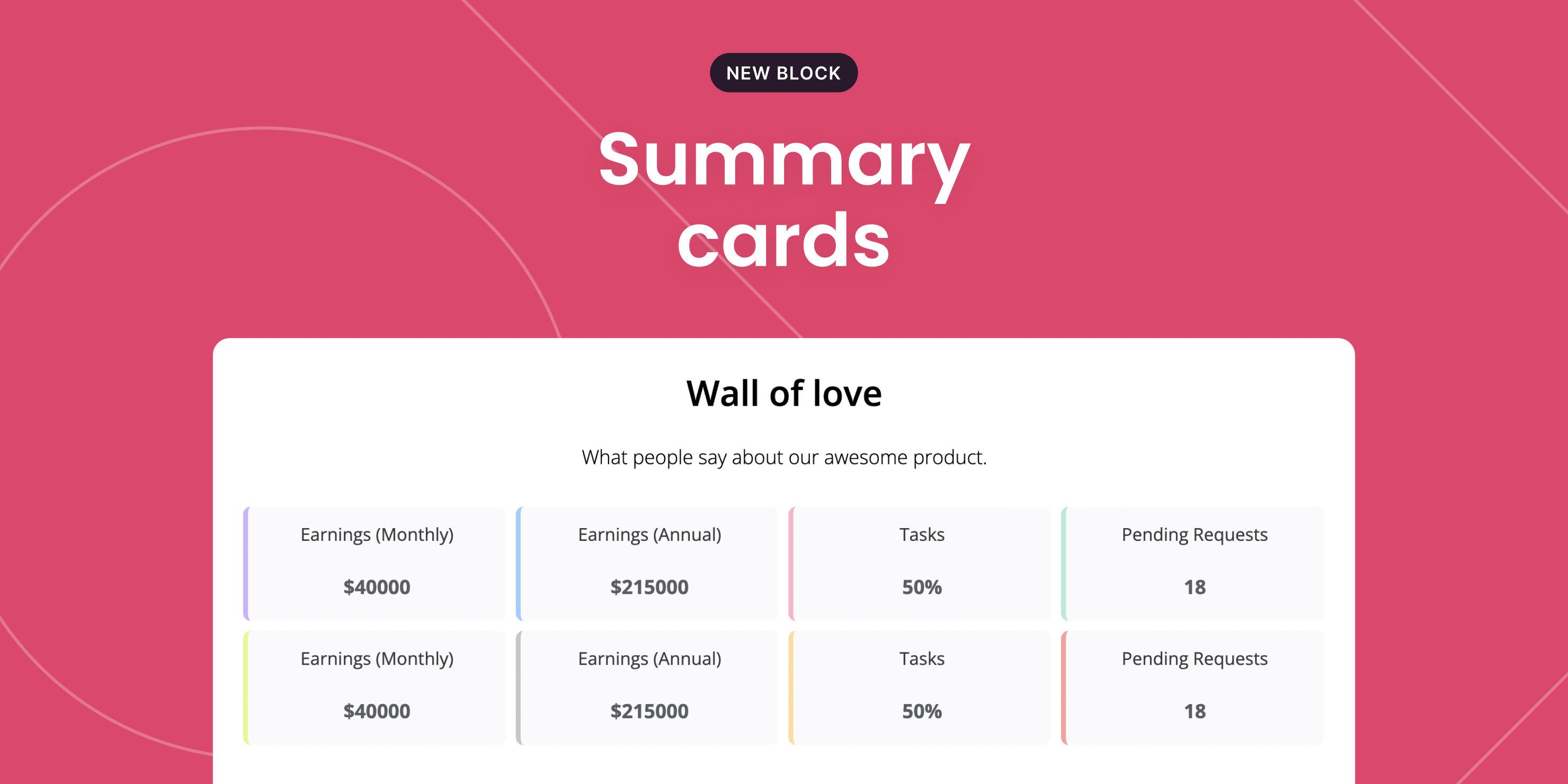
Sometimes you don’t need a fancy chart to show your data – just a single number will do. The Summary Card block lets you do exactly that! You can add up to 4 cards per row. Check it out here.
Calendar block just got better!
Like other dynamic blocks, you can now set up conditional filters on the Calendar block to show only relevant events to each user. This will enable you to create a “personal calendar” in your Softr app. More fields + better time display We have increased the flexibility of Calendar block by letting you add any fields (except Embeds) inside event details. Find out more here.

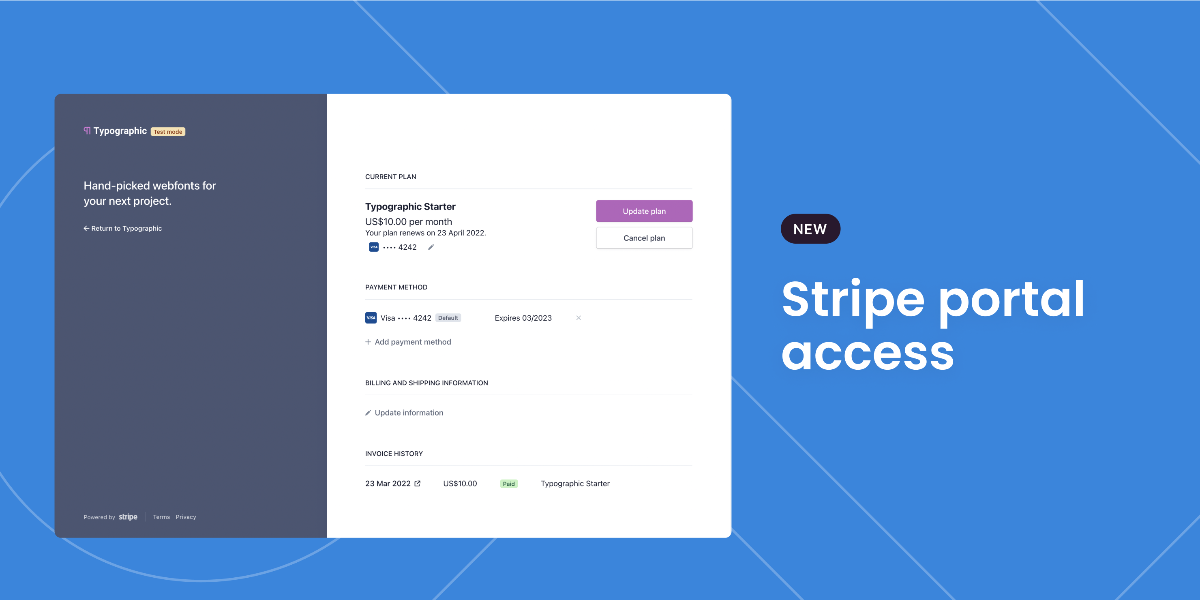
Stripe portal access
Continuing our efforts to improve the user journey of your monetised application, you can now enable users to directly access their personal portal on Stripe via Softr. Look for the the 'Stripe customer portal' block to take advantage of this. Don't forget, you will need to make sure you have already integrated your Stripe account with your Softr app.
More details here.
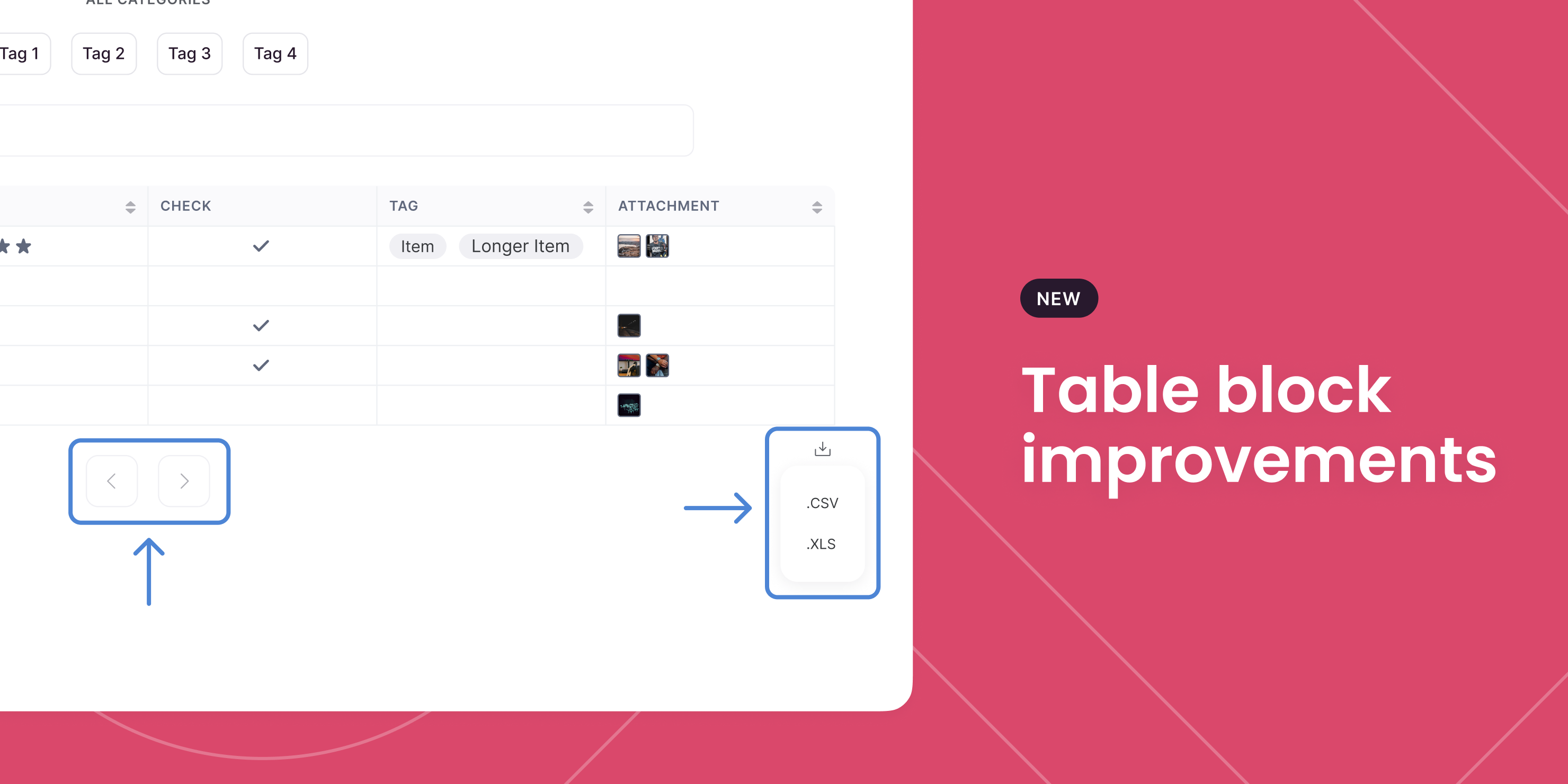
Tables get more functional
Pagination, load more, and CSV/XLS export are the hottest new table updates that will truly bring your tables to life! Of course, completely up to you if you wish to enable these functionalities - simply switch the toggles in the settings.
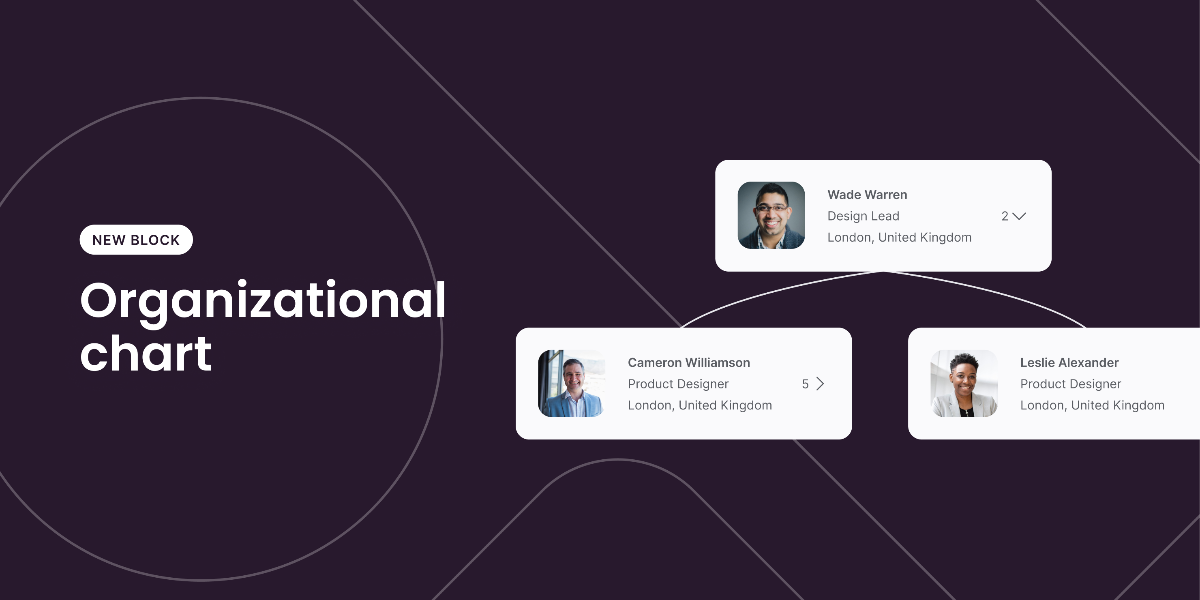
Introducing Organizational Charts!
Those of you building an internal portal and wanting to list your organization you can now display them in a deliciously neat organizational chart. Whether it be the leaders, team, or board; see how everyone is connected in a single interface. Find the block by searching 'Organizational Chart' then, connect your Airtable as you would with any of the List blocks and see the magic come together.
Detailed instructions on setting up the block here.
Billing dashboard
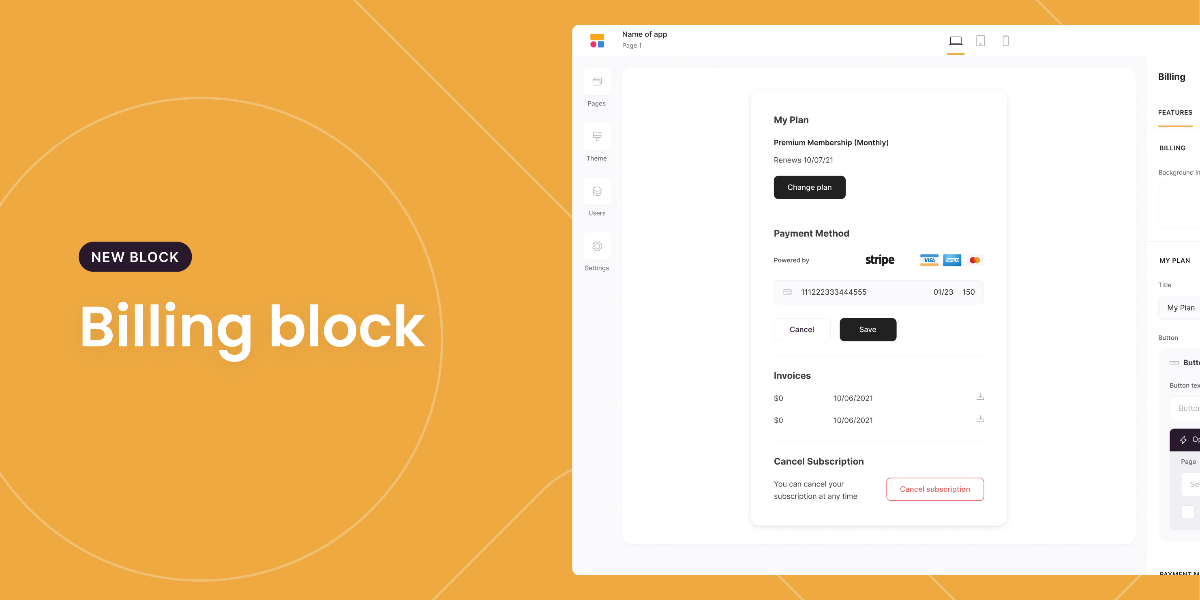
It gets better. Again, for those of you that are billing your users on your monetised application this one is big. You can now enable them to see all their billing info in a beautiful interface directly from within the application. Look for the 'Simple billing form' block and add it into your build.
You can find instructions on configuring the block here.