What's new in Softr
Check out new features, improvements, and community events!
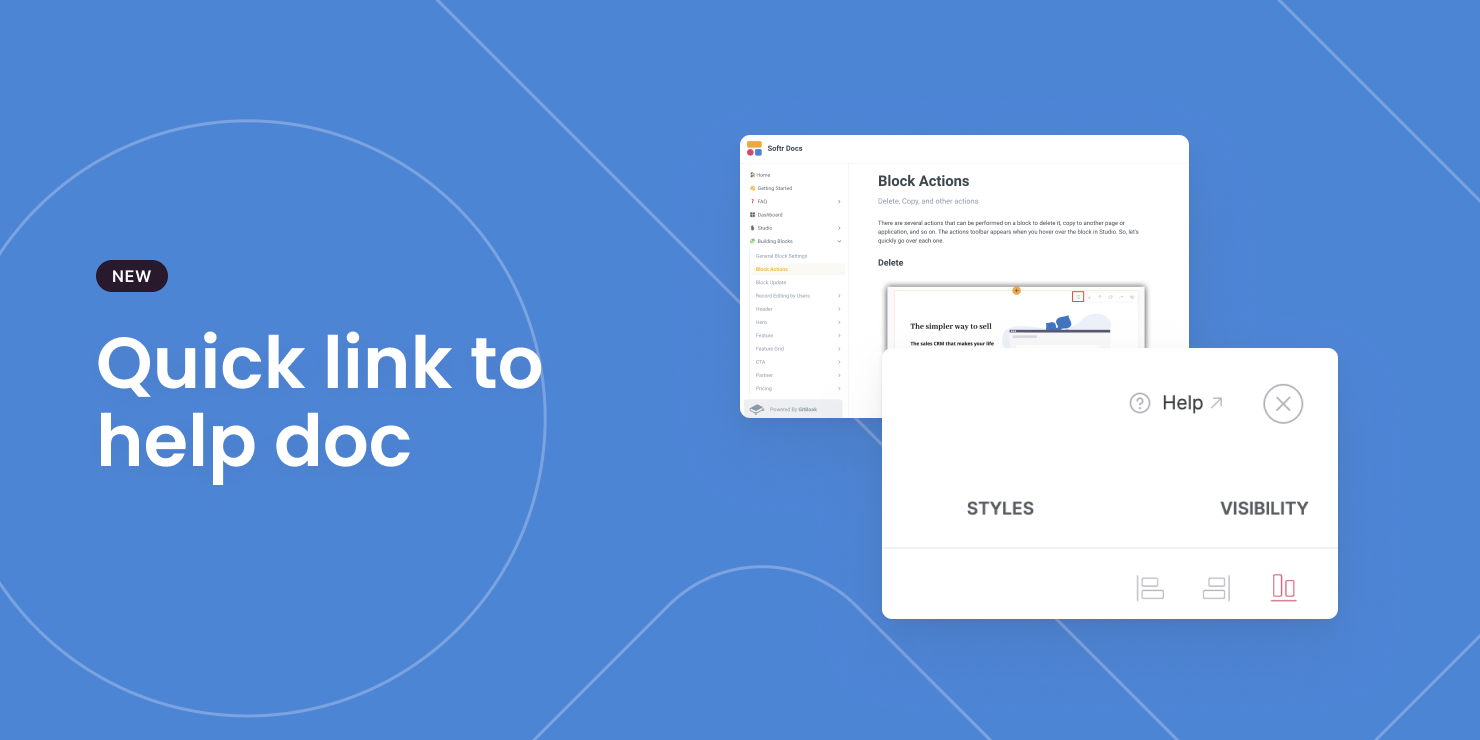
Quick link to help doc
Can't figure out how a block works? Just click on "Help" in settings panel to open the help doc!
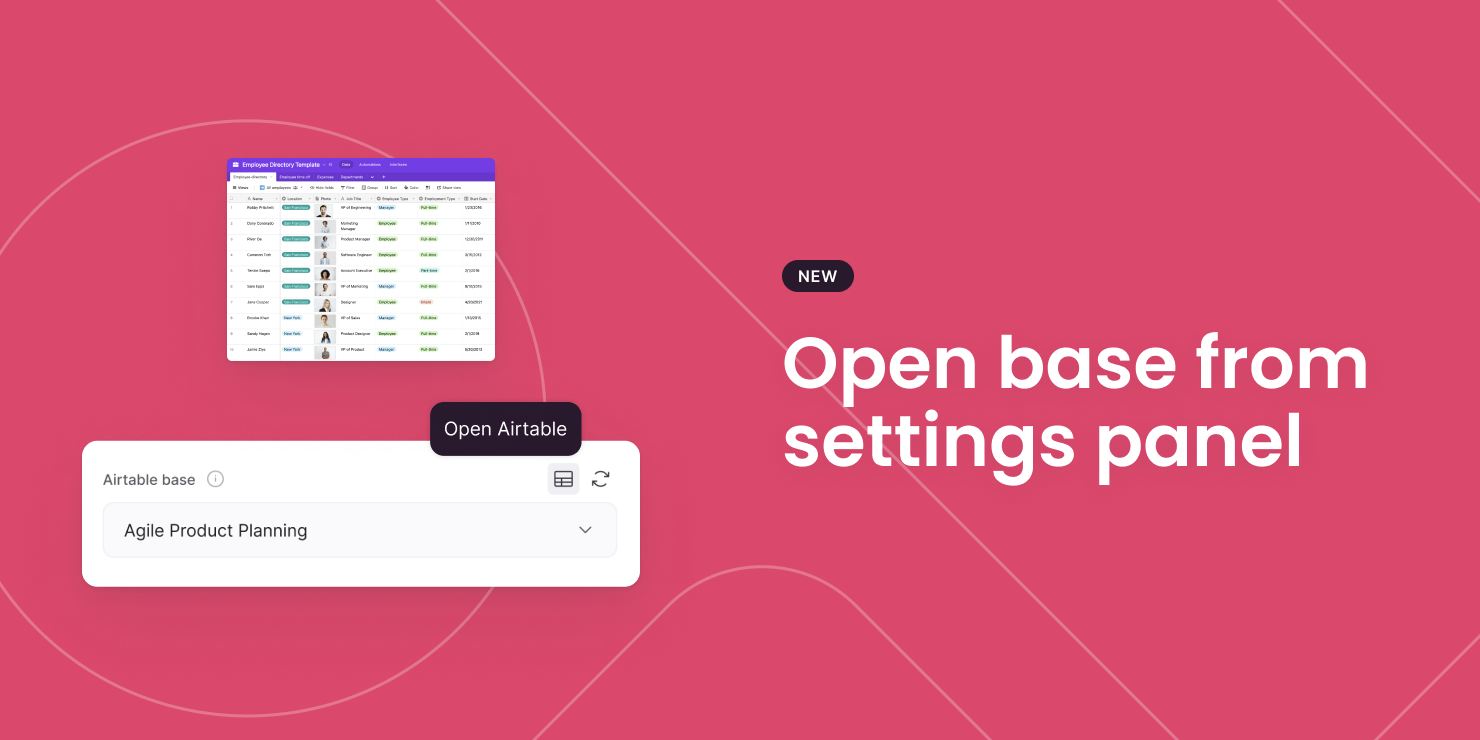
Open Airtable base from settings panel
Tired of browsing through your Airtable account to find the base you use for a particular block? We just made this step a lot easier for you!
Redirect groups of users
You can now redirect groups of users to different pages after sign in, signup, and sign out from a single interface! For those of you working with multiple user groups this one will help save you pockets of time. Accessed from under the _Users _settings on the left panel of the editor.

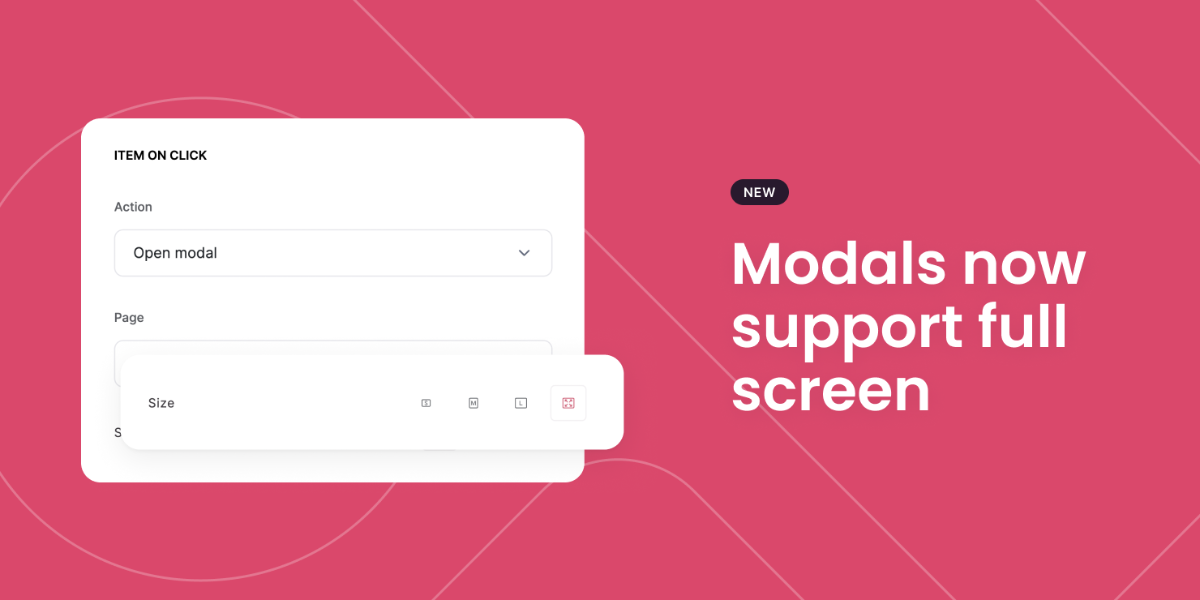
Modals now support full screen
Does what it says on the tin. If you are working with modals you can now set it to appear as at full screen. Simply select the full screen icon if you're choosing to 'Open Modal' on Action.
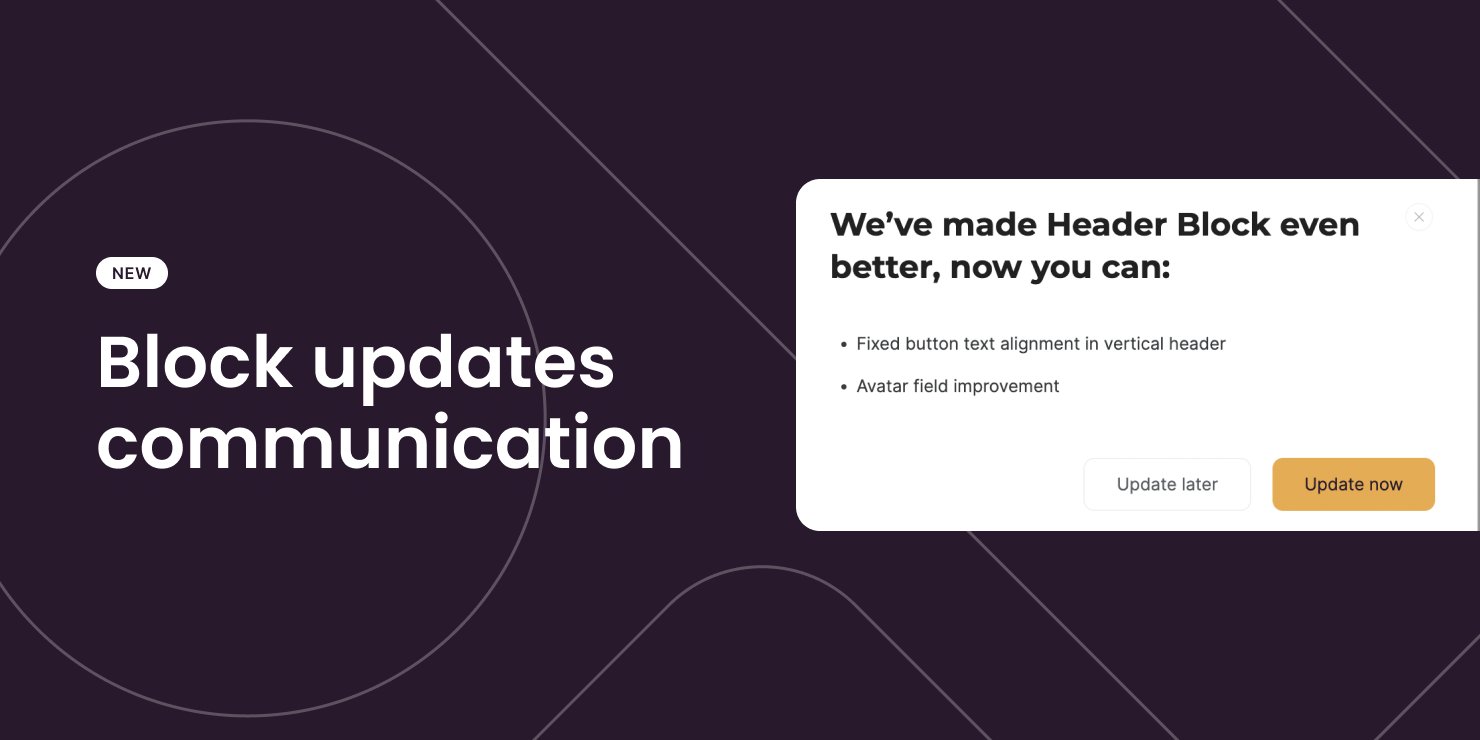
Updating that block
As you know, we're always improving our blocks and from time to time they may need updating. Moving forward, we have created a more transparent approach for you to understand specifically which improvements you will see with each update!
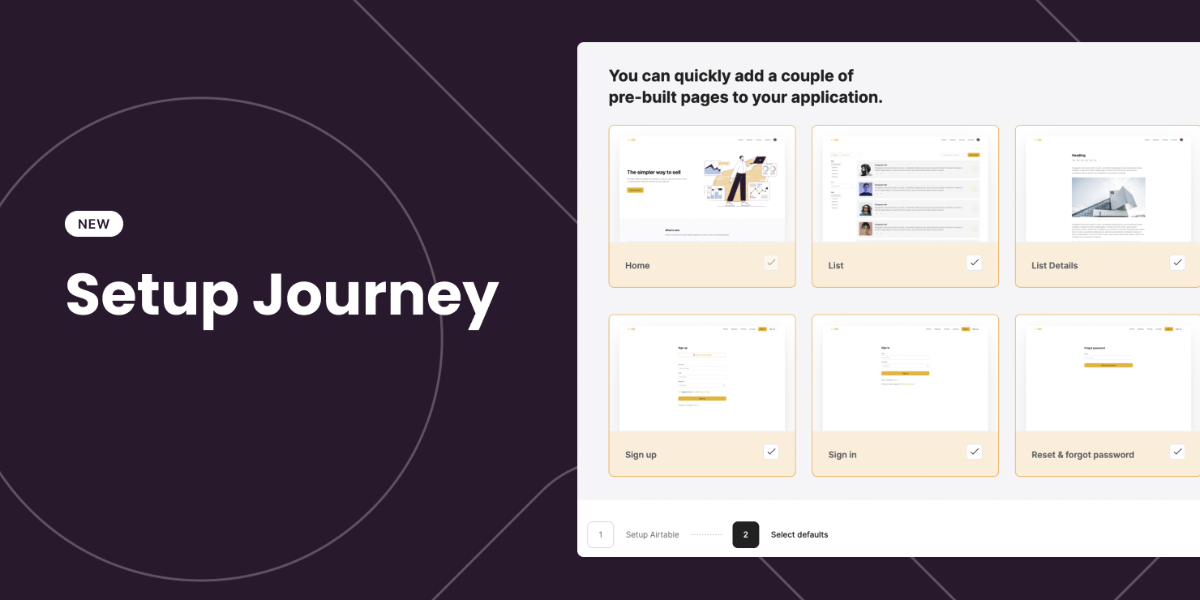
New setup journey and checklist
New to Softr? We’ve redesigned our setup journey to help you build an application more easily, whether you are starting from scratch or a template. If you are an existing user, you can also follow our checklist to make sure you have all the essential pieces to bring your app to the world!
More details here.
Microsoft clarity integration
Microsoft Clarity native integration now available for Softr! Clarity is a free user behaviour analytics tool that helps you understand how your users are interacting with your application through session replays and heatmaps. Learn how to set it up here.

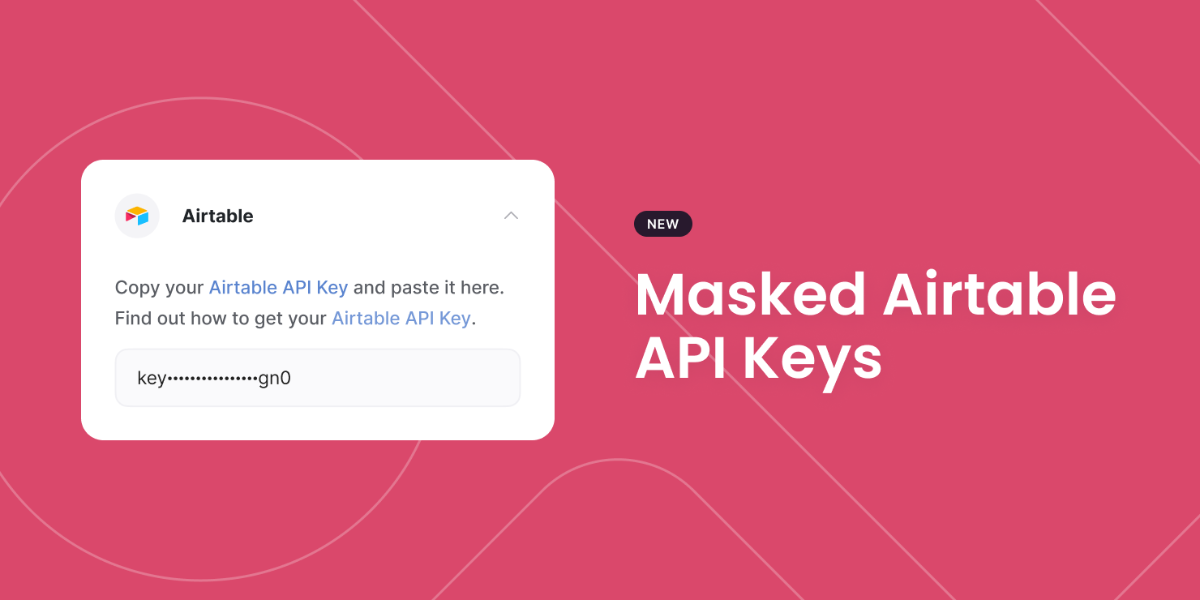
Masked Airtable API keys
In a continued effort to improve the security of Softr's users; Your Airtable API key is now masked from other collaborators in your application. So, any collaborator involved in building with you on your application will no longer see your Airtable API key.
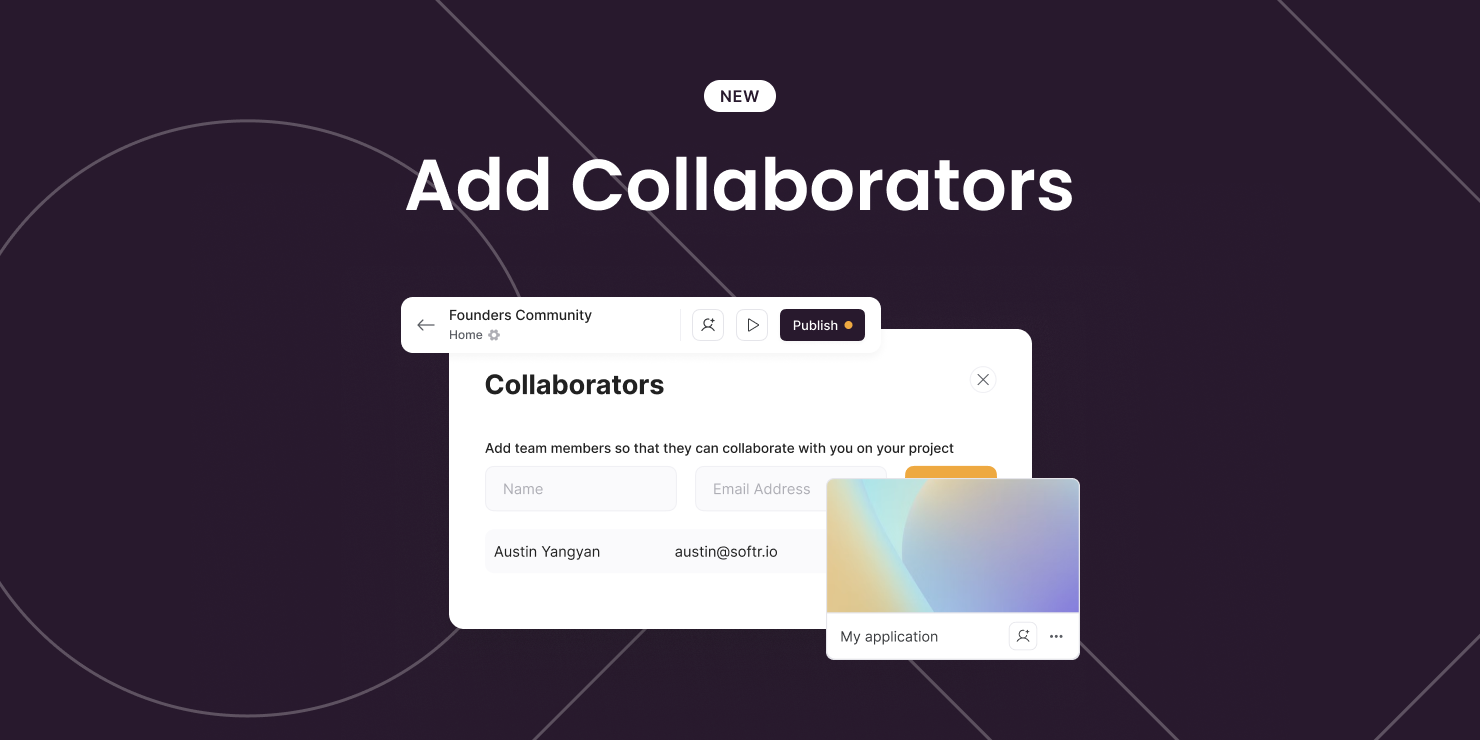
Add collaborators!
Adding collaborators to join you on your build? You can now add them with ease - directly from within the app itself (on the header bar). Oh, and by the way - we've also made it easier to add them from the app cards on the dashboard too!
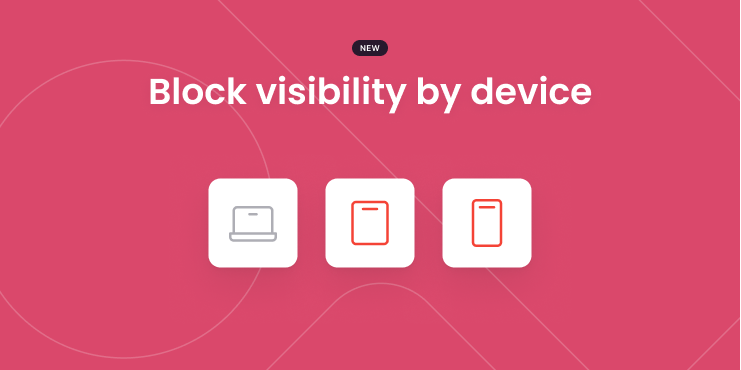
Block Visibility by Device
At Softr, we try to make each block look great on different devices by default, but we understand sometimes you need more control over what to show on each device type.
With this new feature, you can now hide/show a block on specific devices, allowing you to create different variations of the same block!
To set this up, open a block's setting panel > Visibility tab > Block visibility by device
P.S. Currently, the setting will only take affect in a live app (not in editor or preview mode). We'll improve this in upcoming releases.
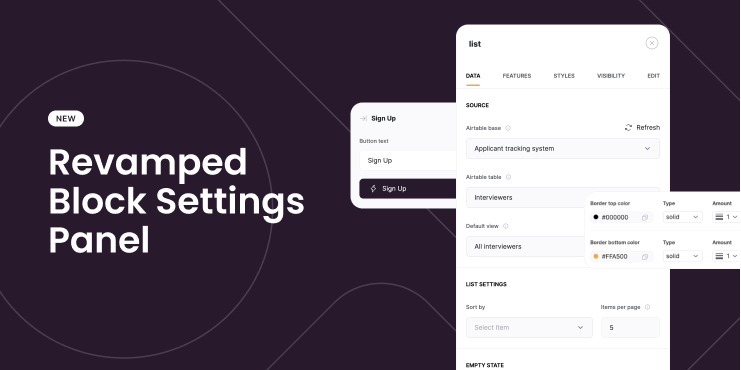
Revamped Block Settings Panel
A brand new look for our block settings panel. Easier to navigate + more intuitive controls!
Don't worry, this doesn't affect any of your settings – there's nothing you have to do.
Here's a detailed walkthrough video to help you get a better idea of the changes.
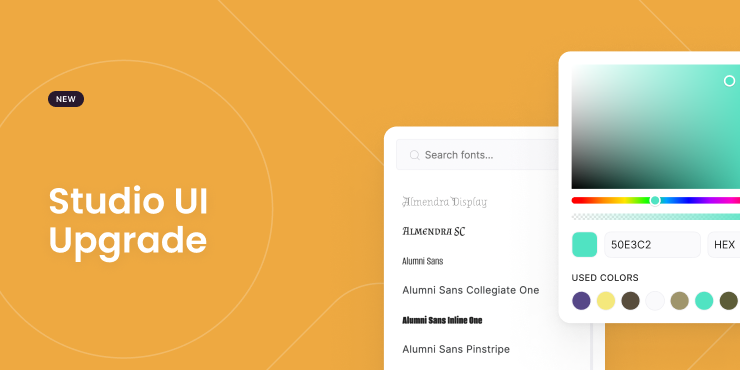
Studio UI Upgrade
To make building Softr apps a more pleasant experience, we've made some upgrades to the studio interface. For example:
- An improved color picker.
- Font preview right inside the dropdown.