What's new in Softr
Check out new features, improvements, and community events!
BigQuery as a data source
BigQuery is now available as a data source on Softr. Unlock your data warehouse, no coding or complex analytics tools required. Connect to BigQuery in a few clicks. Build custom dashboards for different teams. Deliver custom reports to external partners via a secure Softr portal.

More secure file uploads
To make your data more secure, any file uploaded through a Softr app that gets hosted on our server will now have an expiring URL when exposed to your users.
Don’t worry, this has no impact on the end user experience, and the main URL stored in your source will remain unchanged.
📝 NOTE: Not all files uploaded through Softr apps are hosted by us. For example, if a file gets saved to Airtable’s attachement field, Airtable will be responsible for hosting the file.

Airtable + Softr apps are 3X faster
Softr apps powered by Airtable now run 3x faster! We've enhanced our system to speed up data processing, ensuring your apps perform faster and more smoothly. 🏎 Looking to boost your app's speed even further? You can now also switch existing Airtable connections from OAuth to Personal Access Token (PAT)
One-click clear value
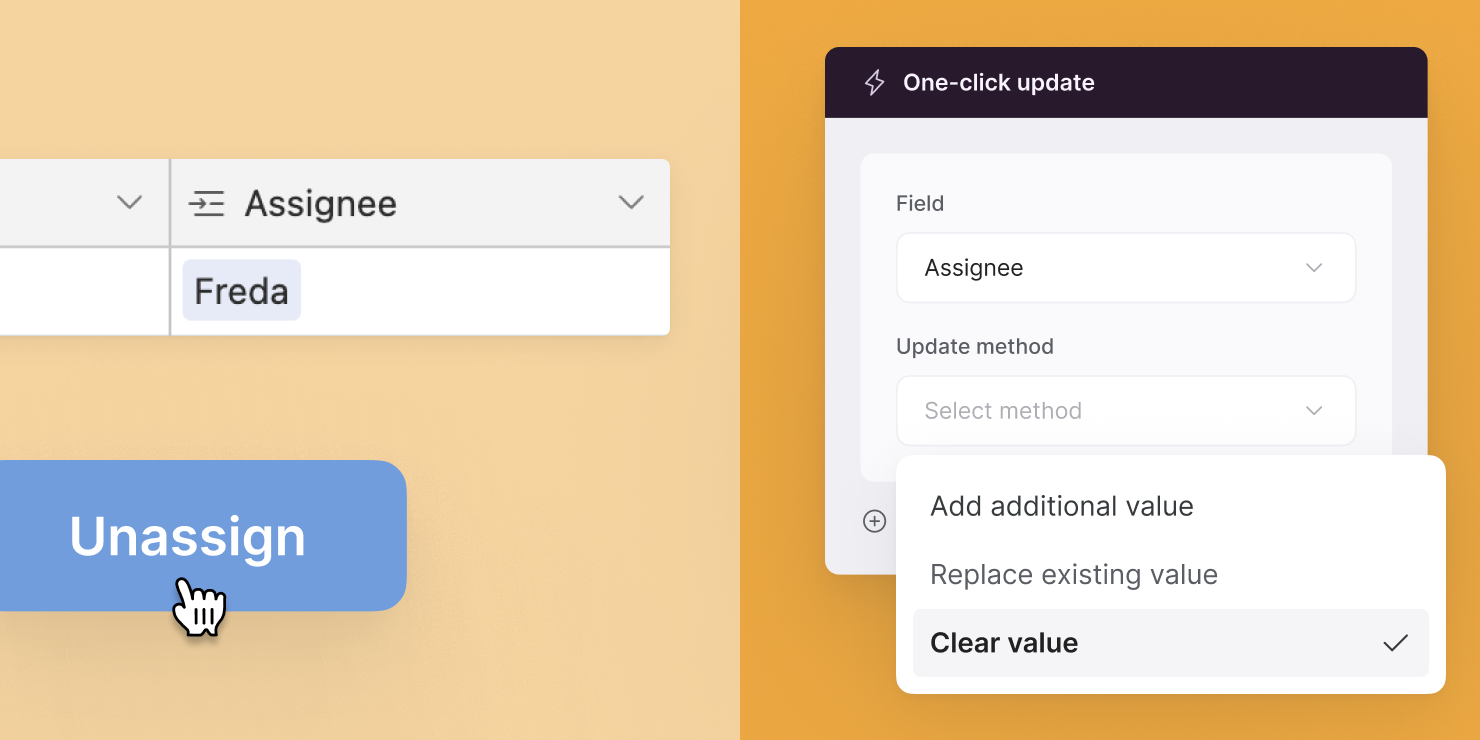
In addition to One-click update options to replace or add new value, you can also clear value in your data.
Hidden fields: Current time/date variables
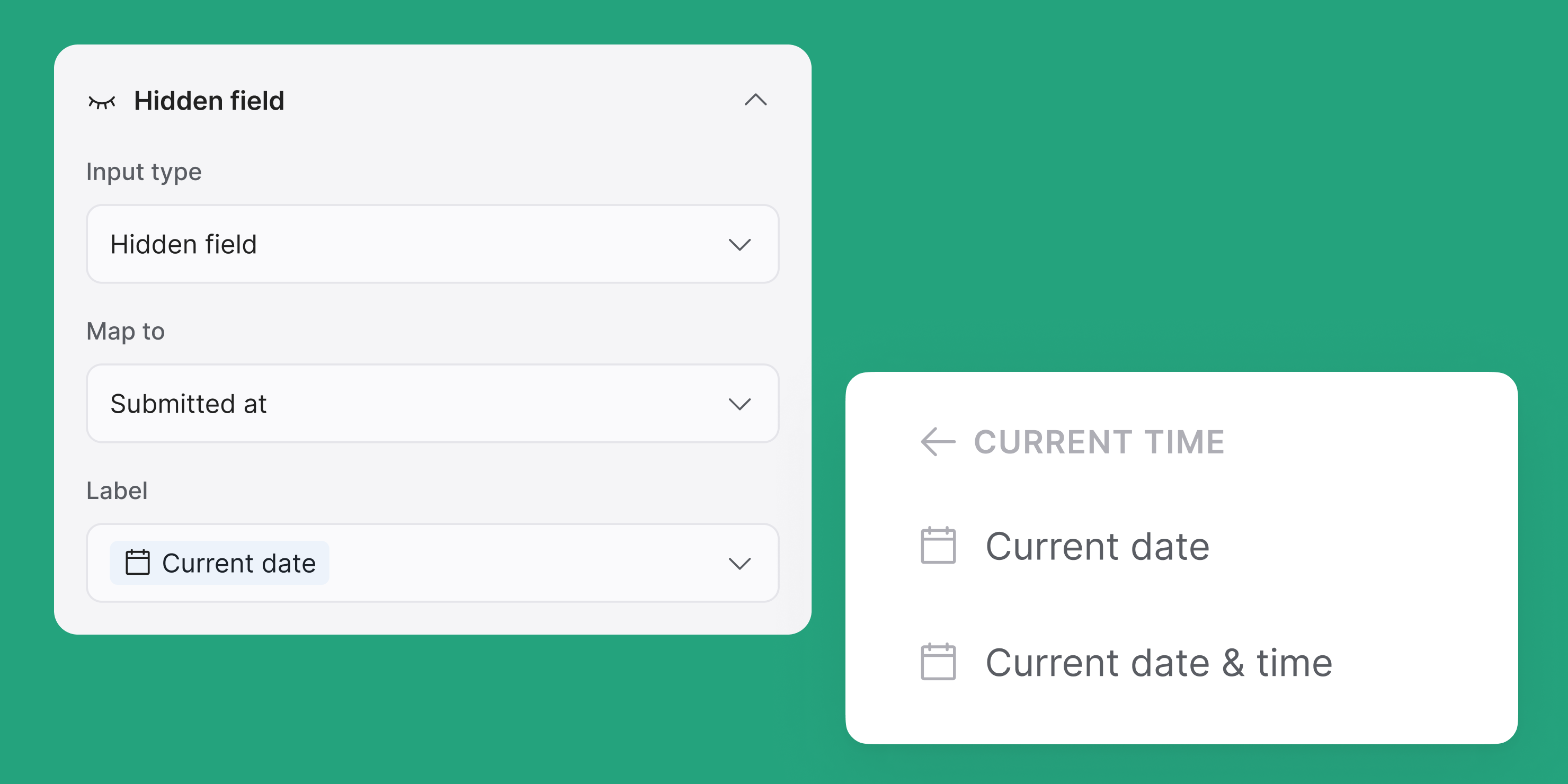
Now you can use Current Date and Current Date & Time as hidden fields to precisely track the time of form and action submissions.
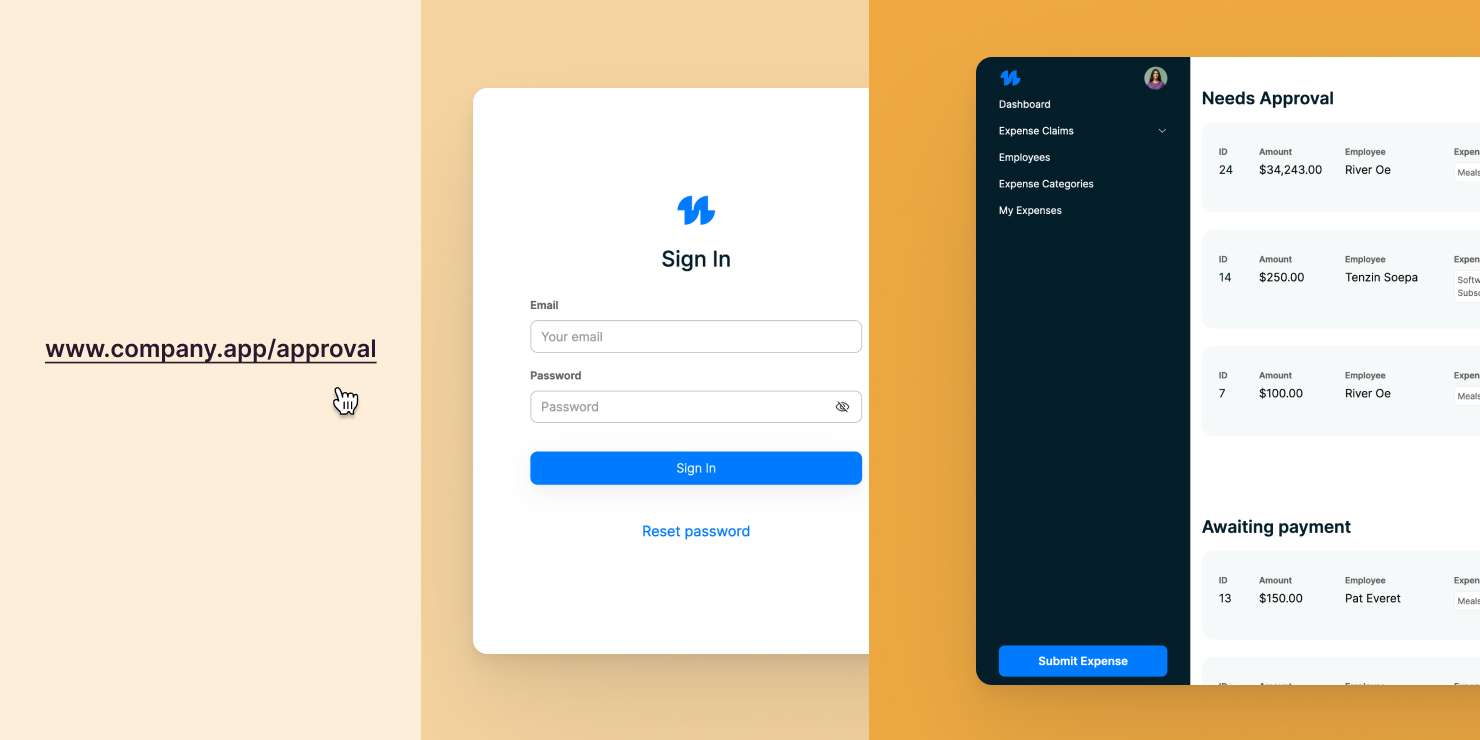
Redirect user to intended page after sign-in
Previously, if a user was prompted to sign in when trying to access a gated page, they would always be redirected to the same page after signing in (based on your setting), which was not a desirable experience.
We have now improved this flow: Softr apps can now remember the specific page each user is trying to access and take them directly there after sign-in!
Download file action
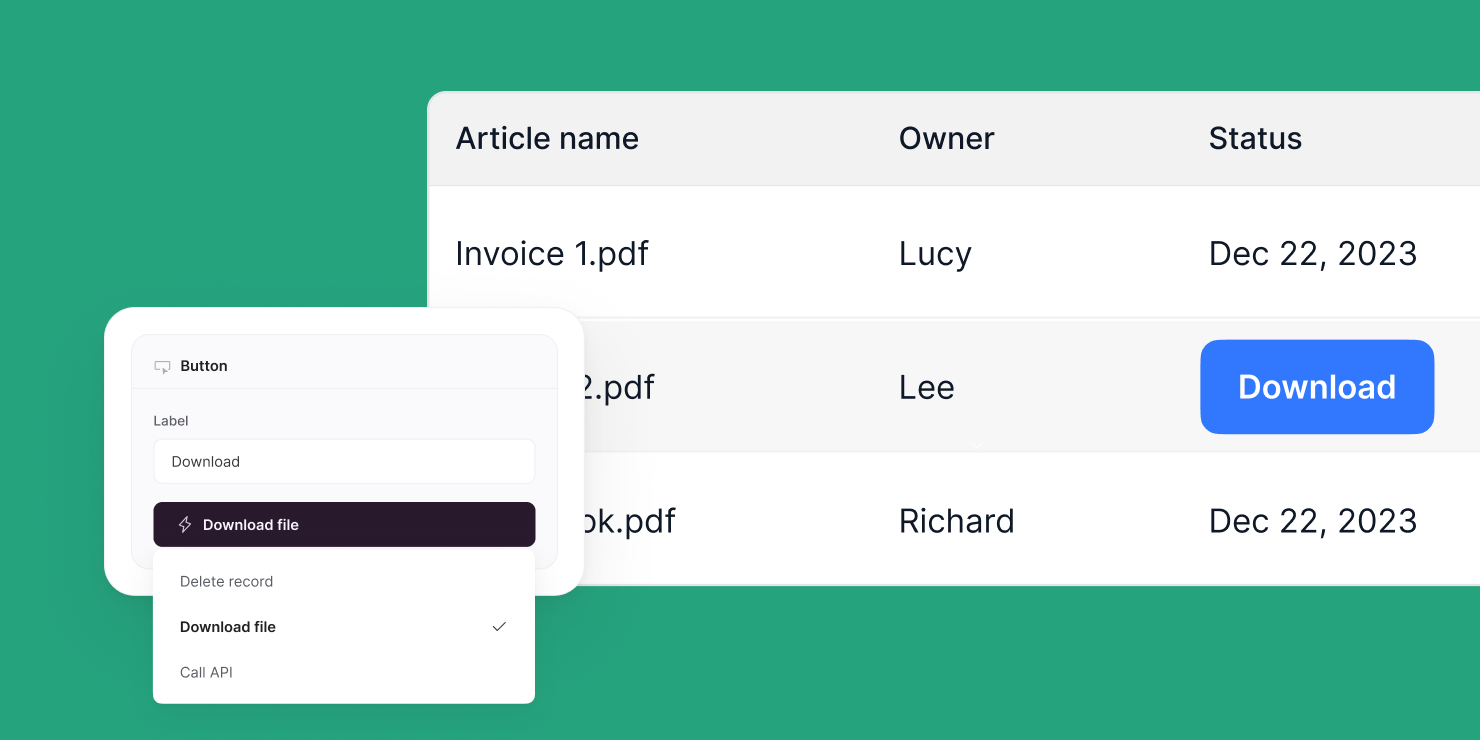
Want to let users download a file with just a button click? Now you can!
P.S. In case you didn’t know, you can also enable file downloads using the “File” field.
Softr is now SOC 2 certified
We're thrilled to announce that Softr is now SOC 2 Type 1 certified, reinforcing our dedication to your business app's security and availability. This certification means you can build apps for your critical operations, knowing they're protected with industry-leading standard. Read more

Call API action
You can now let users send data to any 3rd-party apps via REST API using this new action.
For example, your user can click on an item in your Softr app to...
- Create an invoice in your accounting software.
- Update lead status in your CRM.
- Attach a file to client’s project in your project tracker.
- Send an email notification.
- Trigger Zapier/Make automations.
- The possibilities are endless!
Available on: Business plan and above

Global record restrictions
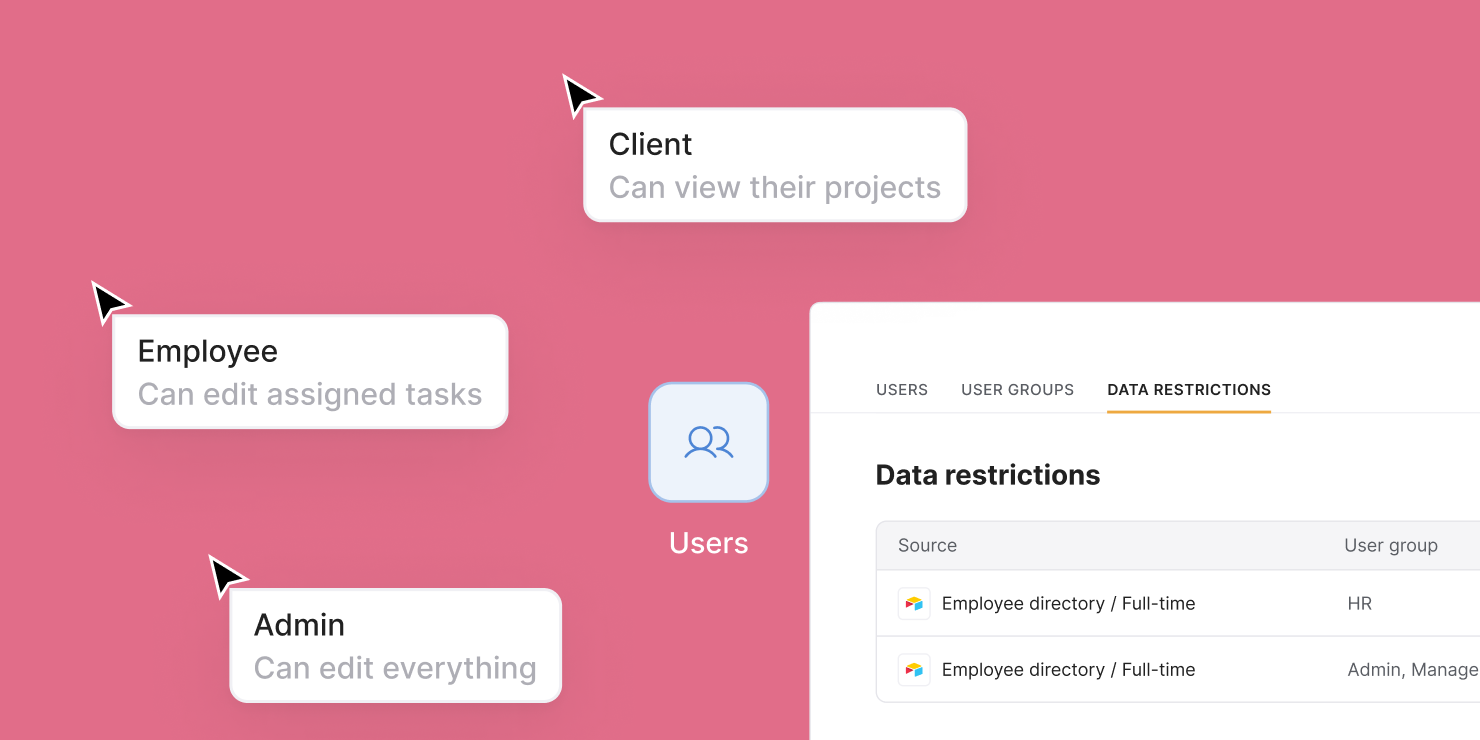
Tired of setting record permissions one block at a time? Now you can apply restrictions to entire user groups in Users > Data Restrictions. Data restriction rules will apply everywhere, including lists, actions, and form options. Want to prevent clients from seeing each other’s data? Set it up once and forget it.
Available features per plan:
- VIEW restrictions: All plans
- EDIT, DELETE, CREATE restrictions: Business & Enterprise plans
HubSpot as a data source (beta)
Now, you can easily build custom portals, tools, and forms that leverage your HubSpot CRM data, and integrate seamlessly with a variety of other data sources. Read more about the launch in this blog post.

Conditional filters for different data types
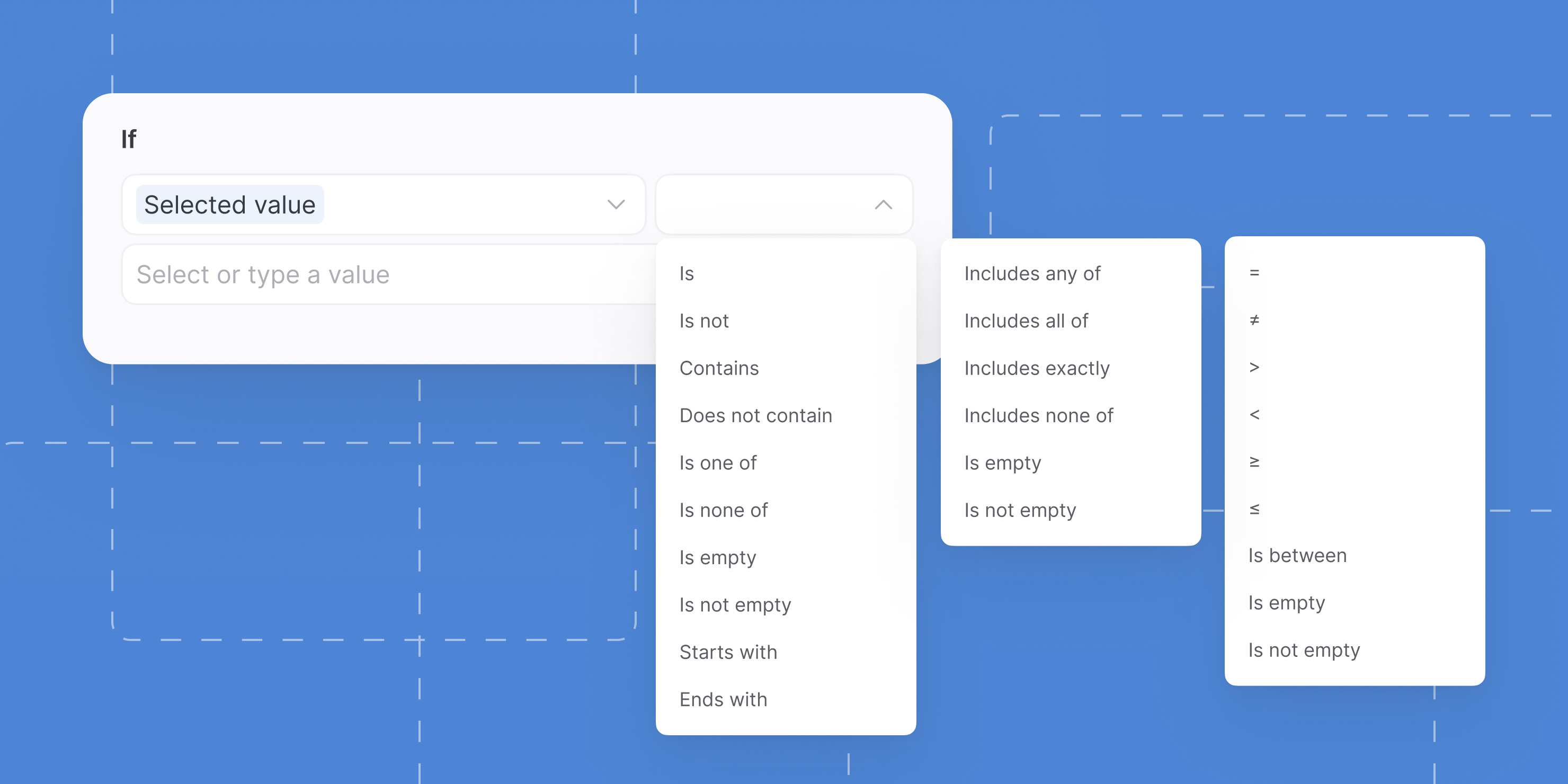
We've upgraded condition builders across Softr Studio! Now, when you set up record filters, user group rules, or control item button visibility, you'll see operators tailored to the selected field's data type:
- String / Text
- Number
- Array / List