5 best Notion alternatives for productivity in 2026



Notion draws people in as an all-in-one workspace, where notes become databases and document creation and project management coexist. Over time the cracks appear: pages load slower as databases grow, the learning curve gets steeper with each new feature, and premium plans weigh more heavily on the budget as the team grows. Here are the best Notion alternatives for 2026.
Best Notion alternatives at a glance
1. Softr — best for turning your data into internal tools and client portals
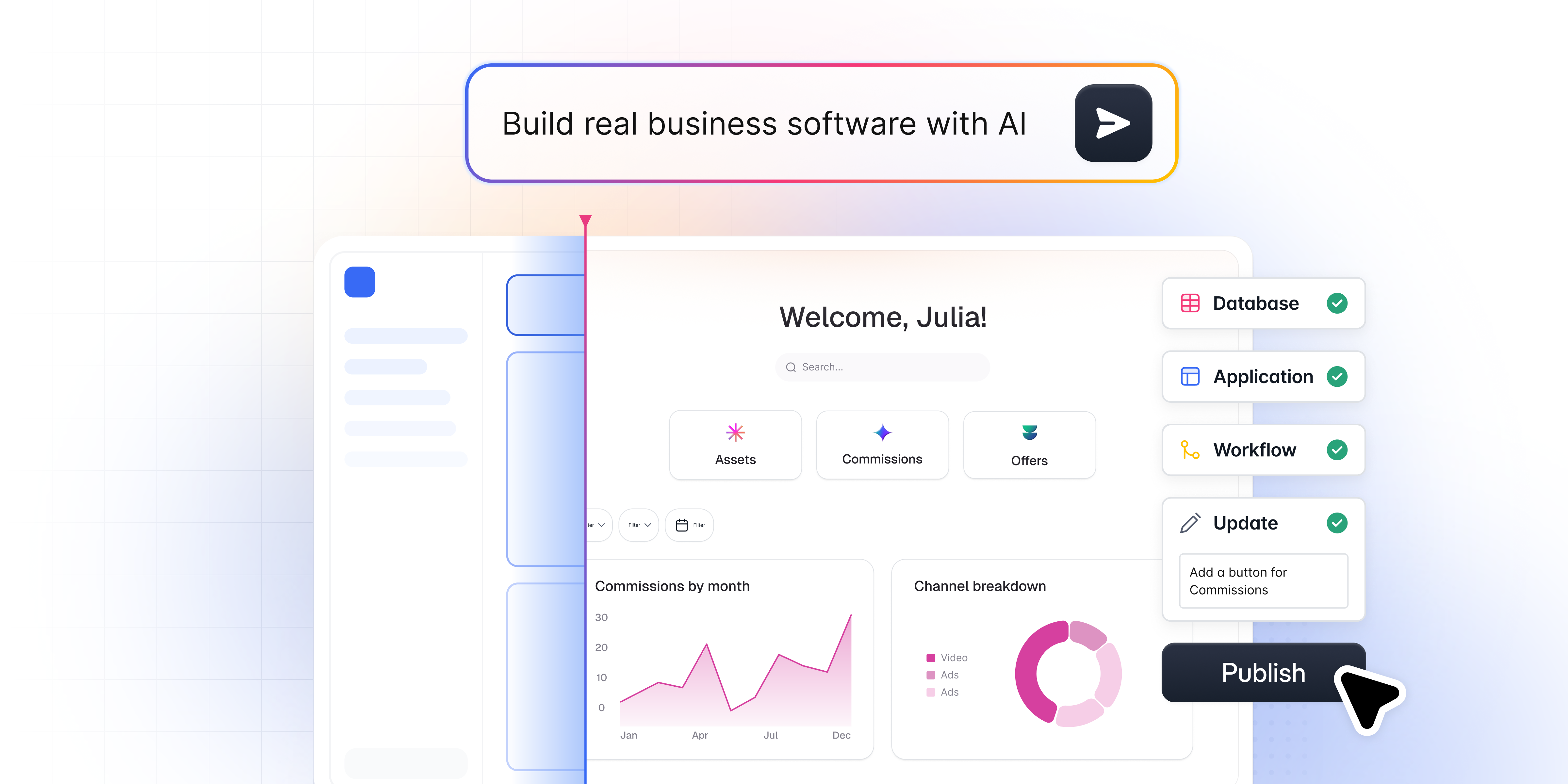
Softr is a no-code app builder and the alternative to reach for when Notion starts feeling more like a workaround than a workspace. Instead of stretching pages and databases into something that resembles an app, Softr gives you a dedicated interface builder, a native database, and automation, all built to turn your data into real internal tools and client portals.
You can describe what you need to Softr's AI Co-Builder and get a working app (database, pages, and user permissions included) in minutes, start from a template, or build from scratch. Compared to Notion, Softr shines with flat plan pricing, with builders and app users bundled in, so costs don’t scale with every person who logs in, and granular permissions that make it a much better fit for portals with external users. Its active community and support team are also frequently praised for responsiveness.
Key features:
- Native Softr Databases, plus 21+ external data sources, including Airtable, Google Sheets, HubSpot, and SQL
- AI Co-Builder that generates a full app, database, and permission structure from a plain-language description
- Softr MCP, which lets AI tools like Claude and Cursor build and update your apps, databases, and workflows
- Pre-built blocks (tables, kanbans, calendars, forms, charts) that cover most standard needs
- Vibe Coding block for fully custom UI when a pre-built block isn't enough
- Softr Workflows for automations triggered directly from the interface
- Granular user groups and permissions for internal tools and external-facing portals
Pros:
- Extremely user-friendly, with an AI Co-Builder that removes the blank-page problem
- Flat plan pricing with builders and app users bundled in
- Strong data organization, including relational links and AI agents that keep records enriched automatically
- Scalable from a small internal tool to an enterprise-grade portal
- Active community and frequent updates based on user feedback
Cons:
- Less suited to long-form document writing than Notion's dedicated editor
- Building highly bespoke, non-standard UI takes a bit more setup through the Vibe Coding block
- Offline access is limited
Pricing:
- Free: $0/month (up to 3 builders and 5 app users; unlimited apps, databases, workflows, agents, and forms; 5 AI credits/month)
- Basic: $19/month (1 builder and 5 team + 5 client app users; custom domain, conditional form logic, automated database backups; 10 AI credits/month)
- Pro: $99/month (2 builders and 10 team + 50 client app users; remove Softr branding, granular permissions, custom code and API connectors; 50 AI credits/month)
- Business: $329/month (3 builders and 30 team + 100 client app users; two-factor authentication, global data restrictions, installable mobile app, priority support; 100 AI credits/month)
- Enterprise: Custom pricing (SSO and custom limits)
Prices are per month, billed annually. Extra builders and app users are available as add-ons.
2. Coda (now Superhuman Docs) — for interactive docs that work like apps

Coda is now sold as Superhuman Docs, after Grammarly rebranded as Superhuman. It's a document-centric platform designed to be an all-in-one solution for teams managing tasks, creating documents, and collaborating. Its strength lies in the flexibility and interactivity of its documents, which makes it a solid Notion alternative for text-heavy teams.
Coda is a good choice for users who want more interactive documents and automation. Unlike Notion, it lets you create documents that act like apps, with built-in tables, buttons, and real-time collaboration, making it a fit for teams that need both documents and workflows in one place.
Key features:
- Document creation with interactive elements (tables, buttons, charts)
- Automation options to streamline workflows
- Built-in templates to kickstart projects
- Real-time collaboration
- Strong permissions management
Pros:
- Highly customizable and interactive documents
- Great for text-heavy projects
- Strong real-time collaboration features
- Customizable workflows for tailored processes
Cons:
- Can be complex for users unfamiliar with interactive document tools
- Limited database capabilities compared to Notion
Pricing:
- Free: $0
- Pro: $12/month per Doc Maker, billed annually ($15 billed monthly)
- Business: $33/month per Doc Maker, billed annually ($40 billed monthly)
- Enterprise: Custom pricing
3. Confluence — for team wikis and structured documentation
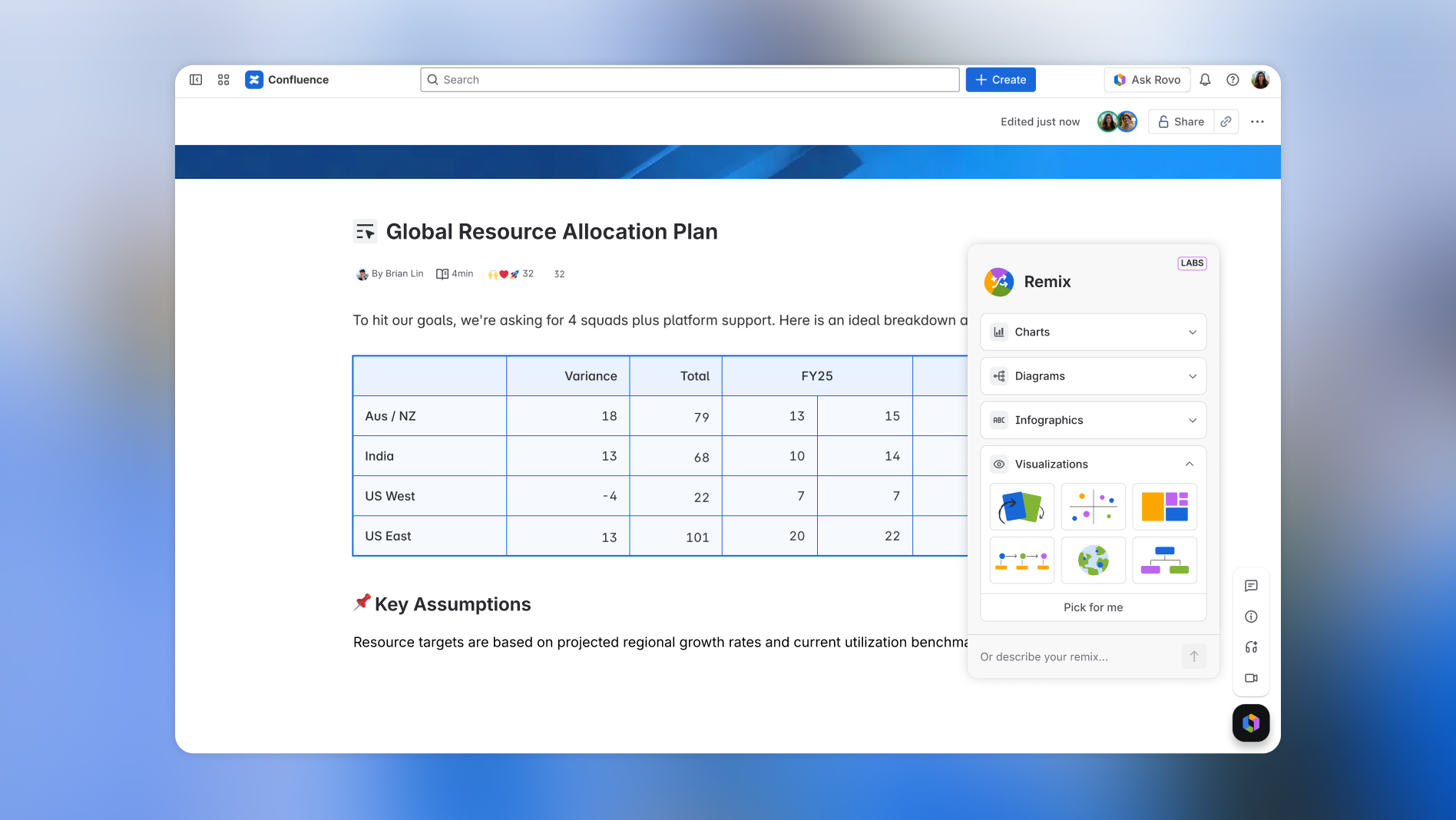
Confluence is Atlassian's team wiki. Teams use it to keep documentation, meeting notes, and project pages in structured spaces, and it connects tightly with Jira. Of the tools here, it's the closest match to the knowledge-base side of Notion.
Where Notion lets any page turn into a database or a board, Confluence stays focused on documents. That makes it a better fit for teams that care more about structure, permissions, and version history than about building custom views. The free plan covers up to 10 users.
Key features:
- Spaces and a page tree to organize large wikis
- Templates for product, marketing, and project documentation
- Page versioning, archiving, and page insights
- Space- and page-level permissions
- Whiteboards and databases alongside pages
- Rovo AI search, chat, and agents on paid plans
- Native integration with Jira and other Atlassian tools
Pros:
- Structured spaces keep large knowledge bases organized
- Page history and granular permissions suit larger or regulated teams
- Deep integration with Jira
- Free plan for up to 10 users
Cons:
- The editor feels heavier than Notion's
- Less flexible for databases and custom views
- Most of the value comes if your team already uses Atlassian tools
Pricing:
- Free: $0 for up to 10 users
- Standard: $5.42/user/month
- Premium: $10.44/user/month (unlimited pages and spaces, 24/7 support for critical issues)
- Enterprise: Custom pricing, billed annually
4. ClickUp — for replacing several work tools with one platform

ClickUp is a productivity platform for managing projects, tasks, and docs. It's built for teams looking for an all-in-one solution to replace multiple point tools.
ClickUp offers an even broader, jack-of-all-trades feature set than Notion, with task management, customizable workflows, and project tracking baked in. Its pricing and feature depth make it a solid option for teams consolidating several tools into one platform.
Key features:
- Task management with timelines, calendars, and goals
- Customizable workflows and views (list, board, calendar, and more)
- Advanced reporting and automation tools
- Real-time team collaboration and communication features
- Time tracking
- Custom fields and statuses
- In-app docs and wikis
Pros:
- Comprehensive feature set
- Highly customizable workflows and interface
- Robust collaboration tools for teams
- Good balance of simplicity and power
Cons:
- Can feel overwhelming given the sheer number of features
- Some users report a steeper learning curve
Pricing:
- Free Forever: $0
- Unlimited: $7/user/month, billed yearly ($10 billed monthly)
- Business: $12/user/month, billed yearly ($19 billed monthly)
- Enterprise: Custom pricing
5. Asana — for project and task management

Asana is a popular project management tool known for its clean interface and depth of features. It's widely used by teams that need to manage workflows and stay organized without the note-taking layer Notion adds.
For teams focused on project management and task tracking, Asana offers more purpose-built tools than Notion. With task dependencies, Gantt charts, and in-app communication, it's designed for managing complex workflows across larger teams.
Key features:
- Advanced task management, with task dependencies and timelines
- Strong collaboration tools focused on real-time updates and team communication
- Integrates well with tools like Slack, Google Drive, and Microsoft Teams
- Visual project management options: kanban boards, timelines, Gantt charts, calendars
- Customizable workflows with automation
- Reporting and goal tracking
Pros:
- Intuitive user interface
- Strong team collaboration features
- Extensive integration options
Cons:
- Limited document editing capabilities
- Can get pricey for larger teams
Pricing:
- Personal: Free for up to 2 users
- Starter: $10.99/user/month, billed annually ($13.49 billed monthly)
- Advanced: $24.99/user/month, billed annually ($30.49 billed monthly)
- Enterprise and Enterprise+: Custom pricing
What's the right Notion alternative for you?
Looking across the landscape of Notion alternatives in 2026, there's no single best answer. Each tool here has real strengths that fit different needs and workflows.
Still undecided? Here's how to break it down.
Choose Softr if:
- You have an existing database (Airtable, Google Sheets, HubSpot, SQL, Notion, or a native Softr Database) and want to turn it into a real front end, dashboard, or portal
- You need a no-code way to build internal tools or client-facing apps
- You want to spin up a customer or vendor portal quickly, with real permissions
- You're looking for a balance of power and simplicity, with an AI Co-Builder to speed up setup
- You need strong data management without costs climbing with every person who logs in
- You want to replace several software subscriptions with one custom solution
Choose Coda if:
- You love Notion's document-centric approach but need more powerful formulas
- You're after a tool that blends documents and spreadsheets seamlessly
- You need advanced automation capabilities within your documents
Choose Confluence if:
- Your main need is a structured team wiki or knowledge base
- You already use Jira or other Atlassian tools
- You need page-level permissions and version history
Choose ClickUp if:
- You need a comprehensive project management solution with multiple views
- You want extensive customization options for your workflows
- You're after a tool that can replace several apps in your stack
Choose Asana if:
- Your primary need is task and project management
- You want a clean, intuitive interface for managing team workflows
- You need robust reporting and goal-tracking features
Build past the notes-app ceiling
The best productivity tool is the one that fits how your team actually works, not the one with the longest feature list. If Notion still works for your notes and docs but breaks down the moment you need real permissions, a client-facing view, or a database that can scale past a few hundred rows, that's your signal to look elsewhere.
Ready to try Softr for free? Describe the app you need and let the AI Co-Builder set up your database, pages, and permissions, or start from a template if you'd rather see a finished example first.
Frequently asked questions
What is the best free alternative to Notion?
Can I migrate my existing Notion database to another tool?
Is Softr a good fit for teams that need a client or partner portal?
Why is Notion more expensive than it looks for growing teams?
Does Notion have an offline mode?